

Quick answer:
The best online store builder depends on your goals: Shopify and Wix suit fast, no-code launches; WooCommerce and OpenCart fit developers who want full control; BigCommerce and Magento handle larger catalogs. Wcart is built for stores planning real growth, including multi-vendor marketplaces. Your budget, technical comfort, and growth plans should drive the choice, not a single “best” answer.
Key Takeaways
- Shopify holds roughly 26% of the global ecommerce platform market, with WooCommerce close behind at 18% together, these two power a large share of stores you’ve probably already shopped on without noticing (Source: SiteBuilderReport)
- 64% of small businesses in the US now default to a website or store builder instead of custom development, a sign of how much the barrier to entry has dropped (Source: UI Things)
- Nearly a third of ecommerce brands switch platforms within their first three years, and a full migration typically costs $15,000 to $50,000 once redesign and data cleanup are factored in a good reason to think past your first six months when picking a builder (Source: Intelegencia)
- Over 70% of ecommerce traffic now comes from mobile devices, which is why I paid close attention to how each builder’s checkout actually felt on a phone, not just a desktop screen (Source: Spiderdesign)
Picking the right online store builder is one of those decisions that feels small at first… Whichever online store builder you choose will shape how fast you can launch and how far you can grow.
I’ve set up stores on more platforms than I’d like to admit, some smooth, some genuinely frustrating, and I wanted this guide to actually reflect that instead of reading like a spec sheet copied from ten different pricing pages.
So I sat down and tested 10 of the most talked-about online store builders on the market, built a basic catalog on each, walked through checkout, and paid attention to what actually got in the way.
What is an Online Store Builder?
An online store builder is a platform that helps businesses create manage and operate an ecommerce website without needing advanced coding skills.
Instead of building a website from scratch ecommerce website builders provide ready-to-use tools for:
- Creating an online storefront
- Managing products and inventory
- Accepting online payments
- Managing shipping and taxes
- Running marketing campaigns
- Improving SEO performance
- Tracking analytics and customer behavior
Modern ecommerce platforms simplify the process of launching and growing an online business while reducing technical complexity.
How We Evaluated These Online Store Builders
We compared each platform against five criteria that matter most for someone launching a store:
- Ease of setup – can you go live without a developer?
- Cost – monthly fee plus real transaction fees, not just the advertised starting price
- Scalability – can it handle growth into multi-vendor or B2B selling without a rebuild?
- Support – response time and available channels
- Customization – how much you can change without touching code
What Are The Different Types of Online Store Builders
Not all online store builders are the same. Understanding the types helps you choose better.
1.SaaS Ecommerce Platforms
Platforms like Shopify and BigCommerce provide hosting security maintenance and ecommerce tools in one package.
Best For
- Beginners
- Growing ecommerce businesses
- Businesses wanting low maintenance
2. Open Source Ecommerce Platforms
Platforms like WooCommerce and OpenCart provide full control and customization.
Best For
- Developers
- Businesses requiring custom features
- Advanced ecommerce operations
3. Drag and Drop Website Builders
Platforms like Wix and Squarespace simplify website design through visual editors.
Best For
- Personal brands
- Small businesses
- Beginners
What I Was Actually Looking For
Before I get into each platform, here’s what I paid attention to while testing, since “best” means different things depending on what you’re building.
- Getting started without a headache. Could I go from signup to a working store without pausing to Google something?
- Design freedom that doesn’t require code. Could I actually make the store look like mine, not a copy of every other demo store?
- Room to grow without a rebuild. I added products past the first handful to see if anything started to strain.
- Checkout that works on mobile. Given how much traffic comes from phones now, I tested every checkout on mobile first, not as an afterthought.
- Payment setup that doesn’t fight you. Connecting Stripe or PayPal shouldn’t take longer than setting up the rest of your payment gateway.
- Built-in marketing and SEO basics. Clean URLs, editable meta tags, and at least some way to run a discount without installing five things.
- What happens when something breaks. I looked at what kind of support exists, live chat, docs, a real human, before I needed it, not after.
- The real monthly cost, not the headline price. A few of these looked cheap until I added what I’d actually need.
Quick Comparison of the Best Online Store Builders
| Platform | Best For | Ease of Use | Scalability | SEO Features | Pricing |
| Wcart | Scaling ecommerce businesses | Easy | Very High | Strong | Custom |
| Shopify | Beginners & fast launches | Very Easy | High | Strong | $39/month |
| Webnexs | Custom ecommerce solutions | Medium | High | Strong | Custom |
| Wix | Small businesses | Very Easy | Medium | Medium | $23/month |
| WooCommerce | Full customization | Medium | High | Very Strong | Free + Hosting |
| BigCommerce | Growing ecommerce brands | Easy | High | Strong | $39/month |
| Squarespace | Design-focused brands | Easy | Medium | Medium | $27/month |
| Shift4Shop | Budget friendly stores | Medium | Medium | Basic | Free |
| Magento | Enterprise ecommerce | Hard | Very High | Very Strong | Custom |
| OpenCart | Lightweight custom stores | Medium | High | Medium | Free |
Best Online Store Builders

A quick note on the order below: these aren’t ranked “best overall.” They’re ordered by what each platform is genuinely best suited for. If you want a direct, one-line answer for your specific situation, skip to My Recommendation further down.
1. Wcart – Best for Scaling Ecommerce Businesses
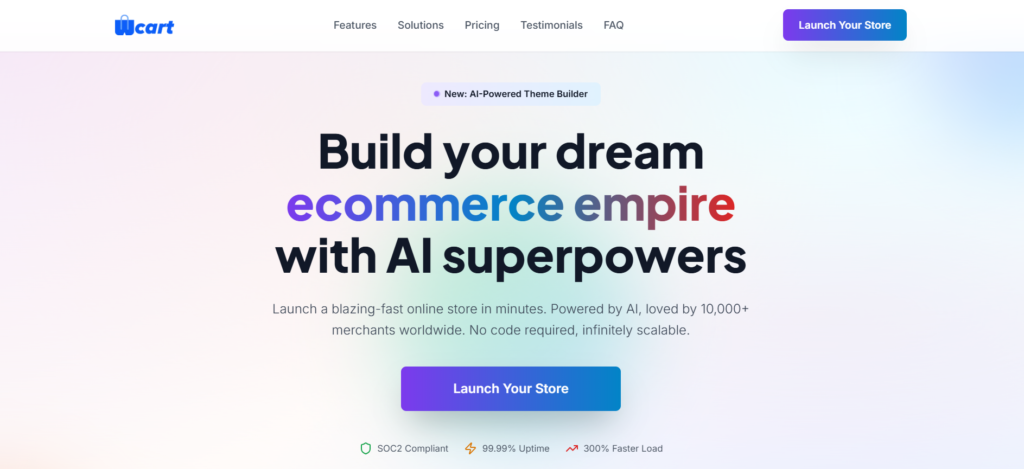
I tested Wcart by setting up a small multi-product catalog, then simulated adding a second sales channel, the point where a lot of builders start to show cracks. Wcart didn’t. Setup walks you through store structure early, which takes more time upfront, but it paid off once I got into managing inventory across categories.
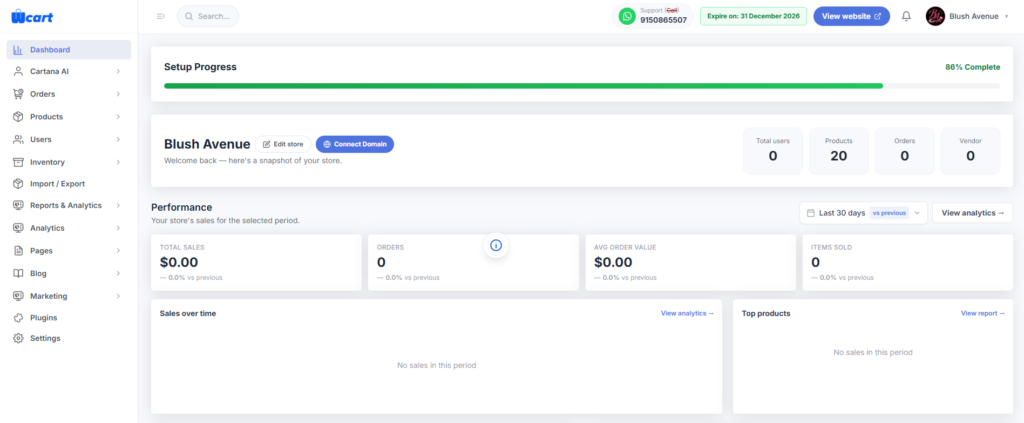
What stood out most was built-in multi-vendor marketplace support, no plugin needed to test what a marketplace setup would look like. Wcart ships with native SEO tools and headless architecture for teams that want more frontend control without building it from scratch.
What I liked:
- No transaction fees on top of your payment processor
- Built-in SEO and marketing tools, no separate plugins needed
- Multi-vendor marketplace support is native, not bolted on
- Headless setup available for custom frontends
What I didn’t like:
- Smaller app marketplace than Shopify’s, since Wcart is newer
- Best results come from a short onboarding call, not pure self-serve
- Fewer ready-made themes than design-first builders like Squarespace
Best for: Businesses that already know they’ll outgrow a basic store, B2B sellers, multi-vendor marketplaces, and brands that don’t want to migrate again in a year.
Pricing: Custom, based on store size and features. See current Wcart plans and talk to our team →
2. Shopify – Best for Beginners and Fast Launch
Shopify is one of the most popular ecommerce website builders. I’ve used Shopify on and off for years, and testing it again in 2026 confirmed why it’s still the default first-store recommendation. Signup to a live product page took under 20 minutes, no hosting to configure, just pick a theme and add products.
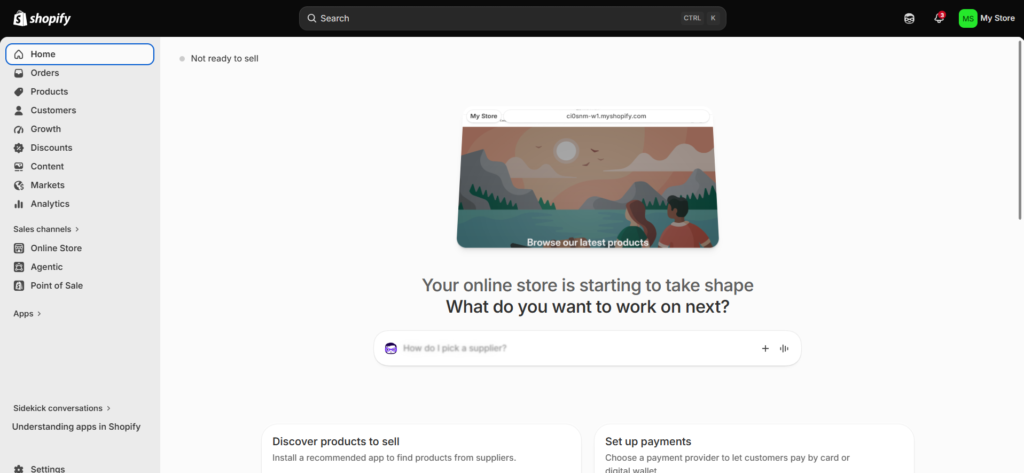
Checkout customization is where I hit friction. Anything beyond colors and logo changes only opens up on the $2,300/month Shopify Plus tier.
What I liked:
- Genuinely fast to launch, even with zero prior experience
- App marketplace covers almost anything you’d want to add
- Support docs are thorough enough that I rarely needed to contact anyone
What I didn’t like:
- Real monthly cost runs well past the base plan once you add 3–4 apps
- Checkout customization is locked behind an expensive upgrade
- Deep backend changes still need a developer or Shopify expert
Best for: First-time sellers and small teams who want to launch quickly. See how it compares in our best ecommerce platforms roundup.
Pricing: $39–$399+/month, plus typical app costs of $50–200/month.
Read More: To Know about Shopify Alternatives
3. Webnexs – Best for Custom Ecommerce Solutions
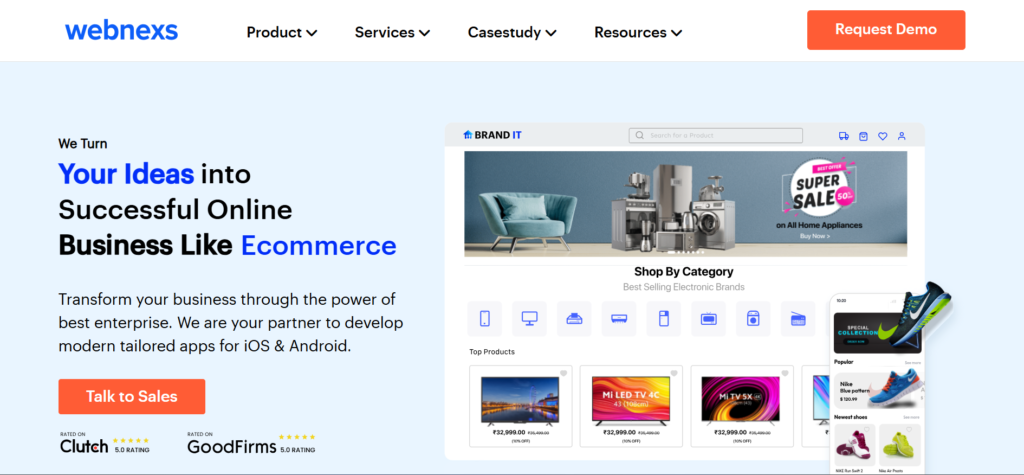
Webnexs provides customizable ecommerce development solutions for businesses that need a flexible, scalable ecommerce system built around their specific requirements rather than a fixed SaaS template. I looked at Webnexs for cases where the other platforms on this list start to run into limits, custom logic, non-standard integrations, or an architecture that needs to be built rather than configured.
Where Webnexs stands apart is the development-first approach: instead of picking from preset themes and apps, you get a system built for your workflow, whether that’s a complex marketplace, multi-region storefront, or an integration-heavy backend. It takes longer to get live than any SaaS builder here, but it’s built to not be outgrown.
What I liked:
- Built for enterprise and marketplace-scale requirements
- Flexible integrations rather than fitting the business into a fixed platform
- Long-term growth built into the foundation, not bolted on later
What I didn’t like:
- Requires setup and onboarding, not a same-day launch
- Not as beginner-friendly as SaaS builders like Shopify or Wix
Best for: Businesses needing custom ecommerce development, enterprise ecommerce solutions, marketplace businesses, and brands planning for long-term ecommerce growth.
Pricing: Custom pricing.
4. Wix – Best for Small Businesses
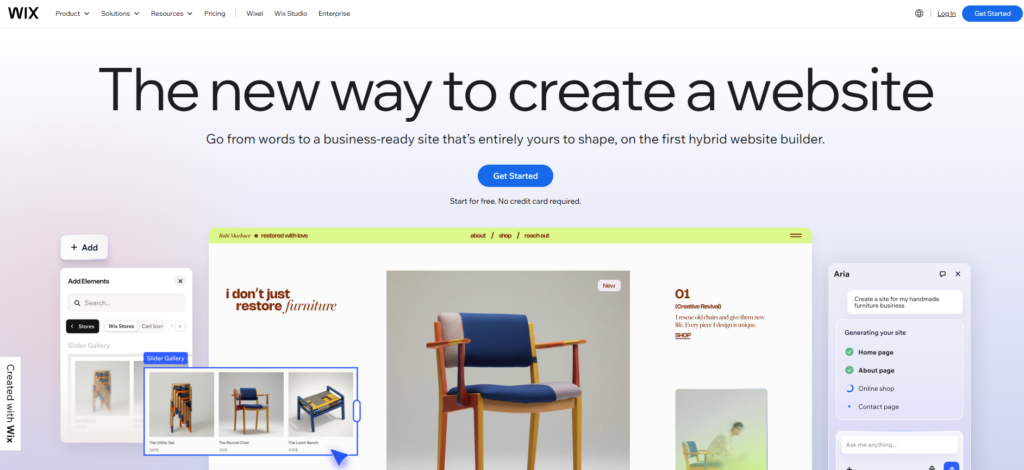
Wix is where I spent the most time just moving things around, in a good way. The drag-and-drop editor gives real pixel-level control, rare among builders this easy to use. I built a store with custom section layouts in about an hour, no code touched.
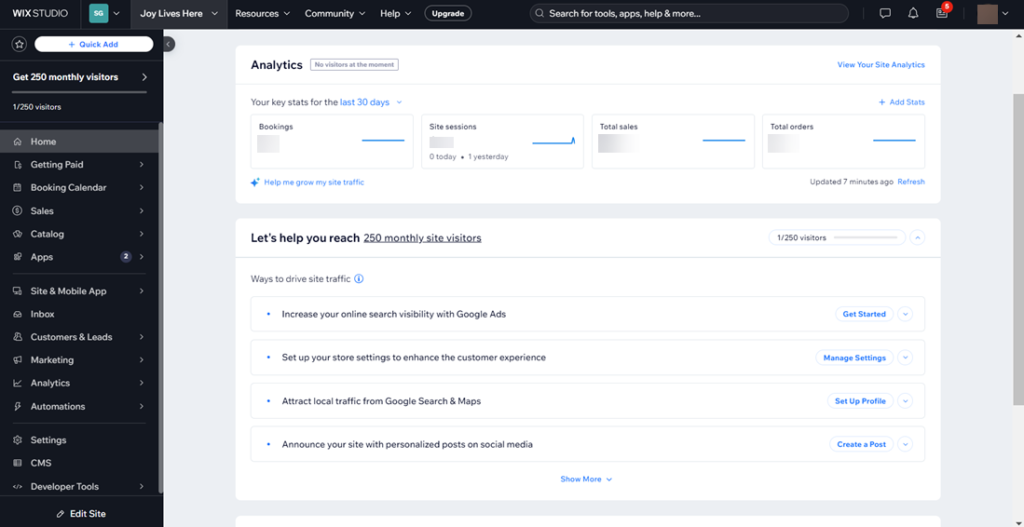
Product volume is where it started to strain, past a couple hundred products, catalog management felt built for a smaller store than the one I was simulating.
What I liked:
- Real design freedom, not just color and font swaps in a fixed layout
- Built-in marketing tools, including abandoned-cart follow-ups
- Genuinely quick to get a polished store live
What I didn’t like:
- Catalog management gets clunky at a larger product range
- Some ecommerce features require an upgrade beyond the base plan
- Switching templates later means rebuilding a lot from scratch
Best for: Small stores and personal brands where visual design carries as much weight as the products. More detail in our Wix alternatives guide.
5. WooCommerce – Best for Customization
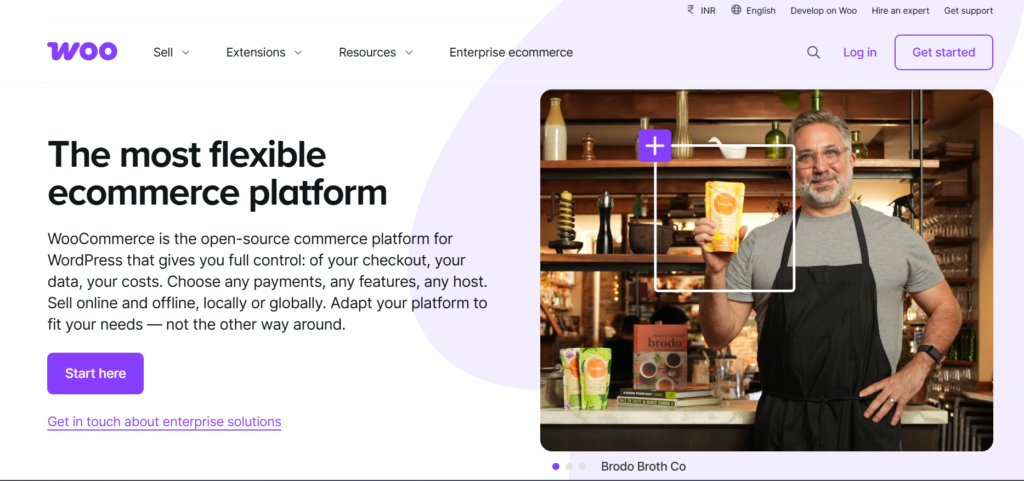
WooCommerce felt less like a store builder and more like a toolkit. Since it runs on WordPress, I had to set that up first, more upfront work than any SaaS platform here. Once running, I could change literally anything, at the cost of needing to know what I was changing.
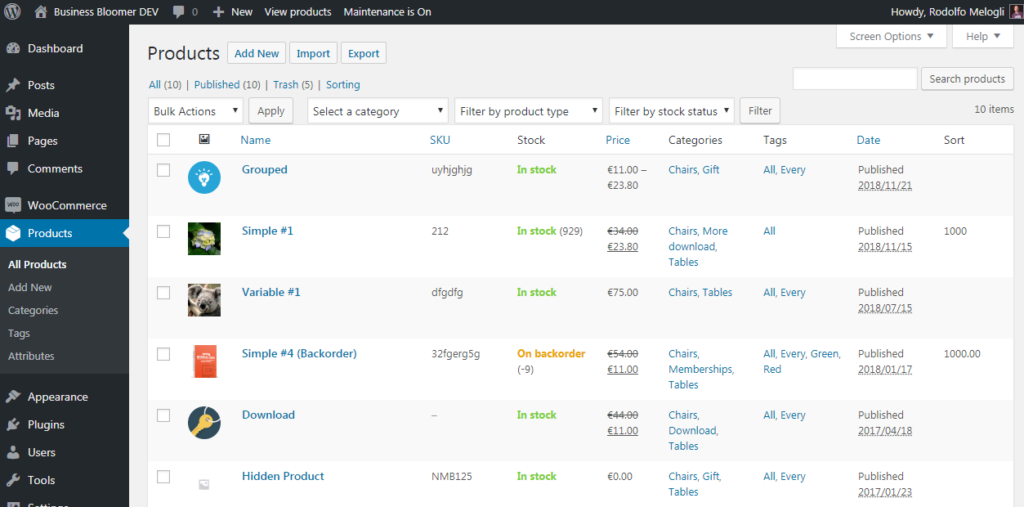
What I liked:
- Genuinely unlimited customization since it’s open-source
- No platform fees, only hosting and whatever plugins you choose
- Massive plugin library for nearly any feature
What I didn’t like:
- Hosting, security, and updates are entirely on you
- Plugin conflicts are a real thing I ran into, not hypothetical
- Meaningfully harder for a total beginner than any SaaS option here
Best for: Businesses already on WordPress, or teams comfortable managing their own hosting stack. Full breakdown: WooCommerce alternatives.
Pricing : Free plugin + hosting costs.
6. BigCommerce – Best for Growing Brands
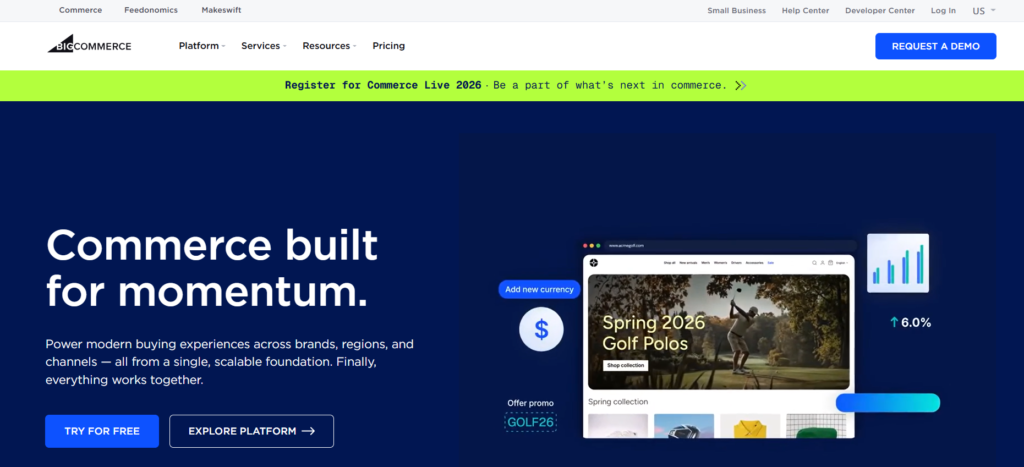
BigCommerce gave me the most “built for business” feeling of any platform tested. Product filtering, shipping rules, and multi-currency support were all there by default, things I’d needed a plugin for elsewhere.
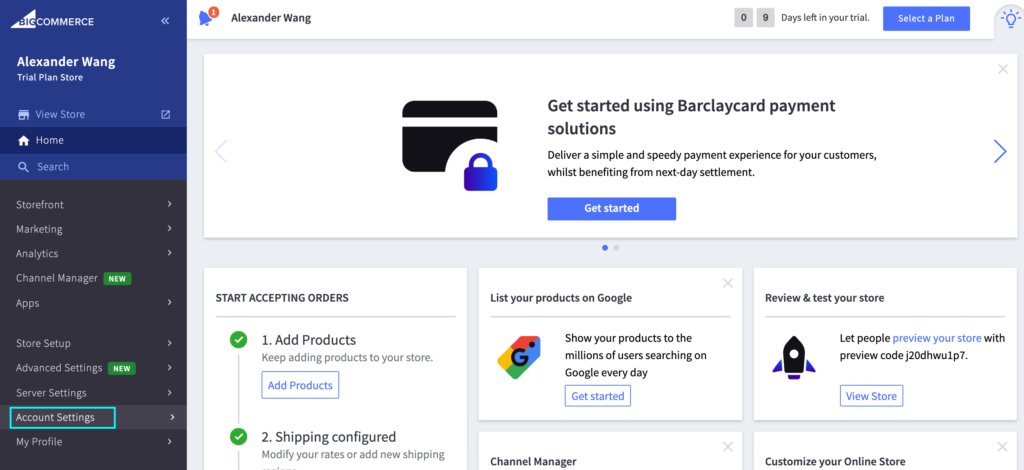
The tradeoff: BigCommerce ties plans to actual sales volume, not just feature tiers. Cross a revenue threshold and you get bumped to a pricier plan automatically.
What I liked:
- Deep feature set in the base plan, not sold as separate add-ons
- No transaction fees regardless of payment gateway
- Handles multi-channel selling (Amazon, eBay, Google Shopping) cleanly
What I didn’t like:
- Plan upgrades trigger off sales thresholds, not actual need
- Steeper learning curve than Shopify for first-time users
- Design customization needs more technical comfort than Wix
Best for: Mid-size, growing brands that want more built in and fewer apps to manage. See our BigCommerce alternatives guide.
Pricing : Starts at $39/month.
7. Squarespace – Best for Design-Focused Stores

Squarespace is known for its visually appealing templates and user friendly . Squarespace is where I’d point anyone whose product sells on how it looks, photography, fashion, art. The templates are the most polished of anything tested, and look just as good on mobile as desktop.
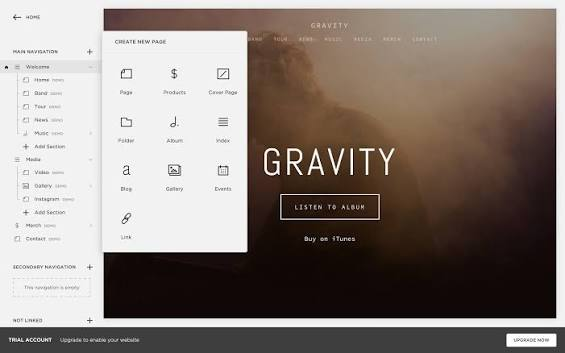
Ecommerce depth is the honest tradeoff. Payment options are mostly limited to Squarespace Payments and PayPal, with no real app marketplace to extend functionality.
What I liked:
- The best-looking templates of any platform on this list, by a real margin
- Blogging and content tools built directly into the dashboard
- Setup felt intuitive without needing a tutorial
What I didn’t like:
- Payment gateway choices are genuinely limited
- No app marketplace for missing functionality
- Ecommerce features thin out fast past a basic catalog
Best for: Creative brands and small stores where presentation does a lot of the selling. Related read: ecommerce store design and themes.
Read More: To Know about Squarespace Alternatives
8. Shift4Shop – Best Budget Option
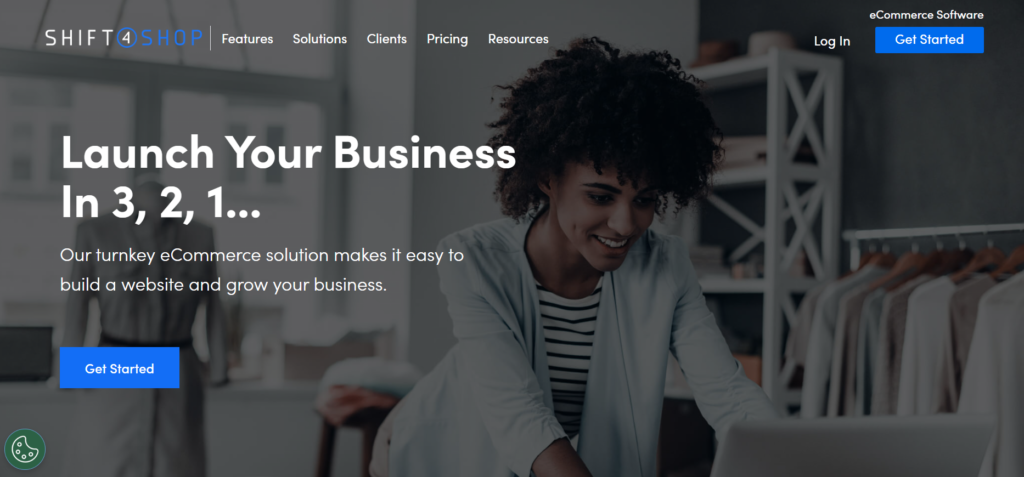
Shift4Shop surprised me. The free plan includes real ecommerce functionality, not a stripped demo. I got a basic store running with working checkout in about the same time as Wix, at zero monthly cost.
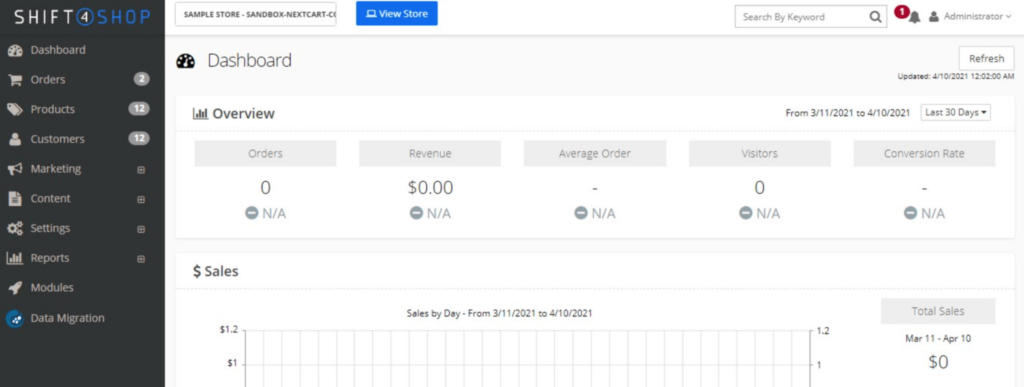
The catch: the free plan requires Shift4’s own payment processing, and the app ecosystem is a fraction of the size of the bigger platforms here.
What I liked:
- A genuinely usable free plan, not just a trial
- Core ecommerce tools included, no paying for basics
- Setup was quicker than expected given the price point
What I didn’t like:
- Free plan ties you to Shift4’s own payment processing
- Smaller app ecosystem than Shopify, Wix, or BigCommerce
- Design options are more limited than paid competitors
Best for: Budget-conscious startups that want real ecommerce features without a monthly bill.
Pricing : Free plan available.
9.Magento – Best for Enterprise Ecommerce
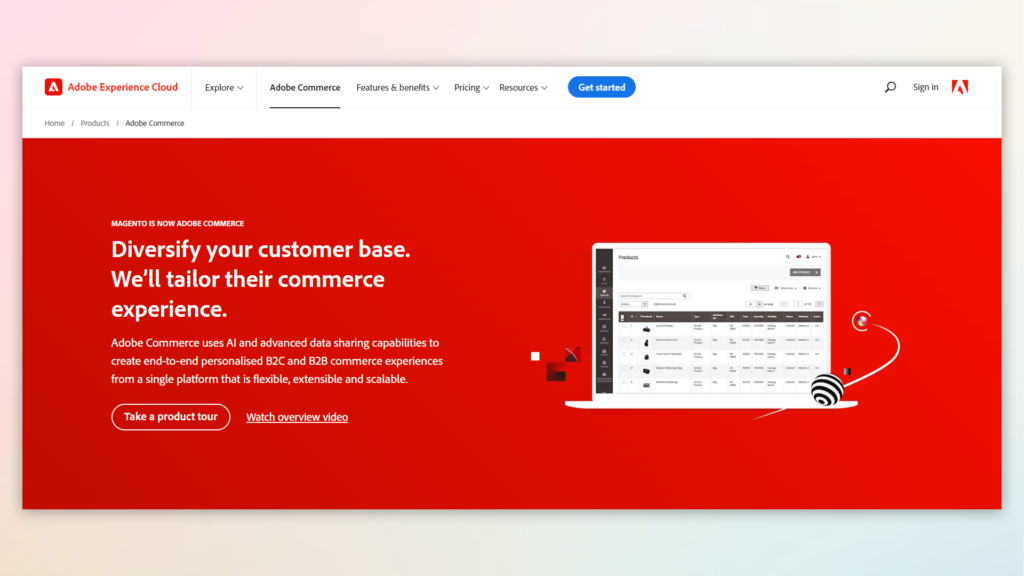
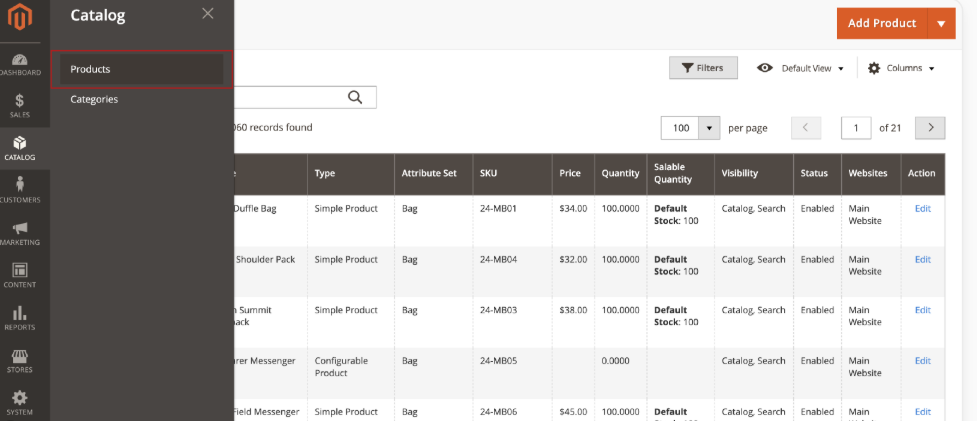
Magento isn’t something I’d recommend testing casually. The admin panel is built for control, not simplicity, and I spent real time just finding where things lived. Past that, the depth is genuinely impressive, tiered B2B pricing, multi-store management, and code-level customization nothing else here matches.
What I liked:
- Handles enormous catalogs and multi-store setups without strain
- Native B2B tools, like company accounts and quote management
- About as customizable as ecommerce software gets
What I didn’t like:
- Genuinely requires developer support to run well
- Not realistic for a small team managing it alone
Best for: Large, established businesses with a technical team in place. See Magento alternatives.
Pricing :Custom enterprise pricing.
10. OpenCart – Best for Lightweight Custom Stores
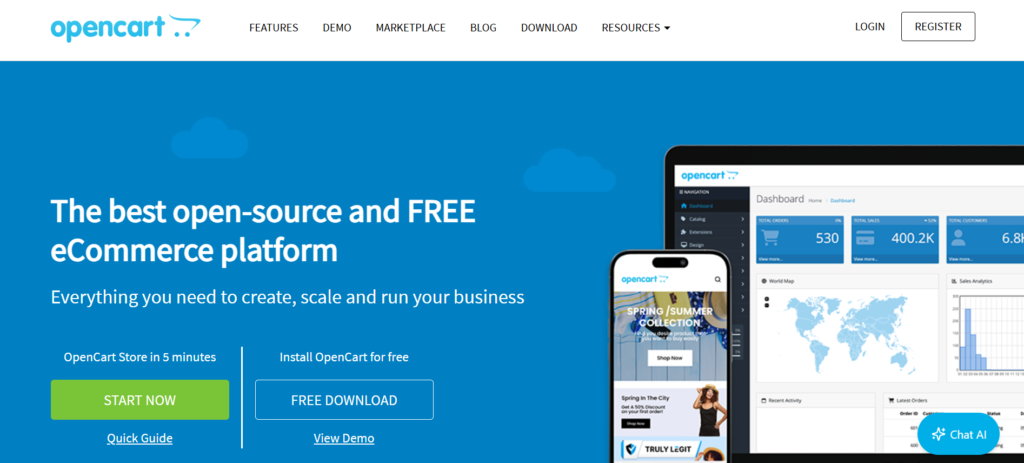
OpenCart is a lightweight open source ecommerce solution offering flexibility . OpenCart is free, open-source, and noticeably lighter than Magento while still giving developers real room to customize.
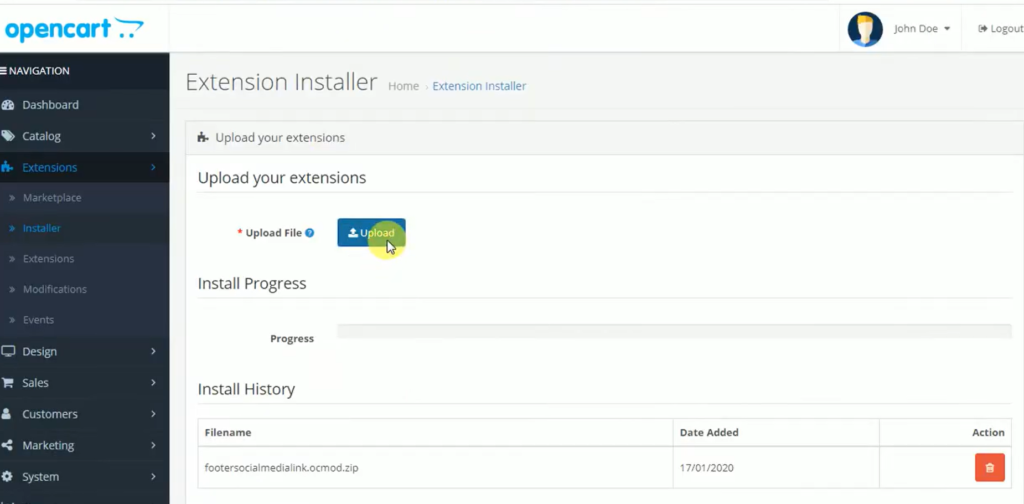
Self-hosted setup was quick once the server side was sorted, faster than WooCommerce in my testing, mainly because it’s a dedicated ecommerce platform rather than a CMS with commerce bolted on.
What I liked:
- Genuinely lightweight compared to Magento, without giving up much customization
- Free core platform, extension marketplace for added features
- Multi-store support built in
What I didn’t like:
- Built-in features are thinner than WooCommerce out of the box
- Smaller community than WooCommerce, so fewer tutorials
- Still needs real technical comfort to set up and maintain
Best for: Developers who want something between WooCommerce’s plugin sprawl and Magento’s complexity. See OpenCart alternatives.
My Recommendation
After testing all 10: if you’re starting from zero and want a store live this week, Shopify is still the easiest path, and I wouldn’t talk anyone out of it for a first store.
But if you already know you’re building for growth, a marketplace, B2B side, or multi-store setup somewhere on the roadmap, Wcart is the one I’d pick.
It asks a bit more of you upfront, but it’s the only one on this list that didn’t make me feel like I was fighting the platform after the first hundred products.
If neither fits, WooCommerce is the right call for full ownership if you don’t mind managing hosting, and Squarespace is the one I’d point a design-first brand toward without hesitation.
There isn’t one universal winner here. There’s the one that fits what you’re actually building.
What to Know Before You Pick an Online Store Builder
You’ll probably outgrow your first choice, and that’s normal. Nearly a third of stores switch platforms within three years, picking with room to grow saves you that cost later.
Mobile isn’t optional anymore. Test checkout on your own phone before committing, not just the desktop demo. Our mobile commerce optimization guide covers what to check.
The listed price is rarely the real price. Factor in apps, transaction fees, and any premium theme before comparing platforms on headline cost.
For a deeper look at what separates a builder that just works from one that holds you back later, see our complete ecommerce platform comparison.
Final Thoughts on Choosing an Online Store Builder
Choosing the best online store builder is not just about creating a website. It is about building a strong foundation for long term ecommerce success.
Every ecommerce platform offers different advantages depending on your business goals technical requirements and growth plans.
- Shopify is ideal for beginners and fast launches.
- WooCommerce offers complete customization flexibility.
- Wix is suitable for small businesses and personal brands.
- Magento supports large enterprise ecommerce operations.
- Wcart and BigCommerce are strong options for scalable ecommerce growth.
Before selecting a platform consider:
- SEO capabilities
- Long term costs
- Customization flexibility
- Future business growth
The right ecommerce platform can significantly impact your online business success in 2026 and beyond.

























Leave a Reply