
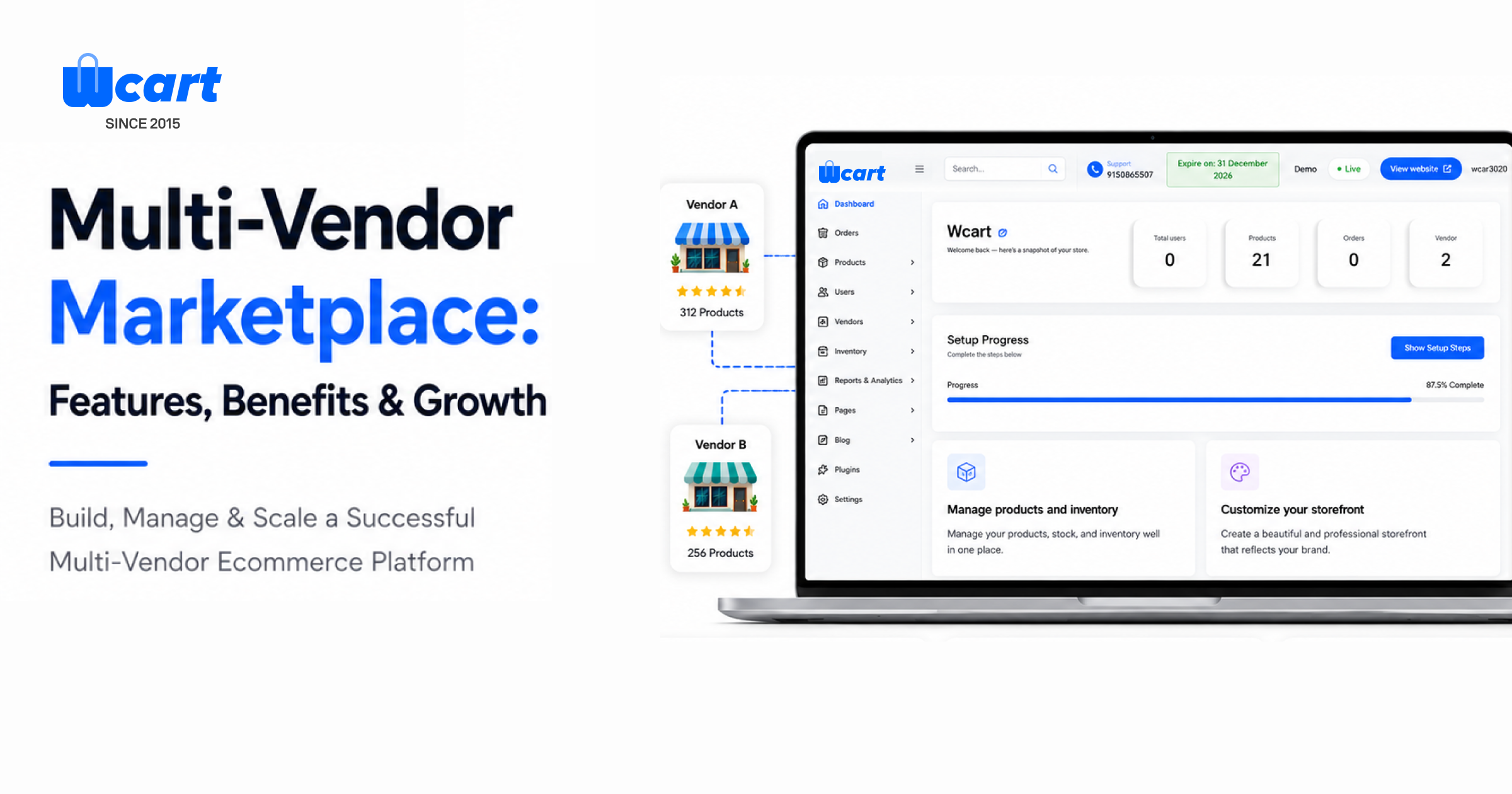
Quick answer: A multi-vendor marketplace is a single online platform where multiple independent sellers list and sell their own products, while the platform owner handles the site, payments, and vendor management. Amazon and Etsy are well-known examples.
Wcart builds multi-vendor marketplace software for businesses launching their own version of this model.
Key Takeaways
- Marketplaces now account for 63.5% of all online sales making them the dominant ecommerce format ahead of single-retailer stores. (Source: Forrester, 2025),
- North America’s marketplace GMV is estimated at $1.1 trillion in 2026, more than double Europe’s $420 billion, with Amazon alone holding 37.6% of U.S. ecommerce and 60–62% of its own sales coming from third-party sellers. (Source: CS-Cart, 2026)
- Marketplaces make up more than 60% of total U.S. ecommerce sales, with vertical and niche marketplaces expanding faster than general ones.(Source: Yo!Kart, 2026)
- Global ecommerce marketplace sales are projected to hit approximately $7 trillion in 2026, with Amazon alone capturing 37.8% of total online sales share.(Source: SQ Magazine, 2026).
Running an online store used to mean sourcing every product yourself. A multi-vendor marketplace changes that: multiple sellers list and manage their own products on one shared platform, while the platform owner handles payments, vendor onboarding, and the overall shopping experience. This model now dominates online retail.
This model is behind some of the biggest online businesses ever built, and it’s still growing. If you’re considering building a marketplace, niche or large, this guide covers how the model actually works.
What Is a Multi-Vendor Marketplace?
Instead of one business selling everything, a Multi-Vendor Marketplace brings together multiple sellers on a single platform. Each seller can manage their own products and orders, while customers can browse, compare, and purchase items from different vendors without having to visit multiple websites.
How It Works
The marketplace owner provides:
- The platform – the website or app itself, including its design, navigation and overall shopping experience.
- Customer acquisition – the marketing, SEO and advertising that bring buyers to the marketplace in the first place.
- Payment infrastructure – the checkout system that collects customer payments and splits them between the platform and each vendor.
- Vendor onboarding – the sign-up, verification and approval process new sellers go through before they can list products.
- Marketplace management – the day-to-day admin work: monitoring quality, handling disputes and keeping the platform running smoothly.
The vendors handle:
- Product listings – writing descriptions, uploading photos and setting prices for their own products.
- Inventory management – tracking their own stock levels so products don’t get oversold.
- Pricing – deciding what to charge, within any rules the marketplace sets.
- Order fulfillment – packing and shipping the products they sell.
- Customer support – answering buyer questions about their own products (the exact split of this responsibility depends on the marketplace’s rules).
The result is a collaborative ecosystem where all participants benefit
| Marketplace Owner | Vendors | Customers |
| Expands catalog without inventory investment | Gains access to a larger audience | Gets more product choices |
| Earns commissions and recurring revenue | Reduces marketing costs | Enjoys competitive pricing |
| Scales faster with more sellers | Focuses on selling products | Shops from multiple sellers in one place |
How Does a Multi-Vendor Marketplace Work?: Step by Step
A successful marketplace follows a structured workflow that allows vendors and customers to interact efficiently.
Step 1. Vendor Registration and Approval
Businesses or individual sellers apply to join the marketplace.
Marketplace administrators can:
- Approve vendors automatically – useful for high-volume marketplaces where speed matters more than manual checks.
- Review applications manually – gives more control, but takes longer per vendor.
- Verify seller credentials – confirm business registration, tax details or identity before letting someone sell.
- Assign vendor categories – sort sellers into the right product categories so they show up in the right searches.
This ensures quality control and helps maintain trust across the platform.
Step 2. Product Listing and Catalog Management
Once approved, vendors can:
- Add products
- Upload images
- Create descriptions
- Set pricing
- Manage stock levels
- Define shipping settings
A well-organized catalog improves customer discovery and conversion rates.
Step 3. Customer Browsing and Purchasing
Customers can:
- Search products
- Filter categories
- Compare vendors
- Read reviews
- Add products from multiple sellers to one cart
- Complete purchases through a unified checkout
The shopping experience remains simple even though multiple vendors are involved.
Step 4. Order Management and Fulfillment
After a purchase:
- Vendors receive order notifications – sellers are alerted the moment a sale comes in, so they can start preparing it.
- Inventory updates automatically – stock counts adjust in real time so items don’t get oversold.
- Shipping information is processed – labels and delivery details are generated for the vendor to fulfil the order.
- Tracking details are shared with customers – buyers can follow their order from dispatch to delivery.
- Returns and exchanges can be managed efficiently – a clear process lets vendors and the platform handle requests without back-and-forth confusion.
Step 5. Payment Processing and Commission Distribution
The marketplace collects customer payments and distributes earnings based on predefined rules.
Common commission models include:
- Percentage-based commissions – the platform takes a set percentage of each sale.
- Fixed transaction fees – a flat fee is charged per order, regardless of order size.
- Vendor subscription plans – sellers pay a recurring fee to list on the marketplace, often with lower or no per-sale commission.
- Category-specific commission rates – different product categories carry different commission percentages, reflecting typical margins.
- Hybrid revenue models – a mix of the above, such as a small subscription plus a lower commission rate.
This creates predictable revenue for the marketplace owner while maintaining flexibility for sellers.
Why Businesses Are Choosing Multi-Vendor Marketplaces
The core appeal is that growth doesn’t depend entirely on the platform owner’s own inventory or supplier relationships.
A traditional single-vendor store is often limited by inventory investment, supplier relationships, warehouse space, and sourcing. A multi-vendor marketplace removes most of that. Every new vendor brings new products, new customers, new category expertise, and a new revenue stream, without the marketplace owner having to source or stock a single item themselves.
The growth loop looks like this: more vendors join, which increases product selection, which brings in more customers, which creates more sales opportunities, which attracts more vendors. It’s a self-reinforcing cycle, and it’s a big part of why marketplace businesses tend to scale faster than single-vendor stores.
The Marketplace Growth Loop
- More vendors join the platform.
- Product selection increases.
- More customers visit the marketplace.
- Sales opportunities improve.
- Additional vendors want to join.
- The marketplace grows organically.
This self-reinforcing cycle is one reason why marketplace businesses scale faster than many traditional online stores.
Key Features of a Successful Multi-Vendor Marketplace
Not all marketplace platforms are created equal. To support long-term growth, businesses need a robust Multi Vendor E-Commerce Platform with the right capabilities.
1.Vendor dashboard – Sellers need to manage products, inventory, orders, revenue reports, customer communication, and performance data without needing to contact support for routine tasks. A dashboard that requires hand-holding for basic operations creates support overhead that scales badly.
2. Product management system — Vendors need to add and edit products, organize categories, upload media, manage pricing, and track stock accurately. Bad product data is one of the fastest ways to lose customer trust on a marketplace.
3. Order management — Real-time order tracking, shipment updates, delivery monitoring, return handling, and cancellation workflows all need to work smoothly for both vendors and administrators, not just one side.
4. Commission management — Marketplace owners need to set global commission rules, vendor-specific rates, category-based commissions, and promotional fee structures. Rigid, one-size-fits-all commission settings tend to push good vendors toward competitor platforms.
5. Secure payment integration — Multiple payment gateways, secure transactions, automated vendor payouts, refund handling, and payment reconciliation all directly affect whether vendors and customers trust the platform.
6. Vendor storefronts — Individual seller pages let vendors build their own identity within the marketplace, which supports stronger branding, better product presentation, and more repeat purchases.
7. Ratings and reviews — Reviews build credibility, improve transparency, and push sellers toward better service. Buyers are far more likely to purchase when they can actually evaluate a seller’s track record.
8. Analytics and reporting — Revenue reports, vendor performance metrics, product insights, customer behavior data, and commission tracking give the marketplace owner what they need to make real growth decisions instead of guesses.
5 Popular Multi-Vendor Marketplace Software Platforms (Features and Pricing)
Picking marketplace software usually comes down to three things: how much control you want over the design, whether you want to host it yourself or let someone else manage it, and your budget. Here are five platforms businesses commonly compare, including real pricing as published by each vendor.
1. Wcart
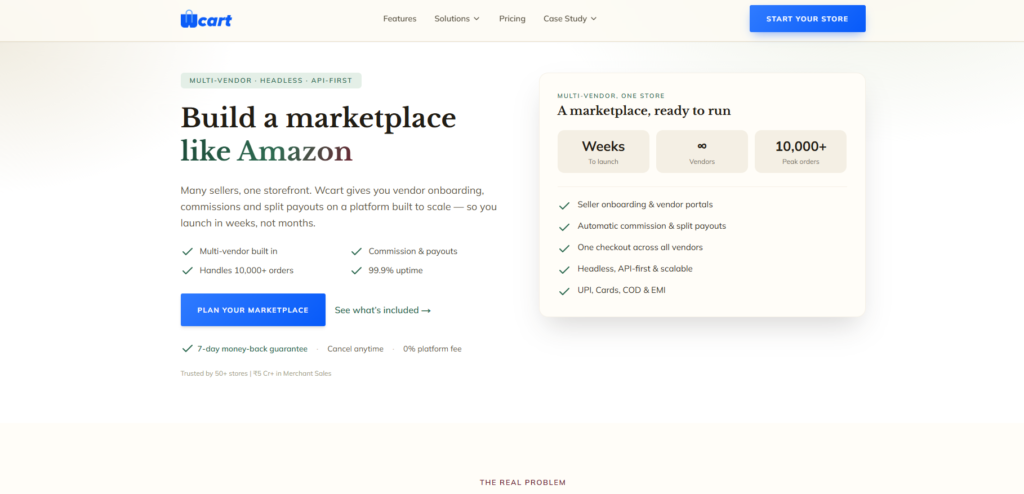
Best for: businesses that want an AI-assisted, headless-ready platform without managing their own hosting or infrastructure.
Wcart is a SaaS ecommerce and headless commerce platform that includes multi-vendor marketplace capability alongside its store-builder tools. It’s built for businesses that want to launch fast and scale into a fully custom storefront later, without the heavier setup of a self-hosted platform.
Key features:
- AI-assisted store setup and management – guided tools that help configure the storefront and catalog without needing a developer.
- Headless commerce architecture with API access – the frontend and backend are separate, so the design can be changed freely without touching order or inventory data.
- No transaction fees on top of your payment processor’s fees – you only pay your payment gateway, not an extra cut to Wcart per sale.
- Vendor onboarding and commission management – built-in tools to approve sellers and set how much each one is paid.
- Built-in SEO tools – on-page controls to help product and category pages rank in search.
Pricing: See current plans on the Wcart pricing page for the option that fits your vendor count and feature needs.
2. Yo!Kart
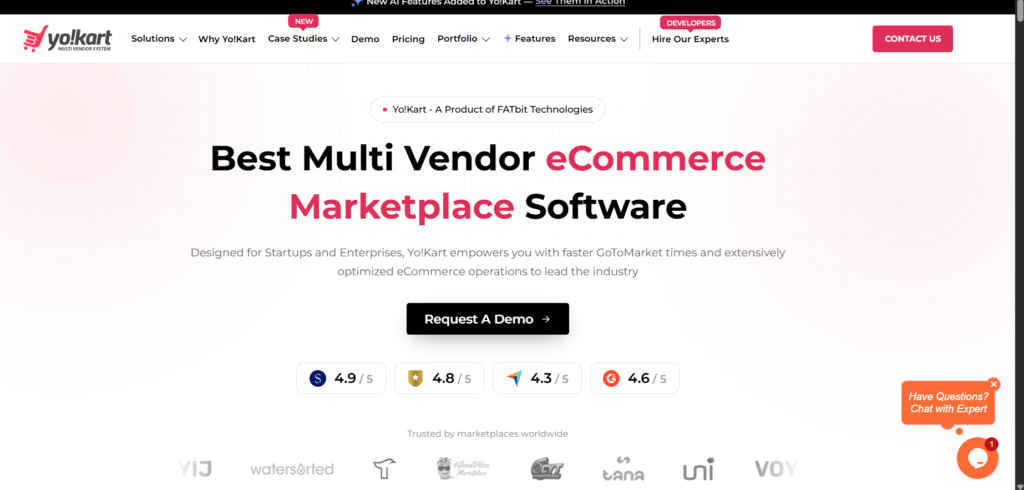
Best for: businesses that want to own the source code outright and avoid recurring platform fees.
Yo!Kart is a self-hosted marketplace script sold as a one-time, lifetime license rather than a subscription. It’s built specifically for multi-vendor marketplaces, so its vendor and commission tools are deep by default.
Key features:
- Separate vendor storefronts – each seller gets their own branded page within the marketplace.
- 20+ pre-integrated payment gateways – a wide choice of ways to accept payment without custom development.
- Ready-made buyer and seller mobile apps (Android/iOS) – native apps are available as an add-on instead of building them from scratch.
- Zero transaction fees and zero recurring platform charges – once you’ve paid the license fee, Yo!Kart doesn’t take a cut of your sales.
Pricing (self-hosted, lifetime license, one-time fee):
| Plan | Price | What you get |
|---|---|---|
| GoQuick | $1,999 | Web app, all standard features, default design |
| GoQuick Boost | $3,999 | Adds buyer apps (Android + iOS) |
| GoQuick Pro | $4,999 | Adds buyer + delivery apps |
| GoCustom | from $6,249 | Custom 9-page design |
| GoCustom Prime | Custom quote | Full custom design + dedicated project manager |
See Yo!Kart’s official pricing
3. Sharetribe
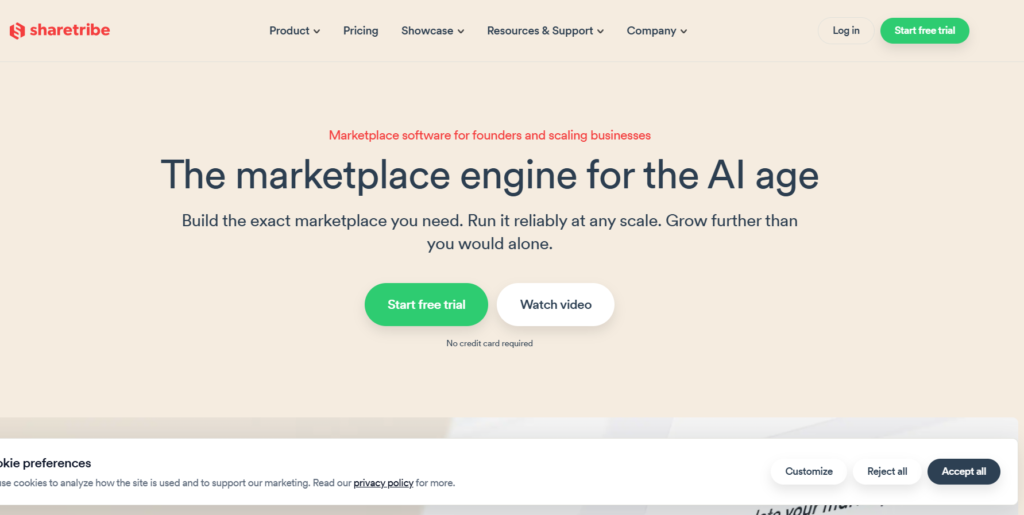
Best for: founders who want a no-code start with the option to add custom code later.
Sharetribe is a subscription-based, no-code marketplace builder aimed at people testing or launching a marketplace idea without a dev team, with the ability to bring in developers as the business grows.
Key features:
- No-code visual marketplace builder – set up listings, pages and workflows without writing code.
- Launch a working test marketplace in a day – a live demo version can be up quickly, useful for validating an idea.
- Built-in Stripe payment splitting – payments are automatically divided between the platform and each vendor.
- Extendable with custom code once you outgrow the no-code tools – developers can add custom features later without switching platforms.
- API access on higher plans – deeper integrations become possible as you move up the pricing tiers.
Pricing (monthly subscription):
| Plan | Price/month | Notes |
|---|---|---|
| Build | $39 | Test/development mode only, not live |
| Lite | $99 | Live marketplace, 50 free transactions/month |
| Pro | $199 | More transactions, more customization |
| Extend | $299 | Full code-level extensibility |
Sharetribe also charges roughly a 2% transaction fee on top of standard Stripe processing fees, worth factoring into your total cost. See Sharetribe’s official pricing
4. CS-Cart Multi-Vendor
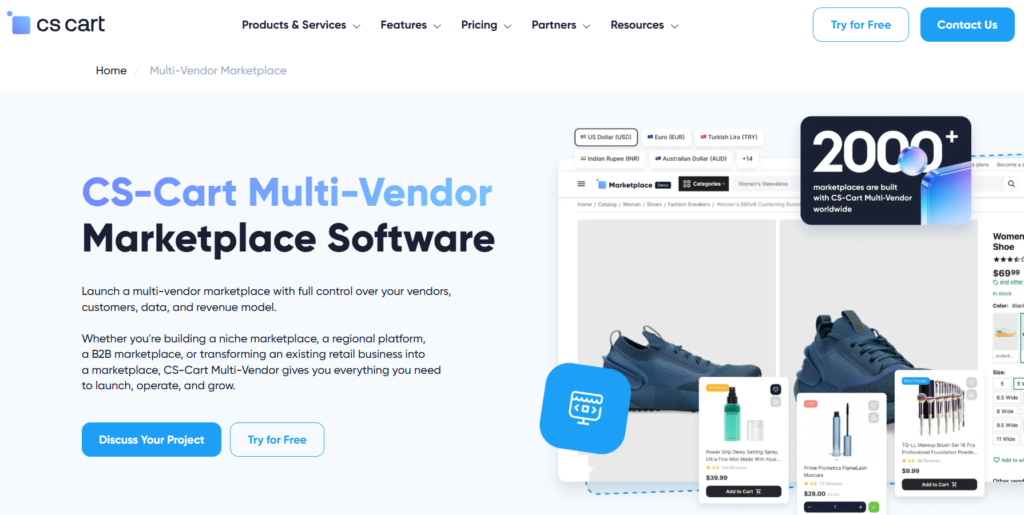
Best for: businesses that want a self-hosted platform with an annual subscription instead of a one-time cost.
CS-Cart Multi-Vendor is a long-running, self-hosted marketplace platform with a large plugin ecosystem, aimed at merchants comfortable managing their own server or working with a hosting partner.
Key features:
- Multi-storefront management from one admin panel — run several branded storefronts from a single backend.
- Assign products or filters to multiple storefronts at once — save time by applying changes across storefronts instead of repeating them.
- No CS-Cart transaction fee on top of your payment processor — the license fee covers the software; you only pay standard payment processing costs.
- Large add-on marketplace for extra functionality — a wide range of paid and free plugins to extend the platform.
Pricing (annual subscription, self-hosted):
| Plan | Price/year | Notes |
|---|---|---|
| Standard | $725 | Core multi-vendor features |
| Plus | $1,449 | Adds advanced features |
| Ultimate | $3,599 | Full feature set + premium theme |
Lifetime (one-time) licenses are also available at higher upfront cost with separate annual update fees. See CS-Cart’s official pricing
5. Arcadier
Best for: larger, enterprise-scale marketplaces that need a fully custom build and are prepared to work directly with the vendor on pricing.
Arcadier is a headless, enterprise-focused marketplace platform. It doesn’t publish fixed plans — pricing is scoped per deployment based on complexity, which makes it a better fit for larger budgets than for a first-time, low-budget launch.
Key features:
- Headless architecture with optional front-end templates — build a fully custom frontend, or start from a template and customize later.
- 150+ APIs for custom integration — a large library of pre-built connections for extending the platform.
- No transaction fees — Arcadier’s pricing is based on licensing and setup, not a cut of your sales.
- PCI-DSS compliant infrastructure with a 99.9% uptime SLA — built to handle sensitive payment data and stay online reliably.
- Supports B2B, B2C and P2P models on the same platform — one system can serve different marketplace types as the business grows.
Pricing: Custom — a one-time setup fee, a monthly platform licensing fee, a monthly management fee, and pay-as-you-go technical support. There is no published starting price. See Arcadier’s pricing approach
Benefits of a Multi-Vendor Marketplace
Benefits for Vendors
1.Access to traffic they didn’t have to build.
- Getting a new ecommerce site in front of buyers from scratch takes real time and marketing spend. A marketplace hands vendors an existing audience from day one.
2.Lower startup costs.
- Vendors can start selling without building a website, managing hosting, or investing heavily in their own marketing.
3.Simpler day-to-day operations.
- Integrated tools for products, orders, inventory, and reporting mean less time on admin and more time on actually growing sales.
4.Shared marketing reach.
- Marketplace owners typically invest in SEO, paid ads, social, and content at the platform level. Every vendor benefits from that visibility without paying for it directly.
Benefits for Customers
1.More Product Choices
- Customers can browse thousands of products from multiple vendors in one place.
2.Better Pricing
- Vendor competition tends to push toward more competitive pricing, exclusive deals, and regular promotions.
3.Convenient Shopping
- Comparing products, sellers, reviews, and pricing without hopping between different websites.
4.Greater Trust and Transparency
- Secure payments, verified sellers, and public reviews give buyers what they need to make an informed decision before purchasing.
Industries That Benefit Most from Multi-Vendor Marketplaces
The marketplace model is highly adaptable and works across virtually every industry.
Popular Marketplace Categories
- Fashion and apparel – clothing, shoes and accessories from many independent brands or boutiques in one place.
- Electronics – gadgets and components sold by multiple retailers, letting buyers compare specs and prices side by side.
- Home and furniture – furniture, decor and homeware, often from smaller makers who couldn’t justify their own site.
- Beauty and cosmetics – skincare, makeup and grooming products from both large brands and independent sellers.
- Health and wellness – supplements, fitness gear and wellness products, often needing careful vendor vetting.
- Food and grocery – perishable and packaged goods from local producers or grocers, usually with tighter delivery windows.
- Automotive parts – parts and accessories where buyers value being able to compare compatible options from several sellers.
- Handmade goods – crafts and custom items from independent makers, similar to the Etsy model.
- Digital products – templates, courses, software and other downloadable goods with no shipping involved.
- Professional services – bookable services like design, consulting or repairs, sold by independent providers.
- Wholesale and B2B commerce – bulk buying between businesses, often with negotiated pricing and larger order sizes.
Businesses can build either broad marketplaces or highly specialized niche platforms.
Common Challenges When Building a Multi-Vendor Marketplace
Build a Multi Vendor Marketplace While the marketplace model offers significant advantages, businesses should be aware of common challenges.
Vendor Quality Control
Maintaining consistent standards across multiple sellers requires:
- Vendor verification
- Product moderation
- Performance monitoring
- Customer feedback systems
Dispute Resolution
Marketplaces need clear policies for:
- Returns
- Refunds
- Delivery issues
- Customer complaints
Vendor Acquisition
Launching a marketplace requires balancing both sides of the ecosystem:
- Attracting sellers
- Attracting buyers
Without vendors, customers have limited choices. Without customers, vendors have little incentive to join.
Operational Complexity
As the marketplace grows, managing payments, commissions, logistics, and compliance becomes increasingly important.
The right Marketplace Software helps automate these processes and reduce administrative workload.
How to Choose the Right Marketplace Software
When evaluating an E-Commerce Marketplace Solution, look for:
Essential Features Checklist
✔ Vendor onboarding and approval
✔ Product catalog management
✔ Order management tools
✔ Flexible commission structures
✔ Secure payment integrations
✔ Mobile responsiveness
✔ Reporting and analytics
✔ SEO capabilities
✔ Multi-language support
✔ Scalability for future growth
Choosing software that supports long-term expansion prevents costly migrations later.
Conclusion
A Multi-Vendor Marketplace is more than an e-commerce model—it’s a scalable business strategy.
Multivendor E-commerce platform By bringing multiple sellers together on a single platform, businesses can expand product offerings, create recurring revenue streams, reduce inventory risks, and deliver a better customer experience.
As online commerce continues to evolve, marketplace-driven businesses are uniquely positioned to grow faster, adapt more efficiently, and create lasting competitive advantages.
For entrepreneurs and businesses looking to build a sustainable online ecosystem, investing in a Multi-Vendor Marketplace can be one of the smartest growth decisions you make.
Frequently Asked Questions (FAQs)
How does a Multi-Vendor Marketplace make money?
Marketplace owners typically generate revenue through sales commissions, vendor subscriptions, featured listings, advertising opportunities, transaction fees, and premium seller services.
What is the difference between a marketplace and a traditional online store?
A traditional online store sells products from a single business. A marketplace allows multiple vendors to sell products through one platform, creating a larger product catalog and more revenue opportunities.
Is a Multi-Vendor Marketplace suitable for startups?
Yes. Startups can begin with a small group of vendors and gradually expand. The marketplace model is highly scalable and can grow alongside the business.
What industries can use a Multi-Vendor Marketplace?
Common industries include fashion, electronics, furniture, beauty, groceries, automotive, wholesale, digital products, and professional services.
What features are essential in marketplace software?
Essential features include vendor management, product management, commission settings, order processing, payment integration, reporting tools, analytics, customer reviews, and mobile-friendly functionality.
Which industries work best for a multi-vendor marketplace?
Fashion, electronics, home goods, beauty, groceries, automotive parts, handmade goods, digital products, and B2B wholesale are the categories that show up most often, though the model works in nearly any category with enough independent sellers.
What happens if a vendor doesn’t deliver an order?
This should be covered by your marketplace’s policies before launch. Most marketplaces set clear rules for delivery timeframes, require vendors to update order status, and have a dispute process so the platform (not just the buyer and vendor) can step in if something goes wrong including refunds or removing vendors who repeatedly fail to deliver.
15. Can I start with a small number of vendors and grow later?
Yes, and it’s the recommended approach. Most successful marketplaces launch with a focused, curated set of vendors in one category, prove the model works, then expand into new categories or regions once there’s real customer demand.
Ready to Build Your Marketplace?
Wcart’s marketplace tools handle vendor onboarding, commission management, and payment processing in one dashboard, so you’re not stitching together separate plugins to run a multi-vendor store. Book a free marketplace consultation to walk through what a build would actually look like for your catalog and vendor model.

























Leave a Reply