
Quick Answer : The best Wix alternatives depend on what you’re building. Shopify and BigCommerce suit online stores, WordPress and WooCommerce give you the most SEO and content control, Squarespace and Webflow fit design-led sites, and Wcart works for stores that want built-in ecommerce tools. Compare starting price, ecommerce depth, and migration effort before you choose.
Key Takeaways
- You need Wix’s $29/month Core plan just to sell online, so the $17 Light plan only works for brochure sites and portfolios (Source: Website Builder Expert).
- Wix has no full-site export, so pages and design must be rebuilt, and only physical-product data exports cleanly as CSV (Source: Hostinger).
- Migrating from Wix to WordPress requires rebuilding your site because Wix doesn’t provide a full-site export. (Source :hostinger)
- 53% of mobile visits are abandoned when a page takes longer than 3 seconds to load, per Google’s often-cited 2016 study, which is why hosting speed matters when you switch (Source: Marketing Dive).
Many businesses start with Wix because it is simple and quick to launch. But as few years ago, building a website was very simple. Because, businesses only needed a clean design, a few pages, and basic product listings. That is the only reason Wix became so popular. It helped beginners launch websites quickly without coding or technical skills.
In this guide, we compare the best Wix alternatives in 2026 based on ecommerce features, scalability, ease of use, website performance, and business growth needs. Whether you run a small business website or a growing ecommerce store, this guide will help you find the right platform.
Why Businesses Look for Wix Alternatives
Wix is a good choice for beginners. It helps businesses for create websites quickly without requiring any technical skills. But as businesses grow, many of them start facing limitations in ecommerce, SEO, customization, and scalability.
1. You can’t easily change templates after your website is live.
- If you want a completely new design later, you may need to rebuild parts of your website because your design is closely connected to the Wix editor.
2. Ecommerce can become expensive.
- To sell products online, you need a paid plan. As your store grows and you need more products, better inventory management, or advanced features, the cost can increase.
3. Limited advanced SEO control.
- Wix provides basic SEO tools, but businesses that need more technical SEO control, advanced website structures, or more customization may prefer WordPress or a dedicated ecommerce platform.
4. Payment and transaction costs.
- The fees you pay can depend on your Wix plan and payment provider. It is important to check the total costs before choosing a platform.
5. Moving away from Wix can be difficult.
- When you decide to move to another platform, transferring your website design, pages, and other data may require extra work. This can make switching platforms more difficult.
Quick Comparison of the Best Wix Alternatives
| Platform | Best for | Starting price | Ecommerce depth | Migration effort from Wix |
|---|---|---|---|---|
| Wcart | Ecommerce stores | $9 | High | Medium |
| Webnexs | Marketplaces, enterprise builds | Custom quote | High | High |
| Shopify | Growing online stores | $29/mo ($39 monthly) | High | Medium |
| BigCommerce | Large catalogs | $29/mo ($39 monthly) | High | Medium |
| WooCommerce | WordPress stores | Free plugin + hosting | High | High |
| WordPress | Content and SEO | From about $4/mo (WordPress.com) | Via plugins | High |
| Squarespace | Design-led sites | $16/mo | Medium | Medium |
| Webflow | Designers, agencies | From about $14/mo | Medium (add-on plans) | High |
| HubSpot CMS | Lead generation | Free; $20/seat Starter | Low | Medium |
| Hostinger | Tight budgets | $2.99/mo (4-year term) | Basic | Low |
| GoDaddy | Fast local-business sites | $9.99/mo (annual promo) | Basic | Low |
| Webnode | Multilingual sites | $5.50/mo | Basic (store from $16.90) | Low |
Who Are Wix’s Main Competitors? Alternatives by Type
Search results for Wix’s competitors are mostly company-data pages, not buying guides. A more useful map groups them by the job you need done:
- Direct drag-and-drop competitors: Squarespace, Hostinger, GoDaddy, Webnode. Similar editing style, similar simplicity. See also our guides to Weebly alternatives and Jimdo alternatives.
- Ecommerce-first platforms: Wcart, Shopify, BigCommerce, Webnexs. Built around catalogs, checkout, and orders.
- CMS and custom-build options: WordPress, WooCommerce, Webflow, HubSpot CMS. More control, more responsibility.
Top Best Wix Alternatives in 2026 with Features
1. Wcart
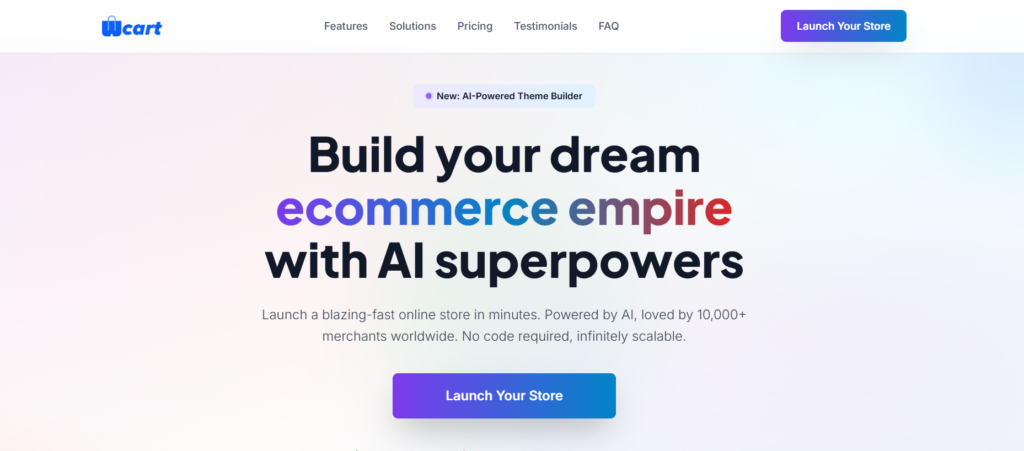
- Verdict: An ecommerce-first platform for stores that want selling tools built in rather than assembled from plugins.
- Starting price: Custom quote. Confirm current plans at wcart.io.
- Why leave Wix for it: Wix is a website builder with a store attached. Wcart starts from the store and works outward.
Advantages
- Inventory and order management built in
- SEO-friendly product pages
- Built-in marketing tools and an AI theme builder
Limitations
- Custom pricing means you need a quote before you can compare costs
- Overkill if you only need a portfolio or brochure site
- A newer platform, so expect fewer third-party tutorials and templates than WordPress or Shopify
Best for: Businesses that want to grow online sales, Ecommerce startups, scalable ecommerce businesses.
Visit Here: Start Your Business with Wcart
2. Webnexs

- Verdict: A custom-build partner for complex ecommerce, not a do-it-yourself builder.
- Starting price: Custom quote.
- Why leave Wix for it: When your requirements (vendor payouts, custom integrations) outgrow any template.
Advantages
- Custom ecommerce and multi-vendor marketplace development
- Support for advanced integrations and analytics
- Payment and shipping integrations tailored to your model
Limitations
- Not self-serve, so you can’t launch over a weekend
- Custom builds take longer and cost more than template platforms
- Too much for a simple store
Best for: Companies in need of unique marketplace or ecommerce solutions
Visit Here: Start Your Enterprise Business with Webnexs
3. Shopify

- Verdict: The default pick for a growing online store, with the deepest app ecosystem.
- Starting price: Core plans run $29 to $299 per month billed annually, with about 25% saved versus monthly billing. Basic is $39 month to month.
- Why leave Wix for it: Shopify handles hosting, security, and checkout infrastructure, and its selling tools go deeper than Wix’s. (Source :websitebuilderexpert)
Advantages
- Large app marketplace
- Multi-channel selling and abandoned cart recovery
- Transaction fees are waived on every plan when you use Shopify Payments.
Limitations
- No free plan, only a short trial
- Using a third-party gateway adds transaction fees of 2% on Basic, dropping to 0.6% on Advanced. websitebuilderexpert
- Apps and themes can push the real monthly cost well above the plan price
Best for: Growing ecommerce businesses, Ecommerce brands, D2C businesses, and international online stores.
Read More: To Know about Shopify Alternatives
4. WordPress
- Verdict: The best fit when organic traffic and content are the plan.
- Starting price: WordPress.com paid plans start around $4 per month billed annually, and the self-hosted software is free plus hosting.
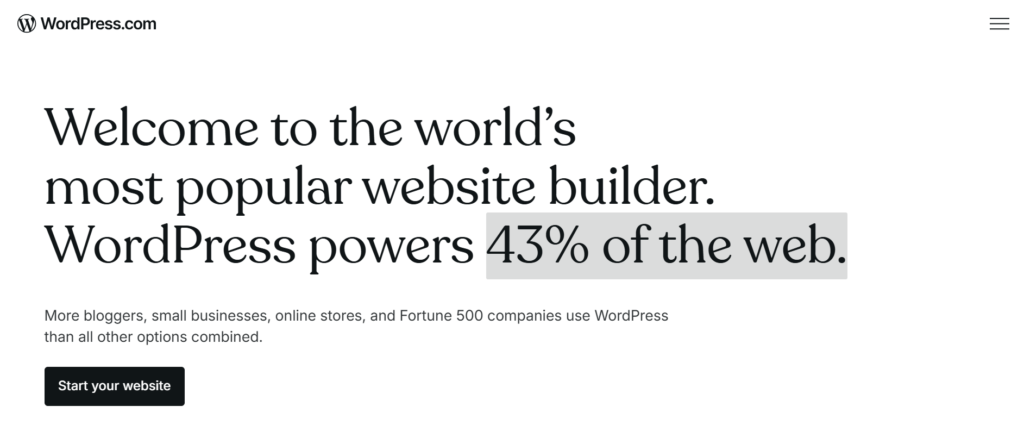
- Why leave Wix for it: Scale of ecosystem and control. Around 42.6% of all websites run WordPress. barn2
Advantages
- Advanced SEO plugins and flexible site structure
- Thousands of themes and plugins
- Choice of hosting and full customization
Limitations
- You’re responsible for maintenance, backups, and security on self-hosted sites
- More plugin decisions means more ways to slow the site down
- Steeper learning curve than an all-in-one builder
Best for: Custom website development, SEO-focused businesses and content websites.
5. Squarespace

- Verdict: Polished templates for people who care how the site looks first.
- Starting price: Basic is $16 per month, Core $23, Plus $39, and Advanced $99 on annual billing.
- Why leave Wix for it: A more curated, consistent design experience, and every plan includes some selling capability. beancount
Advantages
- Clean, mobile-responsive templates
- Blogging and basic ecommerce on all plans
- Simple editing
Limitations
- Monthly billing costs roughly 25–40% more than annual over a year. beancount
- Less room for deep customization
- Entry-tier selling has transaction fees
Best for: Creatives and small businesses
Read More: To Know about Squarespace Alternatives
6. WooCommerce
- Verdict: The most flexible store option if you’re comfortable running WordPress.
- Starting price: WooCommerce is open-source with paid extensions, so the plugin is free, but hosting and extensions are not. Promo hosting for WooCommerce starts around $3.99 per month on a 48-month term.
- Why leave Wix for it: Full ownership of your data, code, and hosting. vendr
Advantages
- Free open-source core
- Flexible payment, shipping, and tax options
- Strong SEO control through the WordPress ecosystem
Limitations
- You handle hosting, updates, and security
- Extension costs add up
- Performance depends on your host and plugin choices
Best for: WordPress ecommerce stores and SEO-focused online businesses.
Read More: To Know about Woocommerce Alternatives
7. Webflow
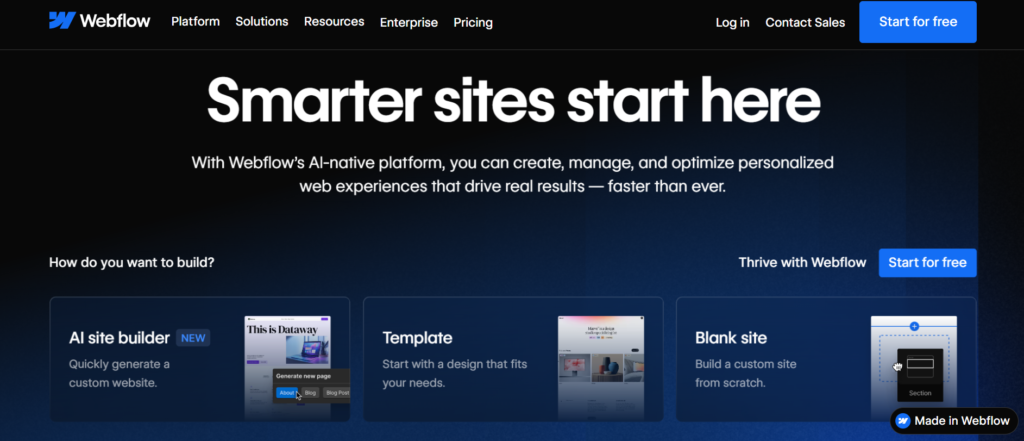
- Verdict: Visual control close to hand-coded design, without writing the code.
- Starting price: Basic is $14 per month billed annually, CMS is $23, and Business is $39. Other trackers list slightly different numbers, so check the current page.
- Why leave Wix for it: Cleaner front-end output and finer design control. dupple
Advantages
- Advanced visual builder with animation tools
- CMS functionality and SEO settings
- Fully managed hosting is included in each plan. wpcreative
Limitations
- Ecommerce is a separate add-on tier at $29–$74 per month. dupple
- Pricing is per site, so multi-site costs multiply
- A learning curve for non-designers
Best for: Designers, portfolios and agencies
8. BigCommerce
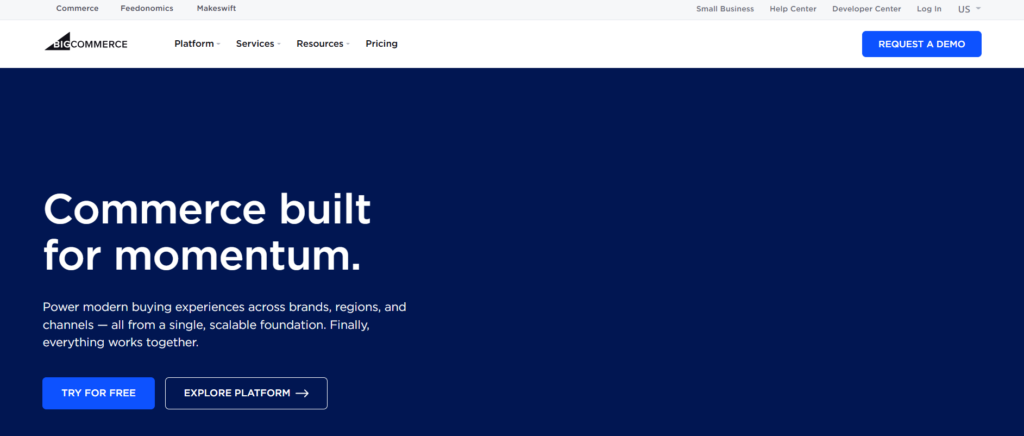
- Verdict: Strong for large catalogs and complex workflows, with fee rules you should read carefully.
- Starting price: The entry plan is $39 per month, or $29 with annual billing.
- Why leave Wix for it: Unlimited products and staff accounts, plus stronger backend functionality. ecomm
Advantages
- Every plan includes unlimited products, file storage, bandwidth, and staff accounts. swell
- Multi-channel selling across marketplaces and social
- Built-in SEO tools
Limitations
- Sales thresholds automatically move you to a higher plan once trailing 12-month sales pass the limit. swell
- A fee of up to 2% applies on gateways outside its approved list
- More setup complexity than a simple builder
Best for: Mid-size and larger stores, multi-store setups.
Read More: To Know about BigCommerce Alternatives
9. HubSpot CMS
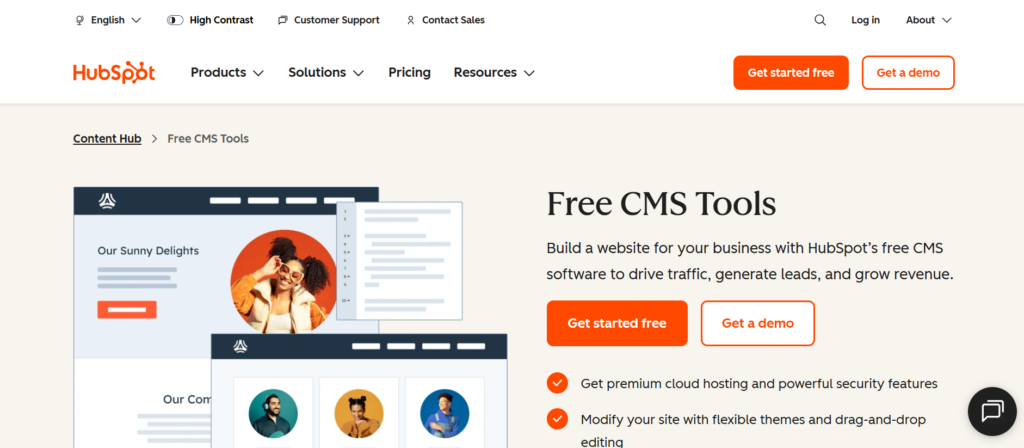
- Verdict: Best when the website exists to feed a sales and marketing pipeline.
- Starting price: A free tier covers up to 25 pages, Starter is $20 per month per seat, and Professional is $450 per month.
- Why leave Wix for it: Landing pages, email, and lead tracking in one system. resonatehq
Advantages
- CRM integration and marketing automation
- Landing pages and SEO recommendations
- Free entry point for small sites
Limitations
- The jump from Starter to Professional is steep
- Not built for online stores
- Costs rise as seats and features grow
Best for: Marketing focused websites
10. Hostinger Website Builder

- Verdict: The cheapest way to get a basic site online, provided you plan for renewal.
- Starting price: $2.99 per month on a four-year contract, or $11.99 month to month.
- Why leave Wix for it: A lower entry price with AI-assisted setup. tech
Advantages
- AI website builder and beginner-friendly editor
- Mobile-responsive templates
- Basic ecommerce and SEO settings
Limitations
- The Premium builder plan renews at $10.99 per month after the 48-month promo. websitebuilderexpert
- There’s no app store for extra functionality. websitebuilderexpert
- Ecommerce is basic
Best for: Beginners, startups, and budget-friendly business websites.
11. GoDaddy Website Builder
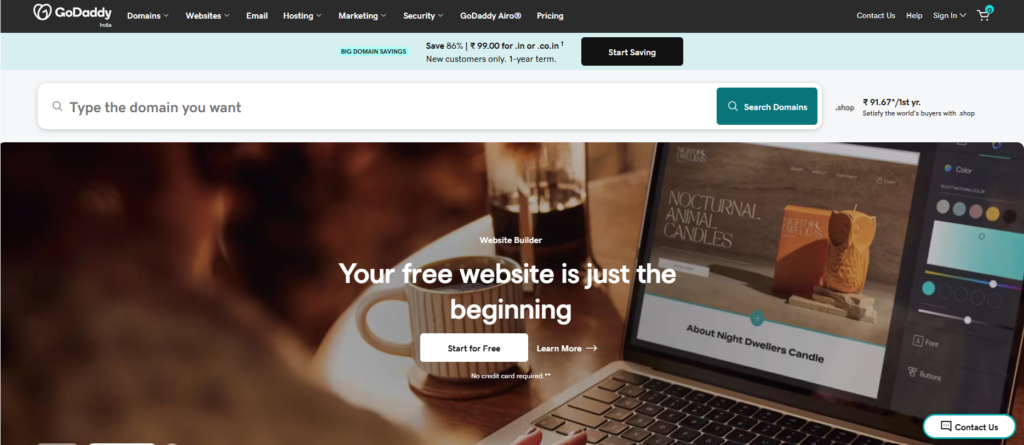
- Verdict: Fast setup for local businesses that need a simple online presence.
- Starting price: Basic was listed at $9.99 per month equivalent on annual billing in August 2026.
- Why leave Wix for it: Speed and simplicity, plus a free plan for testing. playcode
Advantages
- Quick setup with a beginner-friendly editor
- Built-in SEO and marketing tools
- A free-forever plan, though it carries GoDaddy ads and no custom domain.
Limitations
- Basic renews at $16.99 per month after the first year. websitebuilderexpert
- Limited design and customization
- Ecommerce needs the higher Commerce tier
Best For: Local businesses, service providers, and beginner websites.
12. Webnode

- Verdict: A practical pick for multi-language sites at a low entry price.
- Starting price: Plans start at $5.50 per month, with a free version available. The online store arrives on the $16.90 Standard plan.
- Why leave Wix for it: Simpler multi-language management. capterra
Advantages
- Multi-language website support
- Responsive templates and blogging
- Affordable entry pricing
Limitations
- Storage is small on lower tiers, at 3 GB on Standard.
- Selling requires stepping up to Standard
- Fewer advanced features than larger platforms
Best For: Multilingual websites and international businesses.
Wix Stores Alternatives: What to Check Before You Sell
Before you move a store, check these five things on every platform you’re considering:
- Catalog size. Wix Core supports up to 50,000 products. Compare that with your catalog growth. websitebuilderexpert
- Transaction fees. These depend on your gateway. Shopify waives them with Shopify Payments, and BigCommerce charges up to 2% on unapproved gateways.
- Payment options. Confirm your local processors and wallets are supported.
- Checkout control. Can you customize the checkout, or are you limited to templates?
- Plan thresholds. BigCommerce auto-upgrades you at sales limits, so model your revenue against the plan ladder.
Can I Move My Wix Site to Another Platform?
Yes, but plan on a rebuild rather than a transfer. Wix has no full-site export, so pages, design elements, and post archives have no direct export path. hostinger
What typically moves
- Products and customers: You can export products and customer data as CSV files from Wix, then edit them to match the new platform’s template. Digital products are excluded.
- Media: Download images from the Media Manager before you cancel.
- Blog posts: The RSS feed carries only the 20 most recent posts as excerpts. hostinger
What you rebuild
- Every page and the whole design
- Forms and their submission data
A warning worth repeating: Images are hosted on Wix’s servers, so access ends when you cancel. Download everything first.
Migration steps
- Export products, customers, and media, and save every published URL.
- Build and test on a staging domain while Wix stays live.
- Map every old URL to its new one with 301 redirects.
- Test checkout, including declined cards and international orders.
- Switch DNS in a quiet sales window, and keep Wix reachable for a few weeks as a safety net.
For the full process, see our ecommerce migration guide.
How to Choose the Right Wix Alternative
Before picking a website builder think about these things:
- Business Goals: Decide if your website is mainly for selling products, marketing your business or showing your brand.
- Ease of Use: Some platforms are easy to use while others give more advanced options for customization.
- Budget: Consider the total cost, including hosting, plugins and extra tools.
- Scalability: Choose a platform that can grow as your business grows.
Improved Ecommerce Performance with Wcart
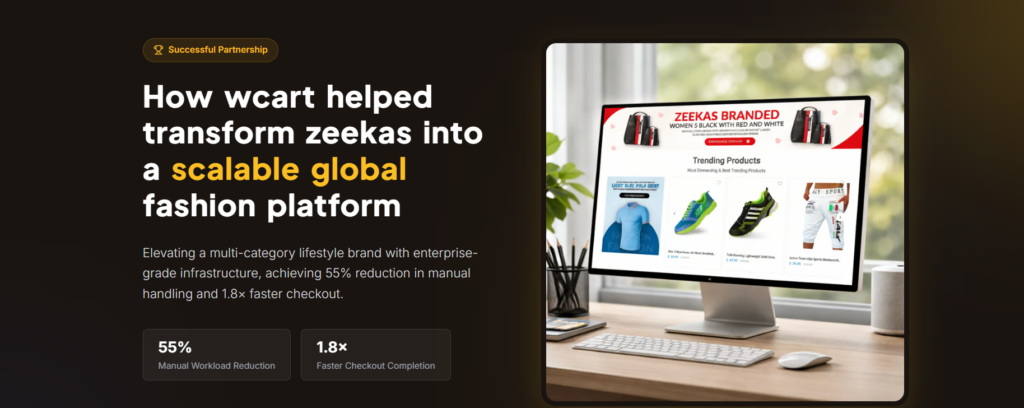
Challenge: Zeekas faced slow performance, difficult product management, and limited scalability.
Solution: They moved to Wcart for better store management, improved performance, SEO, and easier workflows.
Result: A faster, easier-to-manage, and more scalable ecommerce store.
Case Study: How Zeekas
Visit Here : To Read the Complete case study About Zeekas Here
Conclusion
Wix is still a strong starting platform for beginners and small websites. However, many businesses eventually require better ecommerce tools, stronger SEO flexibility, faster performance, and scalable infrastructure to support long-term growth.
That is why businesses increasingly explore Wix alternatives like Shopify, WordPress, BigCommerce, WooCommerce, Webflow, and Wcart. Each platform offers different advantages depending on business goals, website requirements, and operational needs.
Some businesses focus heavily on ecommerce scalability and checkout optimization. Others prioritize SEO , content marketing, design , or enterprise-level customization. Choosing the right platform earlier helps the businesses avoid future migration problems and build stronger digital growth strategies.
As online competition continues increasing, businesses that invest in faster websites, better customer experiences, mobile optimization, and scalable ecommerce systems will be better positioned for long-term success.
Frequently Asked Questions
Related Platform Comparisons
- 9 Best Dukaan Alternatives – compare features, pricing & the best fit for your store.
- 5 Best Weebly Alternatives – compare features, pricing & the best fit for your store.
- 8 Best Jimdo Alternatives – compare features, pricing & the best fit for your store.
- 10 Best Big Cartel Alternatives – compare features, pricing & the best fit for your store.
- 10 Best Centra Alternatives – compare features, pricing & the best fit for your store.
- 9 Best commercetools Alternatives – compare features, pricing & the best fit for your store.
- 10 Best Online Store Builders – compare features, pricing & the best fit for your store.
Compare every option: Best Ecommerce Platforms in 2026: An Honest Look — the full ecommerce platform comparison, and where Wcart wins. Start a free Wcart trial.


























Leave a Reply