
Quick Answer
Ecommerce migration means moving your online store’s data, design, and functionality from one platform, server, or system to another. A safe migration follows five phases: audit your current site, pick the right new platform, back up and map every piece of data, redirect old URLs correctly, and monitor rankings closely for 30 days after launch. Done right, you protect your SEO, keep your sales flowing, and set your store up to scale.
Key Takeaways
- A one-second delay in page load time can cut conversions by roughly 7%.
(Source : Fleexy’s page speed research). - Nearly 46% of online retailers now list replatforming as a top business priority. (Source : MageMontreal.)
- Global B2B ecommerce migration spend was projected to reach $4.2 billion in 2025, (Source : Statista).
- Composable and modern commerce platforms can lower total cost of ownership by around 40% compared to legacy systems, based on findings from (Source : Royal Cyber)
- Brands that plan phased rollouts typically avoid the steep traffic dips that come from a single “big bang” launch day.
Migrating an ecommerce website is really tough for a lot of businesses. Most of the store owners worrying about losing SEO rankings, website traffic, customer data, or online sales during the process.
The good news is that ecommerce migration does not have to be difficult. If you plan it well follow the steps and have a clear plan your business can switch to a new platform easily. E-commerce migration is a process that needs migration steps.
This migration guide explains everything in simple words. You will learn what ecommerce migration means, why businesses migrate ecommerce platforms, the common migration challenges, and two dedicated playbooks Shopify to WCART and WooCommerce to WCART so you know exactly what to expect before you start.
What Is Ecommerce Migration?
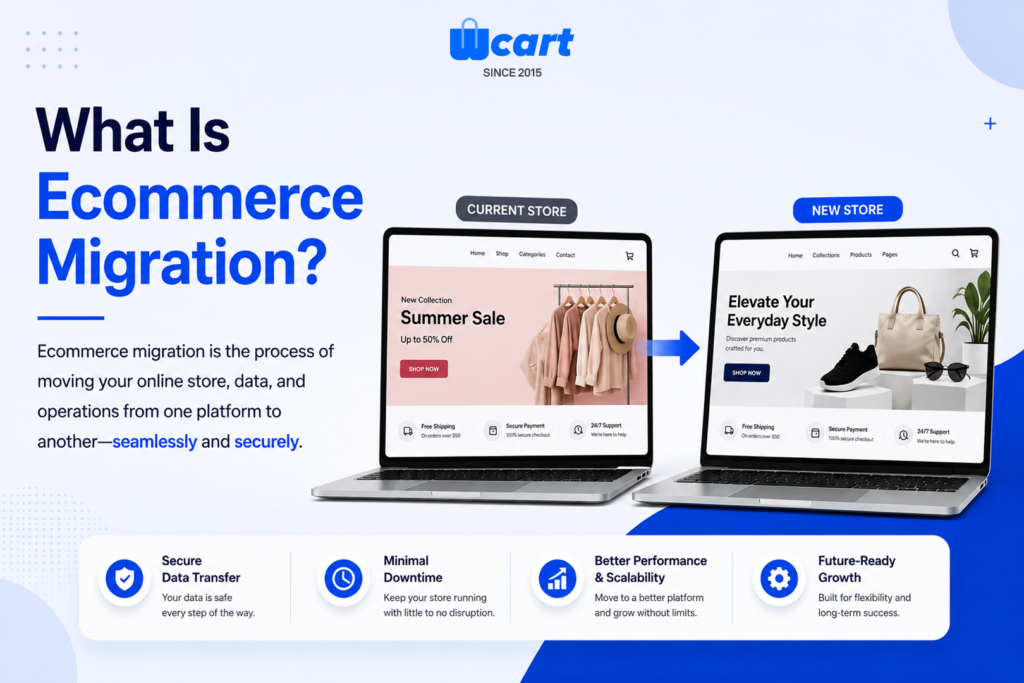
Ecommerce migration is the process of moving your store’s products, customer records, order history, design, and SEO data to a new platform or server. Businesses don’t do this on a whim.
Most migrations happen because a store has outgrown its current setup. The platform that worked fine at 500 orders a month starts breaking down at 5,000.
A migration can be small, like moving hosting servers, or massive, like rebuilding an entire storefront on a new engine. Either way, the goal is the same: remove the bottleneck and set the business up for its next stage of growth.
An ecommerce migration may include:
- Moving to a faster ecommerce platform
- Moving products and categories
- Migrating customer data
- Transferring order history
- Changing website design
- Migrating SEO settings
- Updating integrations and payment systems
For example , a business may migrate from WooCommerce to a custom ecommerce platform to improve speed and scalability.
Another company may move from Magento to a custom ecommerce platform for better performance and easier management.
A successful ecommerce migration improves website speed, customer experience, mobile performance, and long-term business growth.
Ready to Upgrade Your Ecommerce Store?
Planning an migration for your business? WCART helps businesses build faster, scalable, and SEO-friendly ecommerce websites with smooth platform migration and better performance. Get in touch with our team to create a future-ready online store for your business.
Why Businesses Need Ecommerce Migration in 2026
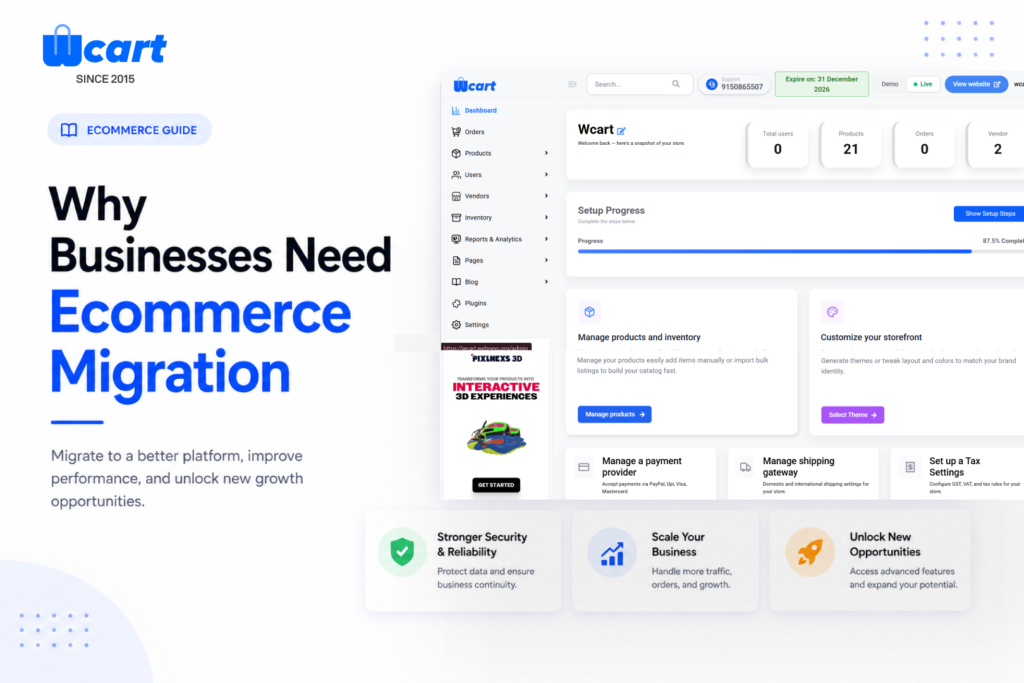
Many ecommerce businesses start with a basic platform. But as the business grows, the old system may create problems. Here are the common reasons businesses choose ecommerce migration.
1.Better Website Performance
- Slow sites lose money quietly. Every extra second of load time chips away at conversion rate, and on a high-traffic catalog that adds up fast.
2.Improved SEO Performance
- Modern ecommerce platforms offer better SEO features, mobile optimization, and technical improvements.
3. Rising Total Cost of Ownership
- Legacy platforms pile up hidden costs over time. Plugin licensing, developer hours, and patching fees quietly eat into budgets that could go toward growth.
4.Better User Experience
- Customers expect fast checkout, mobile-friendly design, and easy navigation. Ecommerce migration helps improve customer experience.
5.Advanced Features
Businesses may need:
- Better inventory management
- Multi-vendor support
- AI recommendations
- Advanced analytics
- Omnichannel selling
- Better payment integrations
6.Improved Security
- Older ecommerce platforms may have security risks. However, A new platform can provide better protection for customer and payment data.
Real Migration Results Worth Knowing
Numbers make this decision easier to justify internally, so here are a few worth citing when you present a migration plan to stakeholders.
Retailers who treat page speed as a priority during migration tend to see the biggest early wins, since a single second of delay can cost roughly 7% in conversions.
On the investment side, B2B migration spend alone was on pace to hit $4.2 billion in 2025, which tells you this isn’t a niche project anymore it’s core infrastructure spending for growing brands.
Cost efficiency is another driver worth citing. Composable commerce platforms can cut total cost of ownership by close to 40% compared to sticking with an aging legacy system.
Types of Ecommerce Platform Migration
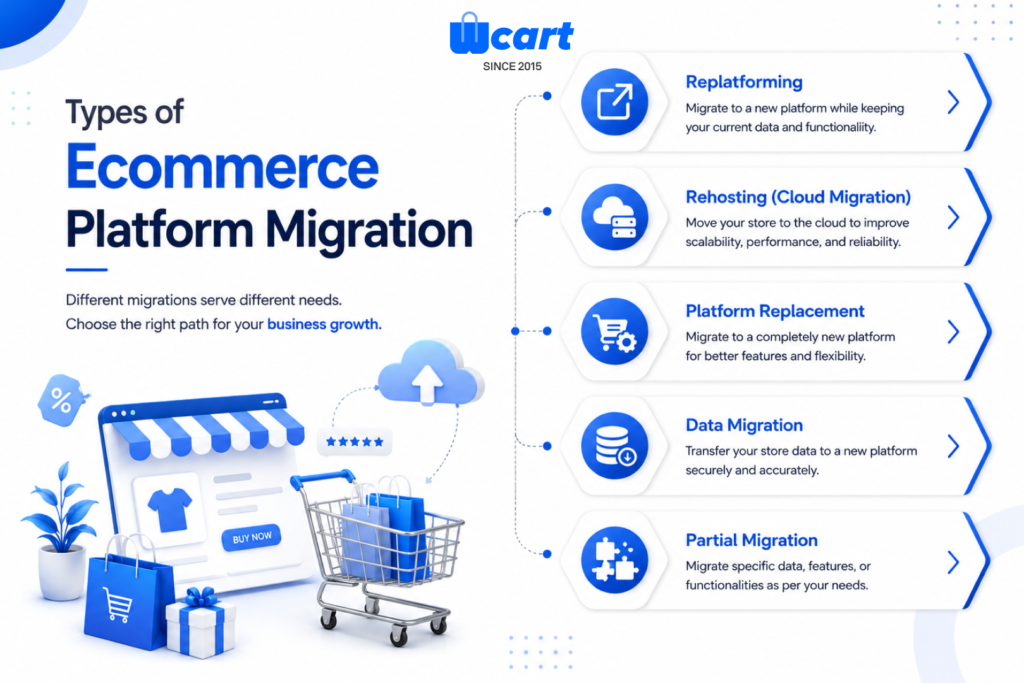
There are different types of ecommerce platform migration depending on business goals.
1.Platform-to-Platform Migration
- Platform-to-platform migration is the most common type, where a store moves from one ecommerce engine to another entirely, such as WooCommerce to a custom-built platform.
Examples:
- WooCommerce to custom ecommerce platform
- Magento to Shopify
- OpenCart to WCART
2.Server Migration
- Server or hosting migration moves the same store to new infrastructure without changing the platform itself, usually to fix speed or uptime issues.
3.Design Migration
- Design migration happens when a business keeps its platform but rebuilds the storefront’s look, feel, and user flow from scratch.
4.Data Migration
- Data migration focuses purely on moving records: products, customers, orders, and reviews, often as one piece of a bigger platform switch.
5. Domain Migration:
- Domain migration involves changing the store’s web address, which requires extra care since it directly affects every existing backlink and bookmark.
Looking for a Better Ecommerce Platform?
Upgrade your ecommerce website with faster performance, better scalability, and improved customer experience. WCART helps businesses complete ecommerce migration smoothly with modern ecommerce solutions.
Choosing Your Data Transfer Method
How you move your data matters just as much as what you move. There are three common approaches, each with real trade-offs.
- Manual transfer works for small catalogs and gives full control, but it’s slow and carries a higher risk of human error on large datasets.
- App-based or automated transfer speeds up the process significantly and reduces mistakes, though it may need extra configuration for custom fields.
- API-based or custom transfer offers the most flexibility for complex stores, but it requires developer time and careful planning to get right.
Most mid-sized stores land on a hybrid approach: automated tools for bulk data, manual review for anything custom or high-value.
What Ecommerce Migration Typically Costs
Merchants planning a migration want a real number, not a vague range, so here’s how to think about it.
| Store Size | Typical Catalog | Estimated Cost | Timeline |
|---|---|---|---|
| Small | Under 500 products, no custom integrations | $2,000 – $8,000 | 4-6 weeks |
| Mid-sized | 500-5,000 products, several integrations | $10,000 – $40,000 | 2-3 months |
| Enterprise | 5,000+ products, ERP/B2B pricing, multi-region | $50,000+ | 3-6 months |
Common Ecommerce Migration Challenges
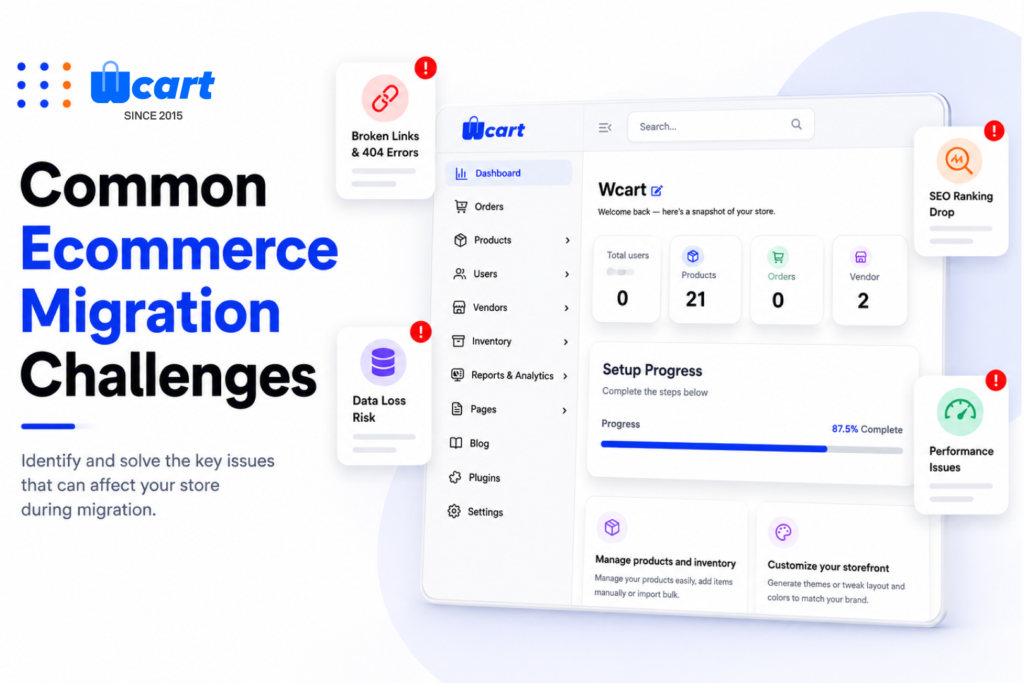
Ecommerce migration can create problems if not planned properly. Here are the biggest challenges businesses face.
1.SEO Ranking Loss
- SEO ranking loss usually comes from missing or incorrect 301 redirects, which break the trail search engines use to find your pages.
2.Website Downtime
- SEO ranking loss usually comes from missing or incorrect 301 redirects, which break the trail search engines use to find your pages.
3.Data Loss
- Data loss is most common with manual transfers, where a spreadsheet error or skipped field quietly drops customer records.
4.Broken Integrations
- Broken integrations show up when payment gateways or shipping tools aren’t re-tested after the switch, so they fail silently at checkout.
5.Poor Mobile Experience
- Mobile performance drops happen when teams test the desktop experience thoroughly but rush through mobile QA.
6.Slow Website Speed
- A poorly optimized ecommerce platform migration can reduce website performance.
Ecommerce Migration Checklist
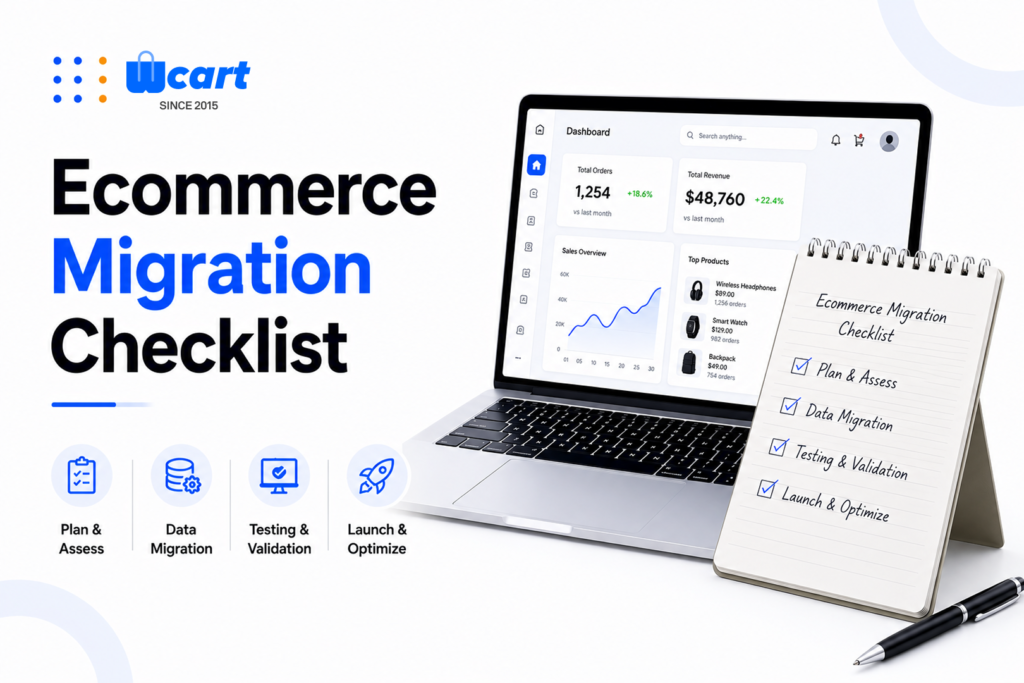
Before starting ecommerce migration, businesses should follow a proper checklist.
1.Define Migration Goals
- Identify why the migration is needed.
Examples:
- Mobile optimization
- Improve performance
- Better SEO
- Faster checkout
- Better scalability
2.Audit Existing Website
Analyze:
- Current traffic
- Top-performing pages
- SEO rankings
- Product pages
- Backlinks
- Conversion rates
3.Backup Website Data
- Always create a full backup before starting migration.
4.Plan URL Structure
- Maintain SEO-friendly URLs whenever possible.
5.Prepare 301 Redirects
- Redirect old URLs to new pages to protect SEO rankings.
6.Test Website Performance
Check:
- Mobile responsiveness
- Page speed
- Checkout flow
- Payment gateway functionality
7.Monitor SEO After Migration
- Track rankings, traffic, indexing, and crawl errors after launch.
Ecommerce Migration Steps Explained
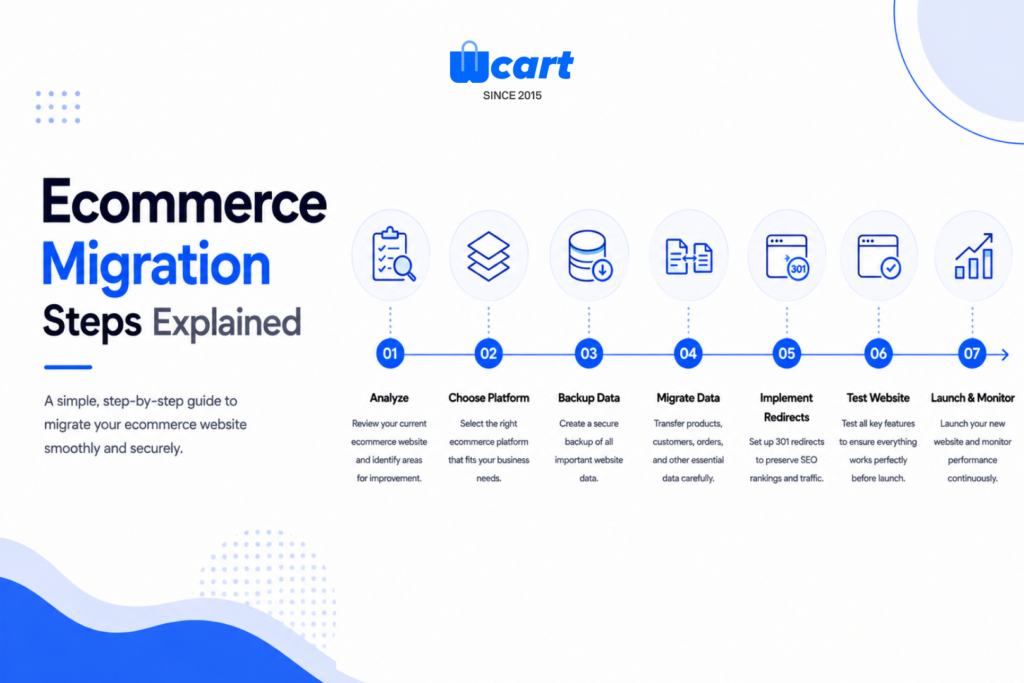
Following the correct ecommerce migration steps helps businesses avoid technical issues and SEO loss.
Step 1: Analyze the Existing Ecommerce Website
- Before touching anything, document what you have. Pull your top-performing pages, current rankings, backlink profile, and conversion benchmarks so you have something to compare against later.
Check:
- Product structure
- SEO performance
- Website speed
- Mobile usability
- Technical issues
Step 2: Set Clear Migration Goals
- Decide exactly what “success” looks like. Faster load times, better mobile checkout, and stronger SEO tools are common goals, but write yours down specifically.
Businesses should consider:
- Security
- SEO features
- Mobile optimization
- Customization options
- Performance
- Third-party integrations
Step 3: Choose the Right New Platform
Weigh scalability, security, SEO controls, and integration options against your budget and technical resources. Choose the new platform wisely, this decision shapes everything that follows.
Step 4: Backup Existing Website Data
- Back up every product, customer record, order, image, and piece of content before you start moving anything. This is your safety net if something goes wrong mid-transfer.
Always create a secure backup of:
- Products
- Customers
- Orders
- Images
- Content
- SEO metadata
Step 5: Implement SEO Redirects
- 301 redirects are extremely important during ecommerce migration.
- Redirecting old URLs to new pages helps preserve Search rankings , Organic traffic and ,Backlink value Without redirects, businesses may lose SEO visibility.
Step 6: Migrate Products and Customer Data
Move catalogs, pricing, inventory counts, and customer accounts carefully, checking for mismatched fields between the old and new systems as you go.
This includes:
- Product descriptions
- Pricing
- Inventory
- Customer details
- Reviews
- Categories
Step 7: Reconnect Integrations
- Reinstall and retest payment gateways, shipping calculators, tax tools, and any marketing pixels or analytics scripts your store depends on.
Step 8: Test the New Ecommerce Website
- Test checkout, search, filters, mobile responsiveness, and contact forms in a staging environment before anything goes live to real customers.
Before launch test:
- Mobile responsiveness
- Checkout process
- Payment systems
- Website speed
- Contact forms
Step 9: Launch and Monitor Performance
- Where possible, roll the new site out to a portion of traffic first. This limits the damage if something unexpected surfaces.
Monitor:
- Google Search Console
- SEO rankings
- Website traffic
- Conversion rates
- Crawl errors
- Page indexing
Step 10: Monitor for 30 Days Post-Launch
Treat the first month after launch as a stabilization window. Watch Google Search Console daily for crawl errors, indexing drops, or sudden ranking changes.
How to Prevent SEO Loss During Ecommerce Migration
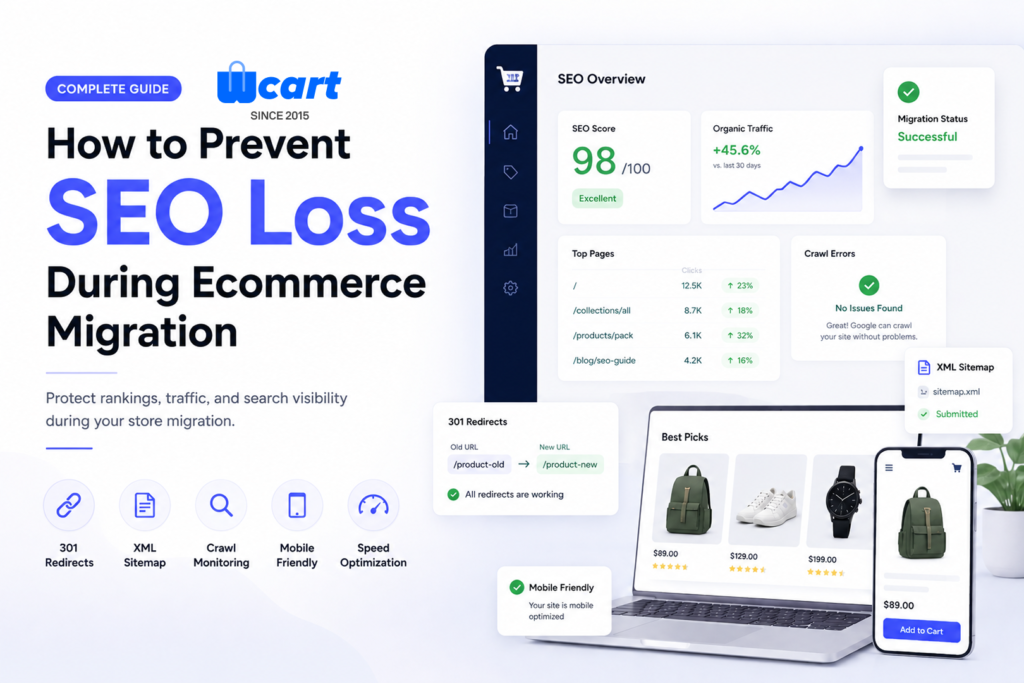
SEO is one of the biggest Problem during ecommerce migration. Businesses can protect rankings by following these SEO best practices.
1.Maintain URL Structure
- Keep your URL structure as close to the original as possible, since search engines treat sudden structural changes with suspicion.
2.Use 301 Redirects
- Set up 301 redirects for every single old URL, not just your top pages, because even low-traffic pages carry link equity.
3.Optimize Metadata
- Carry over your meta titles, meta descriptions, header tags, and image alt text exactly as they were unless you have a specific reason to change them.
4.Submit Updated Sitemap
- Submit a fresh XML sitemap to Google Search Console the moment your new site goes live, so crawlers find your updated structure faster.
5.Monitor Crawl Errors
- Check your crawl error reports daily for the first two weeks and fix broken links immediately rather than letting them sit.
6.Improve Website Speed
- Fast-loading websites improve SEO and user experience.
7.Optimize for Mobile Devices
- Google prioritizes mobile-friendly ecommerce websites.
Common Migration Misconceptions, Debunked
A lot of merchants delay migration because of assumptions that simply aren’t true anymore.
- Misconception – You’ll lose sales during the switch: With a phased rollout and proper staging, your current site stays live and functional until the new one is fully tested.
- False belief- You’ll lose your store design: Most modern platforms let you replicate your existing look closely, or improve on it, without starting from a blank page.
- Assumption- Migration always hurts SEO: SEO loss comes from skipped steps, not migration itself. Proper redirects and metadata preservation keep rankings largely intact.
- Common mistake in thinking- You can just copy and paste everything. Legacy data structures rarely map cleanly to a new system, so some rework is normal and expected.
How to Measure Migration Success
A launched site isn’t the finish line. Track these numbers for at least 60 days post-launch to know if the migration actually worked.
- Site speed and uptime should improve immediately if the migration was handled correctly, since this is usually a primary driver of the switch.
- Conversion rate should hold steady or climb within the first month, particularly if checkout friction was one of your original pain points.
- Organic traffic by URL segment needs close tracking, since a dip in one category often points to a specific redirect issue rather than a platform-wide problem.
- Crawl errors in Search Console should trend toward zero within the first two weeks; a persistent count signals unresolved technical debt.
Shopify to WCART Migration Guide
Merchants trust Shopify for a few specific reasons: rigid checkout customization, app fees that stack up fast, and API limits that get restrictive once a catalog grows past a certain size.
What Moves From Shopify
- Product listings, variants, and collections
- Customer accounts and full order history
- Discount codes and gift card balances
- Blog content and static pages
- Shopify apps’ data, where compatible replacements exist on WCART
Shopify-Specific Migration Steps
- Step 1: Export your Shopify data. Pull product and customer CSVs directly from the Shopify admin panel, since this preserves variant data more reliably than third-party scrapers.
- Step 2: Remap your URL structure. Shopify uses fixed paths like
/products/and/collections/that WCART doesn’t mirror by default, so this mapping step is unique to Shopify migrations and needs redirects planned before launch. - Step 3: Rebuild checkout customizations. Shopify’s checkout logic is locked to its own system and never transfers automatically, so anything custom has to be recreated from scratch on WCART.
- Step 4: Migrate discount codes and gift cards. Balance data is the most common mismatch point in a Shopify export, so verify every code and balance manually rather than trusting the import log.
- Step 5: Reconnect Shopify apps. Find WCART-native equivalents for each app you relied on, since Shopify app data doesn’t move over and needs to be rebuilt as a native feature or new integration.
Read the Complete Shopify to Wcart Migration Steps
WooCommerce to WCART Migration Guide
WooCommerce merchants typically migrate once plugin sprawl starts causing conflicts, or once site speed drops from carrying too many add-ons at once.
What Moves From WooCommerce
- Products, categories, and custom attributes
- WordPress-based blog content and media
- Customer accounts and order history
- SEO plugin data, including meta titles and schema markup
WooCommerce to WCART: 5-Step Migration Process
- Step 1: Audit your active plugins. WooCommerce stores often run 15-20 plugins, and this audit step doesn’t exist in a Shopify migration since Shopify keeps most functionality native rather than plugin-based.
- Step 2: Export your WordPress database. WooCommerce stores custom fields and attributes inside the WordPress database itself, so this export needs closer attention to schema than a straightforward Shopify CSV pull.
- Step 3: Pull SEO data from your SEO plugin. Meta titles and descriptions usually live inside a plugin like Yoast rather than the core database, which is a WooCommerce-specific quirk Shopify migrations don’t have to work around.
- Step 4: Rebuild your permalink structure. WooCommerce’s default URL patterns differ noticeably from WCART’s, so this remapping is more involved than the Shopify path adjustment covered above.
- Step 5: Replace plugin-based features natively. Where Shopify migrations mainly deal with app data, WooCommerce migrations involve replacing entire plugin functions, like reviews or subscriptions, with WCART’s built-in equivalents.
Why Choose WCART for Ecommerce Migration
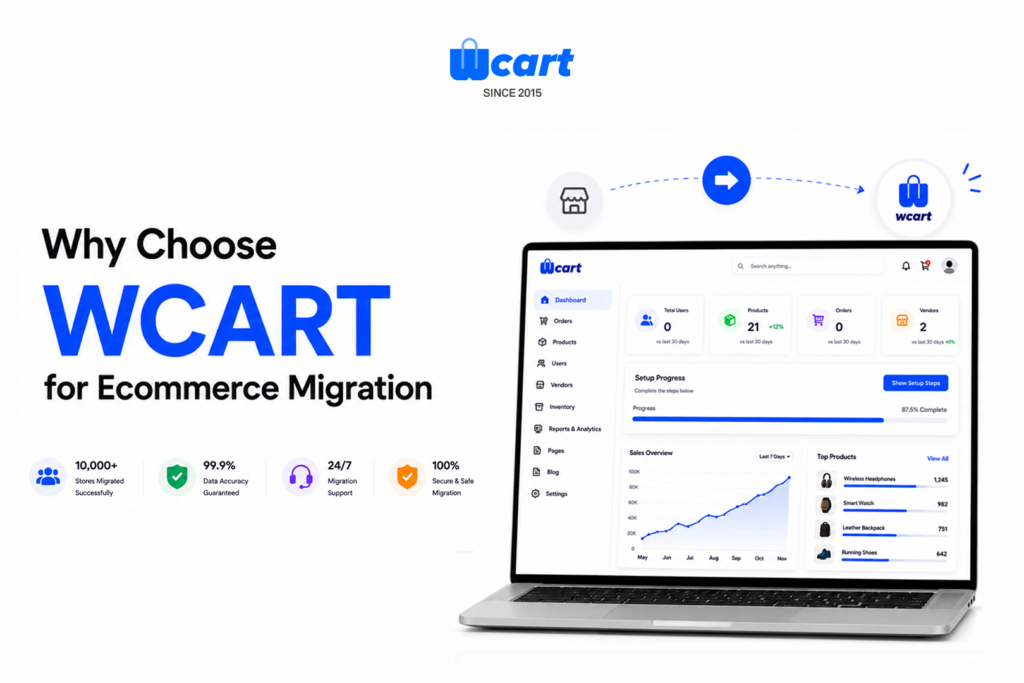
WCART helps businesses complete ecommerce migration smoothly with scalable and performance-focused ecommerce solutions.
WCART supports:
- Custom ecommerce development
- Ecommerce platform migration
- SEO-friendly ecommerce websites
- Mobile optimization
- Fast website performance
- Secure ecommerce architecture
Businesses can migrate their ecommerce websites with better flexibility, faster performance, and improved customer experience.
WCART focuses on building ecommerce platforms that support long-term business growth.
Migration Timeline: What to Expect Week by Week
Having a rough timeline helps set internal expectations before the project starts.
- Weeks 1-2 cover the audit, goal-setting, and platform selection, which should never be rushed since every later step depends on this foundation.
- Weeks 3-5 are spent on data mapping, backup, and building the new store in a staging environment away from live traffic.
- Weeks 6-7 focus on QA testing, redirect setup, and integration checks, catching issues before customers ever see them.
- Week 8 onward covers launch and the 30-day stabilization window, where monitoring matters more than any other single activity.
CONCLUSION
Ecommerce migration is more than just moving your online store to a new platform. It is an opportunity to build a faster, smarter, and more scalable ecommerce website that gives customers a better shopping experience. A successful ecommerce migration helps reduce technical issues, prevent traffic loss, and support long-term business growth.
This blog shows how businesses can move to a better ecommerce platform without affecting SEO, sales, or customer trust. Choosing the right ecommerce platform and using smart migration strategies will help businesses build a future-ready online store that performs better, grows faster, and delivers a stronger customer experience.
Need a Smooth Ecommerce Migration?
Move your online store to a better ecommerce platform without affecting SEO, sales, or customer experience. WCART helps businesses with secure, scalable, and performance-focused ecommerce migration solutions.


























Leave a Reply