9 Best Dukaan Alternatives for Scaling Ecommerce Businesses (2026)

By Aswin M | Last Updated on September 29, 2026

Best Dukaan Alternatives for Scaling Ecommerce Businesses
Summarize this article in:
Get this page as text</>Markdown

Quick Answer

Shopify, WooCommerce, BigCommerce, and Wcart are the top Dukaan alternatives once a store outgrows Dukaan’s catalog cap. Dukaan has grown to over 2.7 million merchants since 2020 (Inc42). Shopify starts at $39/month, WooCommerce is free plus hosting, and Wcart removes the catalog limit entirely.

Key Takeaways

  • Dukaan has onboarded 2.7 million merchants across India since its 2020 launch. (Source: Inc42)
  • Dukaan facilitates a new store roughly every 2 minutes, with over 1.5 million transactions to date. ( Source: TechCrunch)
  • Nearly a third of ecommerce brands switch platforms within three years of launching, usually once order volume outgrows their first platform. (Source: Intelegencia)

You are undoubtedly not alone if you used Dukaan to launch your online store. For new sellers, it’s one of the easiest ways to get products online fast, without technical setup.

But growth changes what you need. Once your store gets busier, you may run into fewer customization options, slower performance as traffic increases, and more manual work as operations get complex.

In this guide, we’ll walk you through the best options available today and help you choose the right platform for your next stage of growth.

Why Businesses Look for Dukaan Alternatives

Dukaan is designed for simplicity. That’s its biggest strength.

But as your company grows, that simplicity may also become a drawback.

The following are some typical explanations for why companies think about switching:

1. Limited Scalability

  • As order volume and traffic grow, managing everything efficiently becomes harder.

2. Basic Performance Capabilities

  • Speed and performance play a big role in conversions. Basic platforms may struggle under high demand.

3. Restricted Customization

  • Growing brands often need more control over design, features and user experience.

4. Limited Integrations

  • Businesses require deeper tool and system integrations as operations become more complex. 

Quick Comparison Overview : Dukaan Alternatives

PlatformStarting priceCatalog limit vs. Dukaan SilverExtra fee on top of planTime to first sale
WcartCustomNo fixed capNone published1-2 days
WebnexsCustomNo fixed cap (custom build)Project-based, quoted upfront2-6 weeks
Shopify$39/monthNo fixed cap2% + payment processing, waived with Shopify PaymentsSame day
WooCommerceFree + hosting ($25+/month)No fixed capNone from the plugin, only your payment gateway’s fee1-3 days
Wix$17/monthNo fixed cap on paid plansNone on ecommerce plansSame day
BigCommerce$39/monthNo fixed capNone, but plan auto-upgrades past $30,000 in trailing sales1-2 days
Adobe CommerceCustom, ~$22,000/year+No fixed capNone published, cost is in hosting and dev4-12 weeks
OpenCartFree + hosting ($5-30/month)No fixed capNone from the software itself1-2 days
Squarespace$16/monthNo fixed cap3% on the Basic plan, drops on higher tiersSame da

9 Best Dukaan Alternatives for Growing & Enterprise Brands

Let’s explore some of the best ecommerce platforms you can consider.

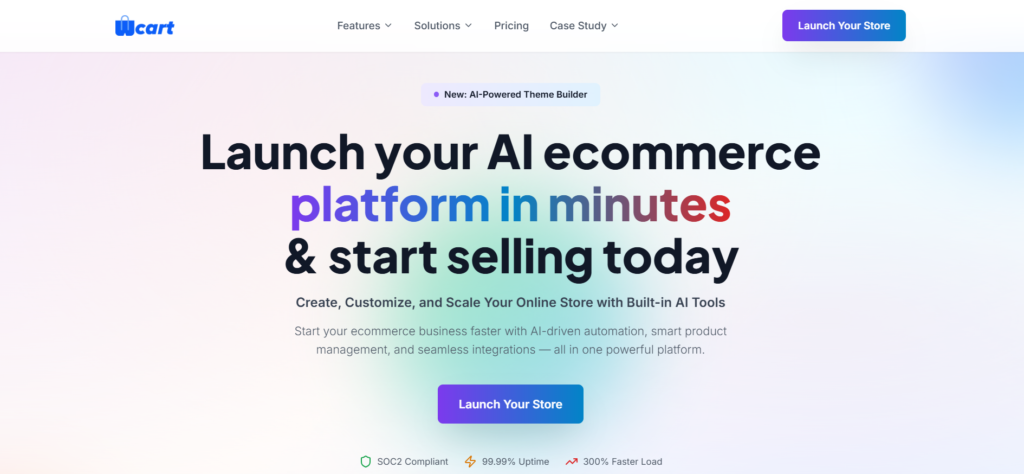
1. WCART (Best for Scaling Ecommerce Businesses)

Wcartis intended for companies that need a platform that can effectively manage growth and are going beyond simple ecommerce setups.

It is suitable for brands wishing to grow without increasing technical complexity because of its focus on performance, scalability and usability. 

Pros:

  • Fast, optimized page performance out of the box
  • Built-in features that reduce reliance on third-party apps

Cons:

  • Smaller public app marketplace than Shopify;
  • No published pricing, so you’ll need to request a quote.

👉 Best suited for: Fast growing and enterprise ecommerce brands

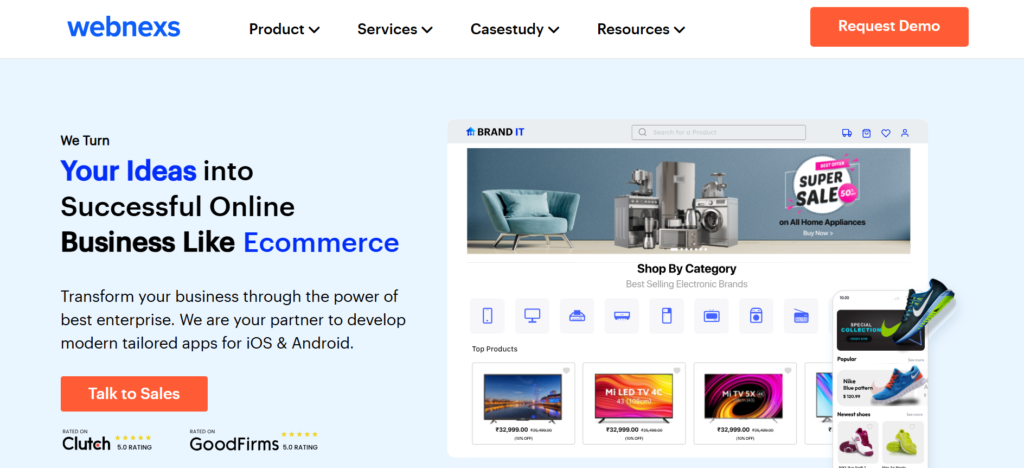
2. Webnexs

Custom ecommerce solutions that are suited to business requirements are offered by Webnexs.

Pros:

  • Fully flexible and customizable to your exact workflow
  • Solutions tailored to your business, not a generic template

Cons:

  • Timeline depends on development capacity
  • Takes longer to launch than a hosted platform

👉 Best suited for: Businesses needing custom built platforms

 3. Shopify

Shopify is one of the most popular ecommerce platforms worldwide.

Because it offers an all in one solution that is easy to set up and maintain it is a popular choice for businesses moving from entry level platforms.

Pros:

  • Simple, user-friendly interface
  • Large app ecosystem covering almost any feature you’d need

Cons:

  • Costs climb as you add paid apps
  • Less backend flexibility than open-source platforms

👉 Best suited for: Small to mid sized growing businesses

Learn more: About shopify alternatives

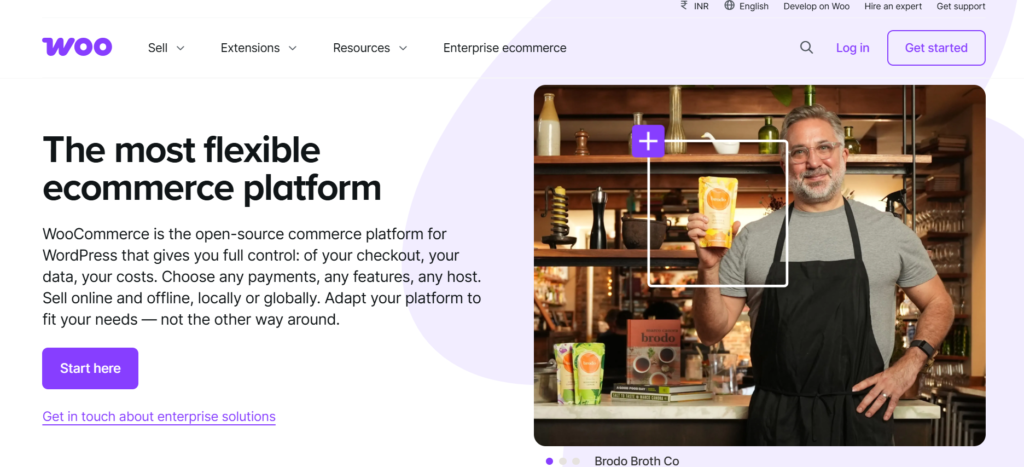
4.WooCommerce

Based on WordPress WooCommerce is an open source ecommerce platform.

Although it offers great flexibility, managing it successfully calls for technical know-how.

Pros:

  • Complete control over code, design, and data
  • No platform lock-in, no required transaction fee beyond your payment processor

Cons:

  • Needs ongoing maintenance (updates, security, backups)
  • Can get complex fast without developer support

👉 Ideal for: Companies with technical resources

Learn more: About Woocommerce alternatives

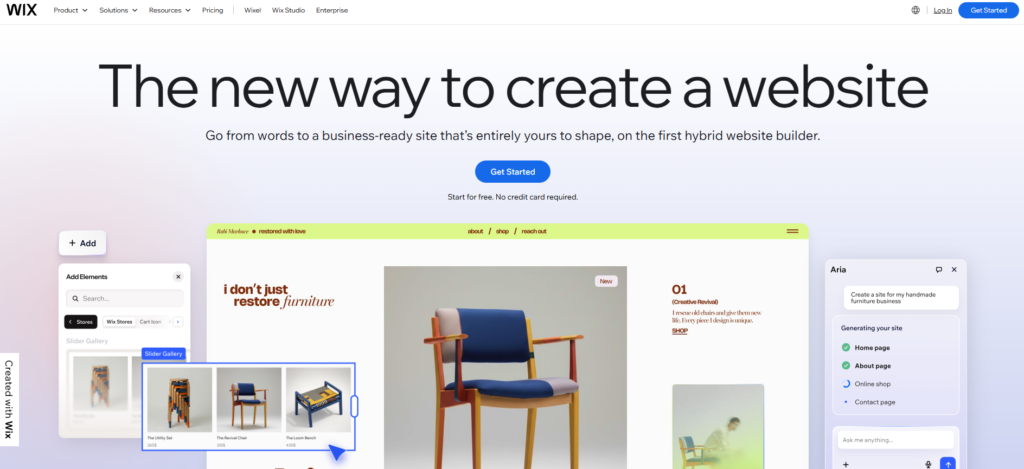
5. Wix

Wix is a drag-and-drop builder that lets sellers put together a store quickly without touching code.

Pros:

  • Easy drag-and-drop editor
  • Fast to launch, minimal setup

Cons:

  • Limited scalability for larger catalogs
  • Not built for stores with complex product ranges

👉 Best for: Small businesses and beginners who want to launch fast.

Learn more: About Wix alternatives

6. BigCommerce

BigCommerce offers a comprehensive set of integrated ecommerce features and makes multichannel selling easier. 

Pros:

  • Rich, built-in feature set with less need for third-party apps
  • Strong scalability as your store grows

Cons:

  • Can feel complex to a first-time store owner
  • Moves you to higher pricing tiers as your sales grow

👉 Best suited for: Mid sized to large businesses

Learn more: About Bigcommerce alternatives

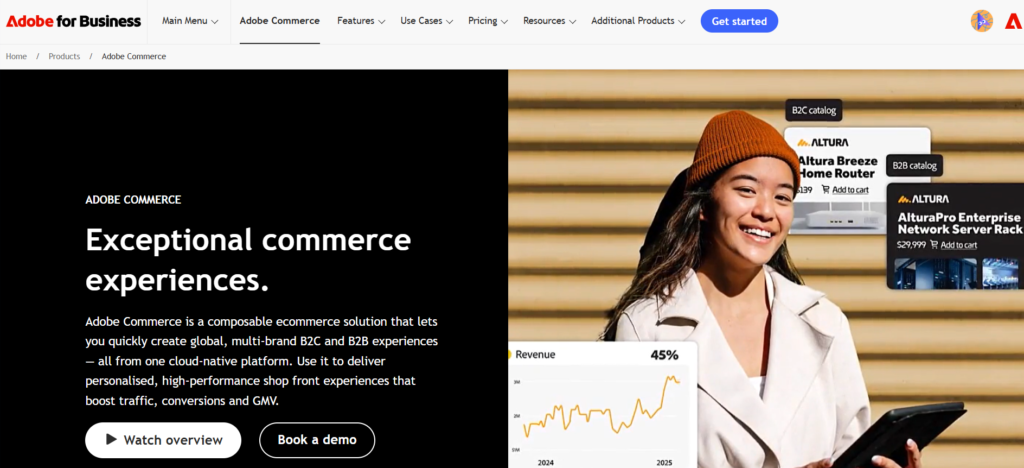
7. Adobe Commerce

The robust enterprise ecommerce platform Adobe Commerce is renowned for its adaptability.

Pros:

  • Highly customizable at the code level
  • Built to handle complex catalogs and business rules

Cons:

  • Requires developers to set up and maintain
  • High total cost once hosting, extensions, and development are added up

👉 Best for: Large enterprises with a development team and complex requirements.

Learn more: About Adobe commerce alternatives

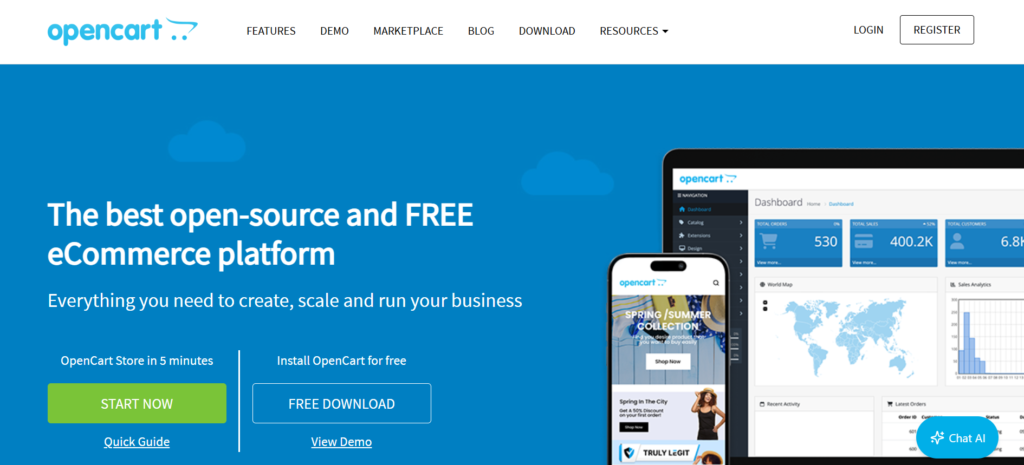
8. OpenCart

OpenCart is a free, open-source ecommerce platform that’s straightforward to set up.

Pros:

  • Low cost
  • Simple setup

Cons:

  • Limited scalability
  • Fewer advanced features

👉 Best  for: Small businesses on a tight budget.

Learn more: About Opencart alternatives

9. Squarespace

Squarespace is known for polished templates and strong design features, more than deep ecommerce functionality.

Pros:

  • Strong, professional-looking design templates
  • Easy to use for non-technical sellers

Cons:

  • Limited ecommerce features compared to dedicated platforms
  • Fewer scaling options for larger catalogs

👉 Best for: Creative businesses where design matters more than catalog size.

Learn more: About Squarespace alternatives

Real Example – How MP Collections Scaled Their Business

MP Collections, a custom fashion brand, started with manual order handling and a small customer base.

The challenges:

  • Orders were tracked and processed by hand
  • Measurement details were often inconsistent between orders
  • Growth was capped by how much the team could manage manually

What changed: After moving to a platform built for scale, the team automated order processing and standardized how measurements were captured and stored.

The results: Manual order handling time dropped by roughly half, order errors from mismatched measurements fell sharply, and the brand was able to take on orders from new regions without adding headcount.

👉 This shows how the right platform can directly impact business growth.

How to Switch from Dukaan to a New Platform

  1. Export your product data – Most platforms, including Dukaan, let you export your catalog as a CSV file. Do this before starting anything else.
  2. Pick your new platform – based on the comparison above, and set up a basic store structure (categories, payment methods, shipping zones).
  3. Import your products – using the new platform’s CSV import tool, then check prices, images, and descriptions came through correctly.
  4. Recreate key pages – (About, policies, contact) since design elements don’t transfer between platforms.
  5. Set up redirects – from your old Dukaan URLs to the matching pages on your new store, so you don’t lose search rankings.
  6. Test everything before going live – place a real test order, check payment processing, and confirm shipping rates calculate correctly.
  7. Go live and monitor – your first week of orders closely to catch anything that didn’t transfer cleanly.

Most straightforward migrations take a few days to two weeks, depending on catalog size and how much custom design work is involved.

Read more: Ecommerce migration guide and migrating without losing SEO

When Should You Move from Dukaan?

Not every business needs to switch immediately.

However, you should start considering alternatives when:

  • Your store performance starts dropping
  • You need more flexibility in features or design
  • Managing operations becomes time consuming

Stay on Dukaan if: your order volume is still low, your catalog is simple, and you have no near-term plans to add sales channels or heavy customization.

How to Choose the Right Dukaan Alternative

Consider your long term objectives before selecting a platform.

Consider this:

  • How fast is my business growing?
  • Do I need advanced customization?
  • Do I have technical resources?
  • What kind of experience do I want to offer customers?

The right platform should not just solve today’s problems  it should support your future growth.

Final Thoughts

For many businesses Dukaan is an excellent place to start.

However your platform requirements might alter as your ecommerce journey develops.

There are many great alternatives from tools appropriate for novices to enterprise level solutions.

It’s critical to choose a platform that supports your operations, expansion and long term objectives.

Ready to scale your ecommerce business without limitations?
Book a demo and discover how the right platform can improve performance simplify operations and support your long term growth.

Frequently Asked Questions

Yes. It’s one of the simplest platforms for launching an online store, with drag-and-drop setup and no coding required. Most sellers can get a basic store live within a day.

Dukaan’s entry Silver plan runs about ₹333/month (₹3,999 billed yearly). The Gold plan costs ₹700/month (₹8,999 yearly), and Platinum runs ₹2,500/month (₹29,999 yearly), with each tier adding more product capacity and features.

Shopify generally handles growth better, with a larger app ecosystem, more payment gateway options, and stronger built-in scalability. Dukaan remains the simpler and cheaper option for a small, early-stage store.

Not if you set up redirects correctly. Point every old Dukaan URL to its matching page on the new platform, and keep page titles and content close to the original. Rankings can dip briefly but typically recover within a few weeks.

Dukaan is built around Indian sellers, with UPI payment support and a mobile-first setup suited to small kirana stores and first-time entrepreneurs. It works well for that exact use case. Once you need GST-ready invoicing at scale, multiple payment gateways, or wider logistics integrations, Indian sellers commonly move to Shopify, WooCommerce, or Wcart, all of which support Indian payment gateways and carriers too.

Wcart are the cheapest to start, open-source software and you only pay for hosting, typically ₹800 to ₹2,500 per month for a small Indian store. Wix and Squarespace are the cheapest hosted options, starting around ₹1,400 to ₹1,500 per month.

Shopify, WooCommerce, BigCommerce, and Wcart all support Razorpay, UPI, and other India-focused payment gateways through built-in or plugin-based integrations. Dukaan supports UPI natively but has fewer gateway options beyond that.

Related Platform Comparisons

Comments

Leave a Reply

Your email address will not be published. Required fields are marked *

Awards & Recognitions