
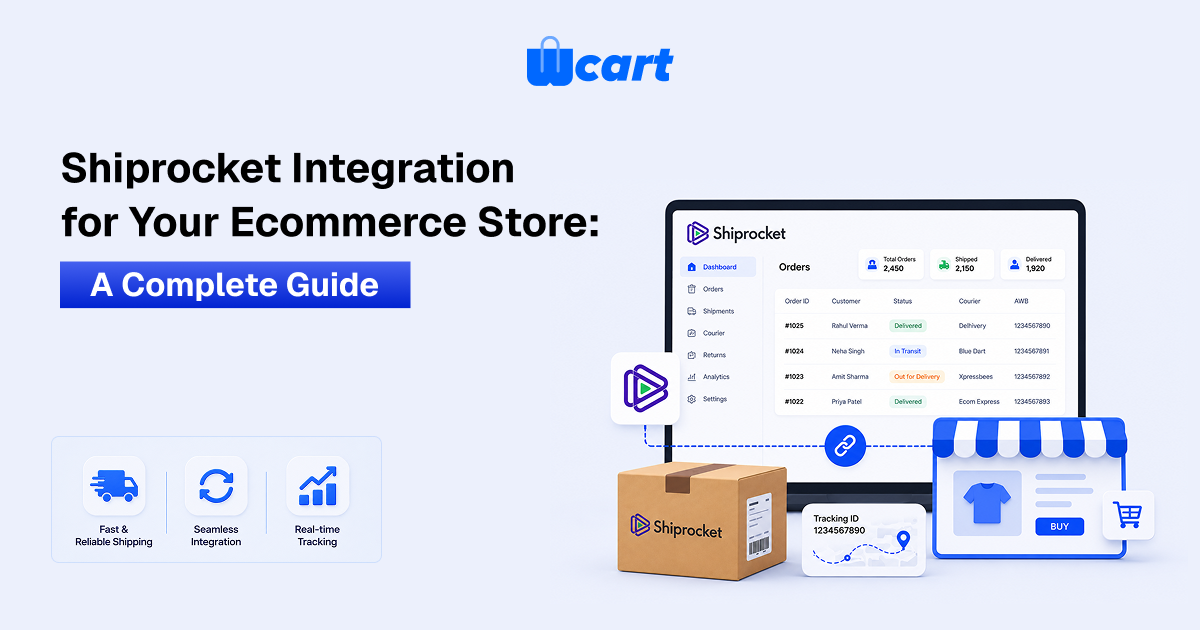
Shipping is a part of online shopping that customers most. They might forget the product page, but they will remember if their order was late, if tracking never updated, or if the courier left their package at the wrong address. That experience either builds trust or breaks it.
Shiprocket is one of the most popular shipping solutions available for Indian ecommerce sellers and B2B stores that want to streamline order fulfillment. It connects your store to 25+ courier partners, covers 24,000+ pin codes across India, and reaches 220+ countries internationally. You get all of that in one integration, without managing separate courier contracts.
In this guide, we explain what is all about Shiprocket integration, how does setup work, what it brings you from an operational perspective, and how platforms like Wcart make the integration even easier.
What Is Shiprocket Integration?
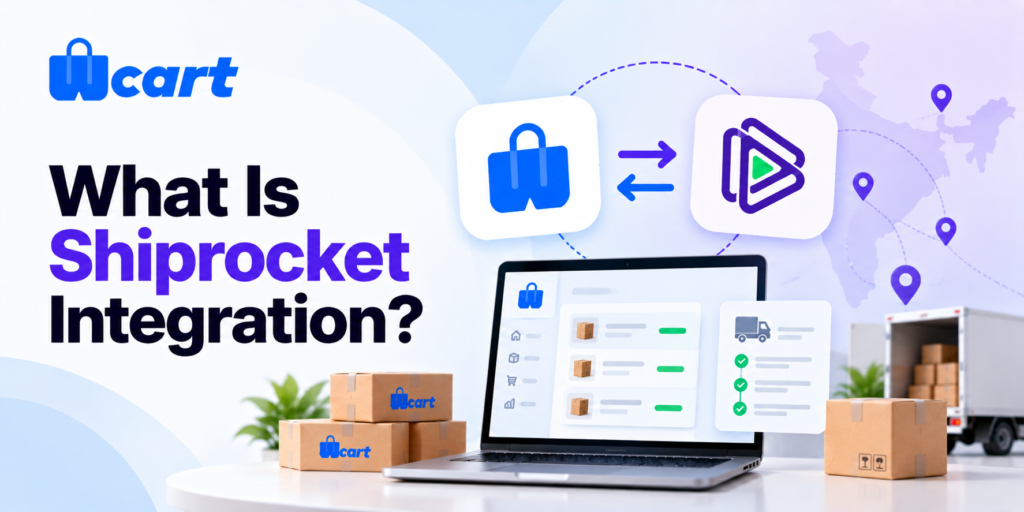
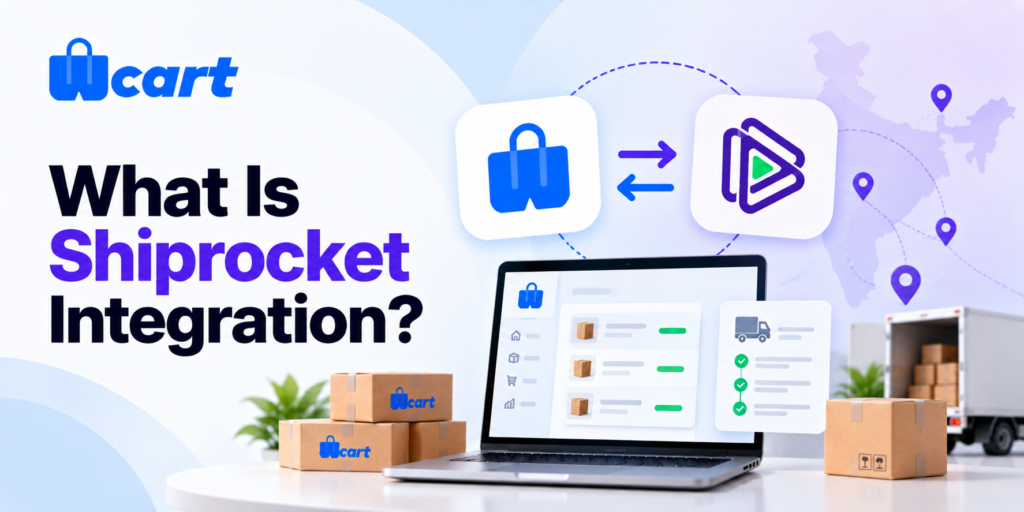
Shiprocket Integration is the process of connecting your online store with the Shiprocket platform, So that orders placed on your site automatically flow into Shiprocket for fulfillment.
How Does Shiprocket Work?
- Instead of manually exporting orders and booking courier pickups one by one, everything linked in a pipeline.Once connected, your store and Shiprocket work together.
- When a customer places an order, it appears in the Shiprocket dashboard.
- You select the right courier, create the shipping label, schedule a pickup and Shiprocket does the rest.
- Tracking updates are sent back automatically to the customer.
The integration can happen in two ways.
pre-built channel
The first is via a pre-built channel connection. Shiprocket supports direct integrations with platforms including Shopify, WooCommerce, Magento, PrestaShop, and Wcart.
Shiprocket API integration
The second route is API integration for stores built on custom or headless platforms. Here, the connection is established through the API endpoints of Shiprocket.
If your store isn’t on Shopify, Wcart, WooCommerce, or Magento, you connect via Shiprocket’s REST API instead the same system behind the pre-built integrations, just wired up directly by your developer.
- Authentication: Generate an API user under Settings → API, then use those credentials to get a bearer token from
/auth/login. - Order creation: Push new orders to Shiprocket via
/orders/create/adhocin real time, instead of waiting on the 15-minute channel sync. - Serviceability check: Call
courier/serviceabilitywith pincode and weight to show live courier options at checkout. - Tracking: Pull shipment status via
courier/track, or register webhooks so Shiprocket pushes updates to you automatically.
Full endpoint details are in Shiprocket’s official API docs (apidocs.shiprocket.in) hand that to your developer before they start building.
Scale context: Shiprocket is trusted by 270,000+ businesses across India, processes 200 million+ ecommerce transactions annually, and facilitates $4 billion in annual GMV across its merchant base.
Why Shipping Integration Matters More Than Most Sellers Realize
Most sellers set up shipping as an afterthought once the store is live. That usually leads to problems, and the problems tend to surface at the worst moments, like during a sale period when order volume spikes.
Here is what the data shows about how customers actually think about shipping:
- 62% of online shoppers will not purchase if free shipping is unavailable (Sales So, 2025)
- 48% of cart abandonment happens because of shipping fees added at checkout (Baymard Institute)
- 74% of online shoppers expect delivery within two days of placing an order
- 63% say they will switch to a different retailer for future purchases if shipping took too long
- 80% of Indian shoppers abandon carts when their preferred delivery option is unavailable (DHL eCommerce, 2025)
- 92% of consumers factor in delivery windows when deciding whether to buy.
The numbers tell the story. Shipping is not a backend detail. It is a conversion factor. Getting integration right from the start means fewer manual errors, better customer communication, and less time spent managing logistics manually.
India’s ecommerce logistics market is projected to reach INR 601 billion by 2029, growing at a 16% CAGR. B2C ecommerce shipments in India are estimated at 12 million per day in 2024, up from 4 million in 2019.
How to integrate shiprocket to your website: Step by Step
The actual setup process is straightforward. Here is how it works for a typical ecommerce store.
Step 1 : Create a Shiprocket account
- Visit shiprocket.in and sign up using your business email. During registration you will need your company name, registered mobile number, and GST details if you plan to enable COD remittance to a bank account.
- Once registered, you are redirected to the Shiprocket dashboard.
Step 2 : Generate API credentials
- Go to Settings in the Shiprocket dashboard, then Additional Settings, then API Users. Create a new API user with an email and password.
- This generates the API token that your store will use to communicate with Shiprocket. Keep this secure.
Step 3 : Connect your store channel
- In the Shiprocket dashboard, go to Setup and Manage, then Channels, then Add New Channel. Select your ecommerce platform from the list. For direct platform integrations, you enter your store URL and authorize the connection.
- For custom or API-based setups, you use the API credentials from step two to build the connection programmatically.
Step 4 : Configure pickup addresses
- Go to Settings, then Pickup Addresses. Add the address from which your orders will be picked up.
- If you ship from multiple locations or warehouses, you can add multiple pickup addresses and tag them appropriately.
Step 5 : Set shipping zones and courier rules
- Configure which courier partners you want active for different zones. You can set rules to auto-assign couriers based on region, delivery timeline, and order weight.
- This reduces the decision-making burden at order processing time.
Step 6 : Test before going live
- Use a test order to verify that orders sync correctly from your store to Shiprocket, that label generation works, and that tracking information flows back.
- This step is worth doing carefully because the kinds of errors that show up in testing are far easier to fix before real customer orders are affected.
Step 7 : Go live and monitor
- Once live, track authorization rates, NDR rates, and delivery timelines per courier. Use this data to refine your courier assignments over time.
- Shiprocket’s analytics dashboard gives you shipment-level data you can use to optimize.
Ready to Simplify Your Ecommerce Shipping?
What You Actually Get with Shiprocket Integration
A lot of sellers look at Shiprocket purely as a way to book courier pickups. That is one part of it, but the integration does considerably more operationally once it is set up correctly.
1.Order auto-sync every 15 minutes
- Once your store is connected, Shiprocket pulls in orders automatically every 15 minutes. You do not need to manually import order data or cross-check between two platforms.
- New orders appear in the Shiprocket dashboard as they come in, and you can process them in batches.
2.Access to 25+ courier partners from one dashboard
- ·Shiprocket integrates with more than 25 courier partners including Blue Dart, Delhivery, Ekart, ExpressBees, Xpressbees, Shadowfax, and India Post, among others.
- Instead of negotiating separate rates with each courier, you compare options in one place and pick what works for each shipment based on cost, speed, and coverage.
3.Coverage across 24,000+ pin codes and 220+ countries
- Domestic coverage reaches 24,000+ pin codes, and international shipping is available in 220+ countries and territories through the same platform. For stores selling into tier 2 and tier 3 cities, this range matters. You do not have to turn away orders from pin codes that individual couriers cannot service.
4.AI-based courier recommendation (CORE engine)
- Shiprocket uses an AI-powered courier recommendation engine called CORE. It analyses the destination pin code, package weight, historical courier performance data, and delivery timelines to suggest the optimal courier for each shipment.
- This removes the guesswork that usually comes with manual courier selection, especially for high-volume stores processing dozens of orders daily.
Shiprocket’s CORE engine analyses millions of data points across courier partners and pin codes. Its RADAR tool monitors real-time network health at pin code level so sellers can avoid assigning couriers that are underperforming in a specific area on a specific day.
5.Branded tracking page and customer communication
- When your customer gets a tracking link, it takes them to a branded tracking page rather than a generic courier portal.
- You can configure this page with your store name and branding. Tracking updates go out automatically via SMS, email, and WhatsApp, so customers are informed without your team needing to handle status queries manually.
6.Prepaid and COD payment handling
- Shiprocket supports both prepaid and cash on delivery orders. For COD orders, collected payments are remitted back to your account within two days of delivery through its Early COD feature.
- This is particularly useful for stores where COD makes up a significant share of orders, which is common in the Indian market where COD historically accounts for a large portion of retail transactions.
7.Automated NDR (Non-Delivery Report) management
- Undelivered orders are one of the most operationally painful parts of ecommerce. When a courier cannot complete delivery, Shiprocket’s automated NDR panel flags the shipment, attempts customer contact, and facilitates reattempts or return processing.
- This reduces the manual follow-up time that usually goes into tracking down failed deliveries.
8.Bulk order processing
- For stores handling large order volumes, Shiprocket supports bulk order creation, bulk label generation, and scheduling pickups from multiple locations.
- This is particularly relevant for B2B operations and businesses using an enterprise ecommerce, where a single order cycle might involve hundreds of shipments going to different locations.
Shiprocket vs Managing Courier Relationships Directly
| Factor | Direct Courier Contracts | Shiprocket Integration |
| Courier access | Limited to negotiated partners | 25+ partners, one platform |
| Pin code coverage | Varies per courier | 24,000+ pin codes, 220+ countries |
| Rate comparison | Manual across contracts | Automatic rate comparison per shipment |
| Order sync | Manual import required | Automatic every 15 minutes |
| NDR management | Manual follow-up | Automated NDR panel with reattempts |
| Tracking | Courier-specific portals | Branded tracking page, SMS/email/WhatsApp |
| Volume threshold for good rates | High (most small sellers get standard rates) | Aggregated rates across 270,000+ sellers |
| Setup time | Days per courier | One integration, hours to go live |
Fulfillment Centers: Shiprocket’s Next Layer
Beyond standard shipping integration, Shiprocket also offers a fulfillment network for sellers who want to store inventory closer to their buyers. The platform operates 45+ fulfillment centers across India, enabling 1-day and 2-day delivery for orders that would otherwise take 4 to 6 days through standard shipping.
Shiprocket Fulfillment’s 45+ warehouses enable up to 20% lower shipping cost, 60% RTO (return to origin) reduction, and 99.9% accurate operations for sellers who stock inventory in the network.
Common Mistakes to Avoid During Shiprocket Integration
The integration itself is not complicated, but there are patterns that cause problems after go-live. Knowing them in advance saves time.
- Skipping pickup address verification – Shiprocket needs to verify every pickup location via OTP or IVR before it goes active. Skip it and pickups fail silently no errors, no courier, no movement.
- Not testing order sync before going live – Place a test order and trace it end to end before real customers do. Sync issues caught in testing take minutes to fix; the same issues post-launch cost you orders and trust.
- Relying on one courier for all pin codes – No single courier performs equally across India. Use regional auto-assignment rules so Shiprocket routes each shipment to the right carrier your delivery rates and NDR numbers will reflect it.
- Ignoring weight and dimension accuracy – Shiprocket bills on actual or volumetric weight, whichever is higher. Enter wrong weights upfront and you will see discrepancy charges on every affected shipment, quietly draining your margin.
- Not enabling real-time rates at checkout – This does not turn on automatically. Without it, customers see flat estimates at checkout and the actual cost later a reliable way to lose them before the order even ships.
Closing Thoughts
Getting shipping integration right is one of the more impactful infrastructure decisions an ecommerce store makes. The right setup means orders flow from checkout to fulfillment to the customer’s door without your team manually touching every step.
The wrong setup means delays, failed pickups, and customers who remember the bad experience more than the product.
Shiprocket integration gives you coverage across 24,000+ pin codes, 25+ courier partners, AI-powered courier selection, automated NDR handling, and branded customer communication from a single platform.
For stores already running on Wcart, the API-first architecture makes this integration clean and reliable without working around platform constraints.
If shipping logistics is currently a pain point in your operations, this is a gap worth closing sooner rather than later.

























Leave a Reply