
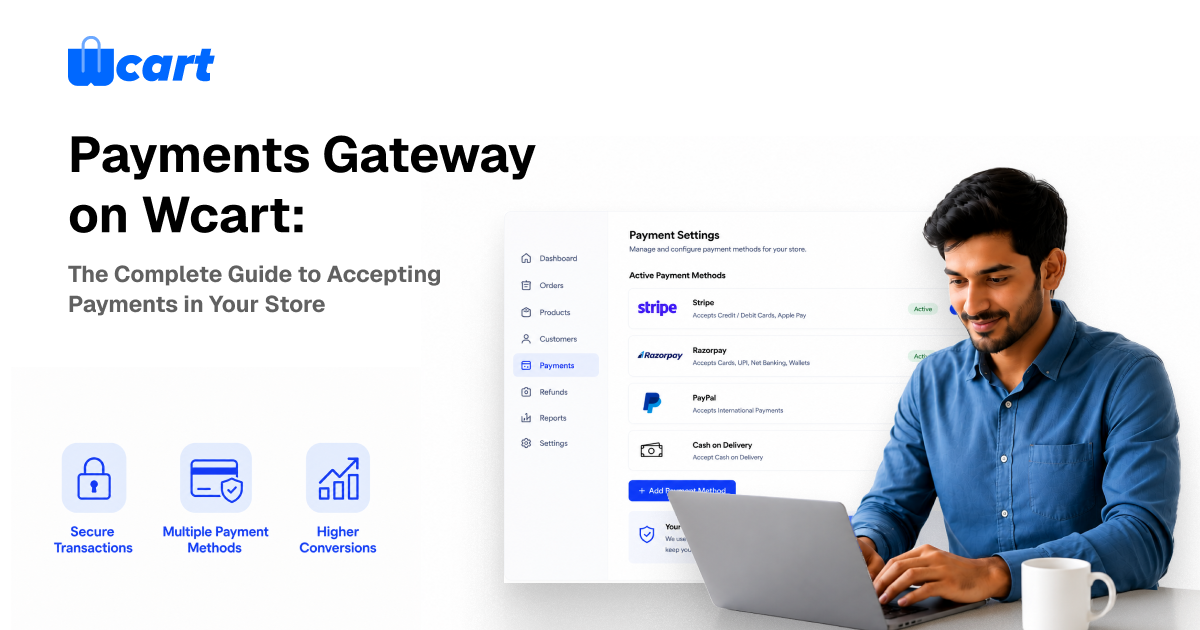
Wcart lets your store accept payments through multiple gateways (Stripe, PayPal, Razorpay and regional processors), cash on delivery, digital wallets and store credit, with multi-currency checkout for selling across 150+ countries. The right setup is a mix — usually one or two card gateways, a local method per major market, and COD where your buyers expect it — configured so failed payments and drop-offs stay low. This guide covers every option, how to choose, and how to set it up without leaking revenue at the last step.
Why your payment setup quietly decides how much you keep
Most merchants obsess over traffic and theme design, then bolt on payments as an afterthought. That is backwards. The checkout is the only page where money actually changes hands, and small decisions there compound: a missing local payment method in a key market, a gateway that declines legitimate cards, a currency shown in the wrong denomination, or a clumsy redirect can each quietly shave points off your conversion rate. On a store doing real volume, that is the difference between a good month and a flat one.
The goal of your Wcart payment configuration is simple to state and harder to execute: let every customer pay the way they trust, in their currency, in as few taps as possible — while you stay protected from fraud and chargebacks. Everything below serves that one objective.
The payment methods Wcart supports
Wcart is built to handle the full spread of how modern shoppers pay. You rarely need all of these — you need the right subset for your markets.
1. Card & gateway payments
The backbone of most stores. Wcart connects to major processors — Stripe, PayPal, Razorpay and a range of regional gateways — so customers can pay by credit card, debit card and the wallets those processors support (Apple Pay, Google Pay, UPI, and more depending on the gateway and country). You can run more than one gateway at once, which matters more than people realise (see multi-gateway routing below).
2. Cash on delivery (COD)
In markets like India, the Middle East and parts of Southeast Asia, COD is not optional — a large share of buyers will abandon a cart that does not offer it. Wcart supports COD with controls so it does not become a fraud or logistics liability: order-value limits, pincode/region restrictions, and partial-advance options.
3. Wallets & store credit
A built-in wallet lets you issue refunds, loyalty rewards and promotional credit that customers spend on their next order. This keeps money inside your ecosystem instead of refunding it back to a card — refunds that return as store credit recover margin and increase repeat purchase rate.
4. Partial & deposit payments
For high-ticket items, pre-orders or services, taking a deposit up front and the balance later removes the sticker-shock barrier and captures intent before the buyer cools off. Configure the deposit percentage and balance-collection rules per product or category.
5. Multi-currency & international payments
Wcart supports multiple currencies and international payment gateways, so a shopper in Germany sees euros and pays through a method they recognise, while a shopper in India sees rupees and UPI. Selling in the customer’s own currency is one of the highest-leverage trust signals in cross-border ecommerce — it removes the mental friction of “what will this actually cost me?”
How to choose the right payment mix
Don’t enable everything. Each method you add is one more thing to reconcile and one more potential point of failure. Choose based on three questions: where are your buyers, what is your average order value, and what is your margin?
| If you are… | Prioritise | Why |
|---|---|---|
| Selling primarily in India / MENA / SEA | COD + UPI/local gateway + one card gateway | COD is expected; local rails have higher approval rates than foreign cards |
| Selling cross-border / globally | Stripe or PayPal + multi-currency + 1–2 local methods per top market | Local currency + familiar method lifts approval and trust |
| High average order value | Cards + partial/deposit payments + wallet | Deposits reduce abandonment on expensive items |
| Thin margins / digital goods | Lowest-fee gateway + wallet for refunds | Every fee point matters; keep refunds as credit |
Wcart Payment Gateway Comparison
Choosing the right payment gateway is one of the most important decisions for your ecommerce store. Each provider offers different strengths in terms of transaction fees, international support, local payment methods, and checkout experience. The table below compares some of the most popular payment gateways supported by Wcart to help you select the best option for your business.
| Payment Gateway | Best For | Credit & Debit Cards | UPI Support | International Payments | Multi-Currency Support | Popular Regions |
|---|---|---|---|---|---|---|
| Stripe | Global ecommerce stores | Yes | Limited (through supported methods) | Yes | Yes | North America, Europe, Australia |
| PayPal | Cross-border selling | Yes | No | Yes | Yes | Worldwide |
| Razorpay | Indian businesses | Yes | Yes | Limited | Yes | India |
| PayU | Emerging markets | Yes | Yes | Limited | Yes | India, LATAM, Africa |
| Cash on Delivery (COD) | Trust-focused local sales | No | No | No | N/A | India, MENA, Southeast Asia |
| Wallet & Store Credit | Customer retention | No | No | No | N/A | Global |
Setting it up in Wcart
Configuring a gateway in Wcart follows the same pattern regardless of provider: connect your processor account, enter the API keys, test in sandbox mode, then switch to live. The full, screenshot-by-screenshot walkthrough for each provider lives in our dedicated guide — How to Set Up Payment Gateways in Wcart (Stripe, PayPal, Razorpay & COD). The short version:
- Open Admin → Settings → Payments and pick the gateway.
- Paste your live and test API keys from the provider’s dashboard.
- Run a sandbox transaction end-to-end before going live — confirm the order, refund, and webhook all fire.
- Set the gateway’s display name, supported currencies and any surcharge rules.
- Switch to live mode and place one small real transaction as a final check.
The single most common launch mistake is skipping the sandbox test and discovering in production that webhooks aren’t reaching Wcart — which leaves paid orders stuck as “pending.” Always test the full loop first.
Multi-gateway routing & international payments
Running two or more gateways is not redundancy for its own sake — it is a conversion and resilience strategy:
- Higher approval rates: route domestic cards through a local acquirer and international cards through a global one, so each transaction goes down the path most likely to be approved.
- Failover: if one processor has an outage, you are not fully down.
- Cost control: send each transaction type to whichever gateway is cheapest for it.
Combined with multi-currency, this is how a Wcart store sells convincingly in dozens of countries: local currency on the storefront, a locally-trusted method at checkout, and routing behind the scenes that maximises the odds the payment actually goes through.
Stop losing paid-ready customers at the last step
A surprising share of “failed” sales are not failed payments — they are friction. Buyers reach checkout intending to pay and leave. The fixes are mostly in your payment and checkout configuration: offer the methods they expect, show the correct currency, keep the form short, and recover the ones who slip away. We cover the recovery side in depth in Abandoned Cart Recovery in Wcart — pair a clean payment setup with an automated recovery flow and you reclaim revenue that would otherwise vanish.
Security, PCI & fraud
Trust is part of conversion. Wcart processes payments over secure, encrypted connections and is built on SOC 2-aligned infrastructure, and because card data is handled by PCI-compliant gateways rather than touching your store directly, your PCI scope stays minimal. A few practical controls to switch on:
- 3-D Secure on card payments — shifts liability and cuts fraudulent chargebacks, at a small cost to friction. Worth it above a value threshold.
- COD guardrails — value caps, region limits and optional partial advance so cash-on-delivery doesn’t invite abuse or pile up returns.
- Velocity / address checks at the gateway level to flag suspicious orders before fulfilment.
Real Store Example: How Printro Improved Checkout Experience with Wcart
When online shoppers reach the checkout page, every second matters. A slow or complicated payment experience can lead to abandoned carts and lost revenue.
Printro Case Study demonstrates how a growing ecommerce business used Wcart to create a smoother purchasing journey for customers.
Key outcomes
- Faster checkout experience
- Improved customer trust during payment
- Better order completion rates
- Scalable payment infrastructure for business growth
By offering a seamless buying experience and reliable payment processing, Printro was able to focus on growth rather than dealing with payment-related friction.
Takeaway: The right payment setup is not just about accepting money. It directly impacts customer trust, checkout completion rates and long-term revenue growth.
Refunds, chargebacks & reconciliation
Money flowing out needs to be as clean as money flowing in. In Wcart you can refund to the original method or to wallet/store credit (the latter keeps the customer and the margin). Keep three habits: refund promptly to avoid escalations into chargebacks; respond to chargebacks with order, shipping and communication evidence; and reconcile your gateway payouts against Wcart orders regularly so nothing falls through the gap between “paid” and “settled.”
Common mistakes to avoid
- One gateway, one currency, global ambitions. You will quietly lose every market that expects something else.
- No COD where buyers expect it — or COD with no guardrails, which invites fraud and returns.
- Going live without a sandbox test — webhooks fail silently and orders hang as pending.
- Refunding to card by default instead of offering store credit — you give back margin you could have kept.
- Ignoring failed-payment reasons — declines cluster around fixable causes (wrong currency, missing 3-DS, no local method).
Frequently asked questions
Which payment gateways does Wcart support?
Wcart integrates with major processors including Stripe, PayPal and Razorpay, plus regional gateways, and supports cash on delivery, wallets/store credit and multi-currency international payments.
Can I use more than one payment gateway at the same time?
Yes. Running multiple gateways lets you route transactions for higher approval rates, failover during outages, and lower fees per transaction type.
Does Wcart support cash on delivery?
Yes, with controls — order-value limits, region/pincode restrictions and partial-advance options — so COD stays viable without inviting fraud or excess returns.
Can I sell in multiple currencies?
Yes. Wcart supports multi-currency checkout and international gateways so customers pay in their own currency, which improves trust and approval rates for cross-border sales.
Is Wcart secure / PCI compliant?
Payments are processed over encrypted connections through PCI-compliant gateways, on SOC 2-aligned infrastructure, keeping card data off your store and your PCI scope minimal.
Related guides
- How to Set Up Payment Gateways in Wcart (Stripe, PayPal, Razorpay & COD)
- Abandoned Cart Recovery in Wcart
- Ecommerce Payment System: How to Choose the Right One
Ready to see it live? Spin up a Wcart store and configure your first gateway in minutes — start your free trial and take a real test payment today.

























Leave a Reply