
Quick Answer
To build an online store: pick your niche and target audience, website builder with a built-in shopping cart (like Wcart, Shopify, or WooCommerce), register a domain and set up hosting, select and customize a theme, add your products with descriptions and images, set up payment and shipping, then test everything before you launch. A lean, template-based store can go live in with in day, while a fully polished store with real content and testing typically takes a weeks.
Wcart provides a no-code ecommerce platform built for businesses that want to launch fast and grow without hitting a wall later. It handles hosting, payment integration, and store building in one place, so you’re not stitching together five different tools just to get started.
Key Takeaways
- Over 70% of ecommerce traffic now comes from mobile devices, making mobile-responsive design one of the highest-priority steps before launch, not an afterthought (Source: Spiderdesign)
- Global ecommerce is projected to reach $6.88 trillion in 2026, with online sales making up roughly 21% of total retail worldwide (Source: Shopify)
- A basic online store can launch for as little as $100 to $500 in the first month, covering platform fees and setup alone, before inventory or marketing spend (Source: eComGuider)
- Template-based stores typically launch in 2 to 4 weeks, while fully custom builds can take 3 to 6 months depending on scope (Source: Fyresite)
Most people who put off starting an online store aren’t stuck on strategy. They’re stuck because they don’t know where to begin, or they think it takes skills they don’t have. Neither is true anymore. Today’s platforms have knocked down almost every barrier that used to make this hard: no coding, no messing with servers, no design background needed. What’s left is a short list of decisions, made in the right order, plus a few hours of real work.
The businesses that actually get off the ground aren’t the ones with the biggest budget. They’re the ones who pick a platform, follow a clear plan, and launch instead of overthinking it for months. That’s exactly what this guide walks you through, step by step.
Why Build an Online Store
An online store reaches more people than a physical shop ever could, and it never closes. Customers can browse and buy at any hour, and you get your time back to focus on running the business instead of standing behind a register.
It’s also cheap to start. A basic store can launch for a few hundred dollars, which means testing an idea doesn’t mean betting the whole business on it.
Read more: Ecommerce Website Development: Step-by-Step Guide
Real Example: From Struggling Store to $10M+/Month
Cask88, a UK-based independent whisky bottling company, started on a legacy WordPress store that couldn’t keep up as the business grew slowing down during high-traffic periods and limiting how fast they could scale. After moving to Wcart’s platform, Cask88 grew into a global whisky investment and ecommerce ecosystem doing $10M+ per month in sales.(Source: Wcart)
Importance of Building an online store website:
1. It builds credibility before a customer ever talks to you:
- A real website with a working store tells a stranger you’re a legitimate business, not a side hustle that might disappear next month. Customers check this instinctively before they trust you with their card details, even if they never say so out loud.
2. It gives you data your physical presence never could:
- Every visit, click, and abandoned cart tells you something about what customers actually want, not what you assume they want. That kind of feedback loop simply doesn’t exist in a walk-in store, where you only ever see who bought, not who almost did.
3. It removes you as the bottleneck:
- A physical shop depends on you (or staff) being there for every sale. An online store keeps running, taking orders and answering common questions through FAQs or chat, whether you’re asleep, on vacation, or focused on something else entirely.
4. It’s easier to test and adjust than almost any other part of the business:
- Change a product photo, rewrite a description, or try a new price, and you’ll see the impact within a days. Physical retail requires reprinting signage, retraining staff, or waiting on a lease to test something new. Online, adjustment is nearly instant.
5. It future-proofs the business against how people actually shop now.
- Buying habits have shifted hard toward research-then-purchase online, even for things people used to buy in person without a second thought. A business without a store isn’t just missing sales today it’s increasingly invisible to how its own customers make decisions.
Planning and Preparation
Before going into how to build an Online store website, I’ll say a few about Planning and Preparation
A. Identifying your target audience and niche
- “Everyone” isn’t a target audience. Get specific. If you’re selling organic skincare, “women aged 25-45 who prefer natural products” is specific enough to actually shape your decisions, from product descriptions to which items you stock first.
- A clear niche does the same job. “Scandinavian-inspired home decor” gives you an identity. “Home decor” just puts you up against every other store selling the same thing.
B. Choosing the right ecommerce platform
- Your platform shapes everything downstream: how much you can customize, how the store performs, and how much you’ll need outside help.
- Compare platforms on ease of use, how much room you have to grow, security, and support quality. What you’re selling matters too. A platform built for digital downloads works differently than one built for physical products with shipping and returns.
C. Does Your Website Need a Separate Shopping Cart?
No. A shopping cart isn’t something you add on after building your website; it comes built into whatever website builder or ecommerce platform you choose.
What a built-in shopping cart actually includes:
- Multiple payment options at checkout – cards, digital wallets, and regional payment methods, depending on your payment gateway
- Add-to-cart and cart management – customers add items, adjust quantities, and remove items without leaving the page
- Guest checkout – customers can buy without being forced to create an account first
- Cart abandonment recovery – automatic reminders for customers who added items but didn’t complete checkout
C. Register a domain and pick a hosting provider
- Keep your domain short, easy to spell, and tied to your brand. Check it’s not already taken before you commit.
- Hosting is usually bundled in if you’re on a platform like Wcart, Shopify, or Wix. If you go self-hosted instead, compare uptime, security, and support before deciding.
D. Build a simple site plan
- You don’t need a long document here. Just a rough map of the pages you need (home, products, cart, checkout, contact) and a basic sketch of your most important layouts. This catches problems before you’ve built five pages around a bad structure.
Design and Development for Building an Online Store
To build an online store business these are the steps need to carry on:
A. Choosing a theme or template
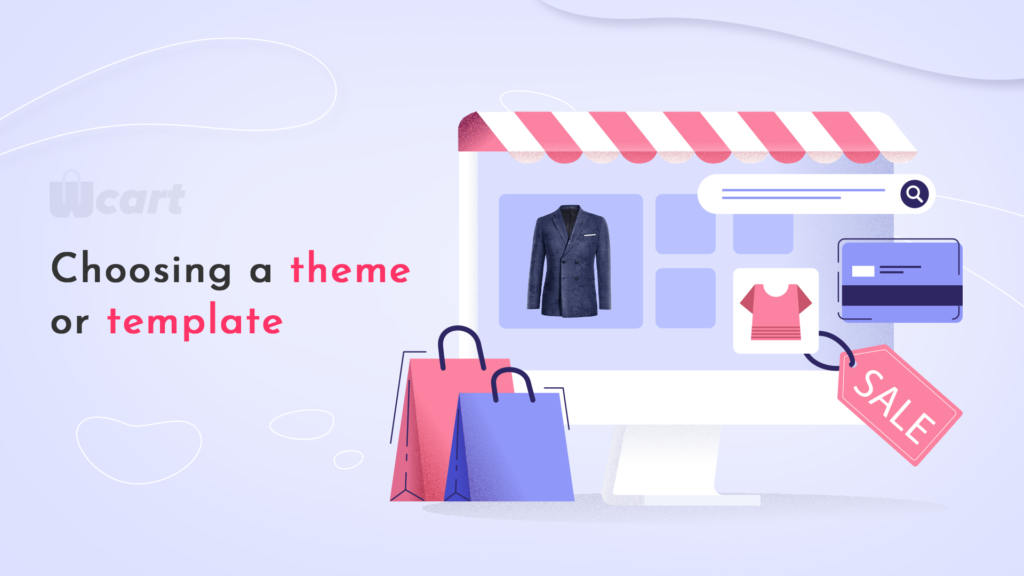
- Most platforms let you preview themes with your real products before you commit. Pick something that matches your brand’s tone. Wcart’s built-in editor lets you adjust colors, fonts, and layout without touching code.
B. Customizing your online store’s design
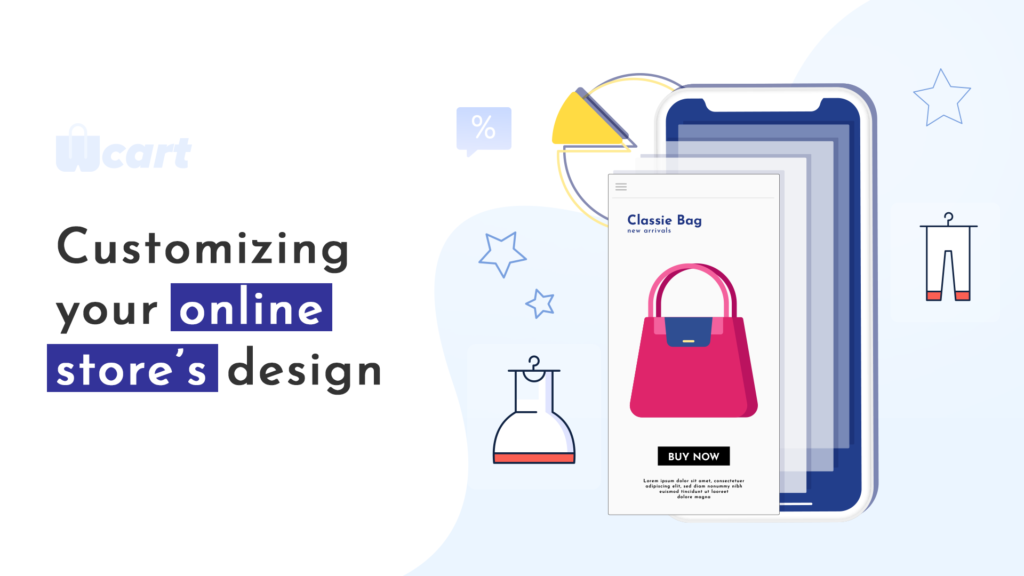
- This is where a generic template becomes your store. Adjust colors, fonts, and layout to highlight what matters to your customers, whether that’s bestsellers or your brand story. The goal is a store that looks right and stays easy to use.
C. Developing your site’s structure and functionality
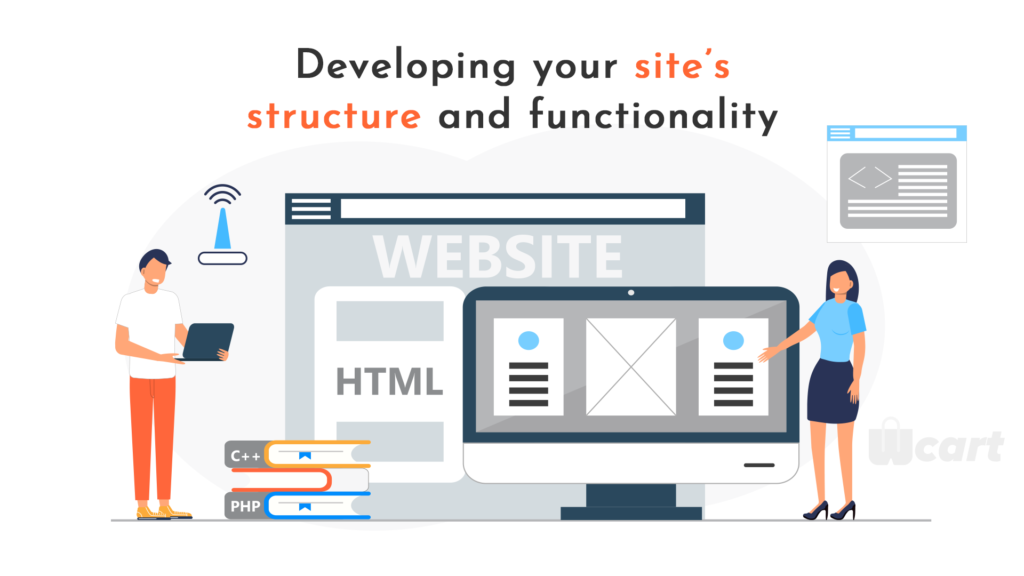
- Customers should find what they want in two clicks, not five. Make sure search works well, pages load fast, the site works on mobile, and “Add to Cart” is impossible to miss. Test as you build, not just at the end.
D. Creating product categories and listings
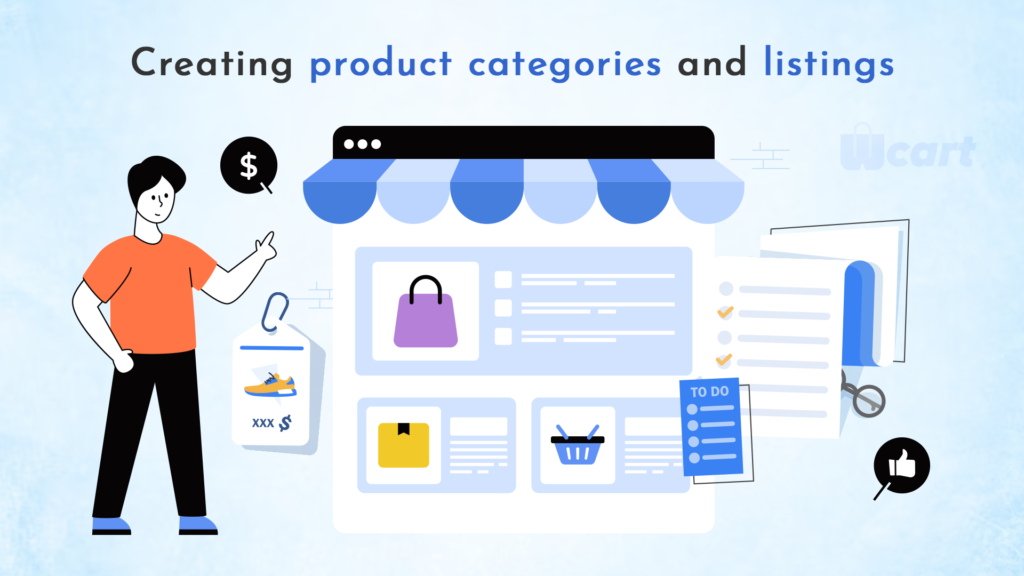
- Group products the way a customer thinks, not the way your inventory system does. Each listing needs real images, a clear description, a price, and any variants. Good categorization is the difference between a customer finding what they want and giving up.
Content Creation and Optimization.

This is post build an online store, you need to focus:
A. Write real product descriptions and use real images
- Skip the copy-pasted manufacturer text. Explain what the product actually does for your specific customer. Use multiple real photos from different angles, since customers can’t touch the product before buying.
B. Set your store up for search engines
- Use the terms your customers actually search for, write unique meta titles and descriptions for key pages, and keep your site fast. This isn’t a one-time task; keep adjusting as you learn what works.
C. Plan your content beyond product pages
- A blog or buying guide isn’t required to launch, but it’s one of the most reliable ways to bring in traffic you’re not paying for. Answer the questions your customers are already asking before they buy.
Read more: Shopping Cart Optimization: 5 Ways to Boost Conversions
Payment and Shipping Options
This is about the ways you could collect money from your customers:
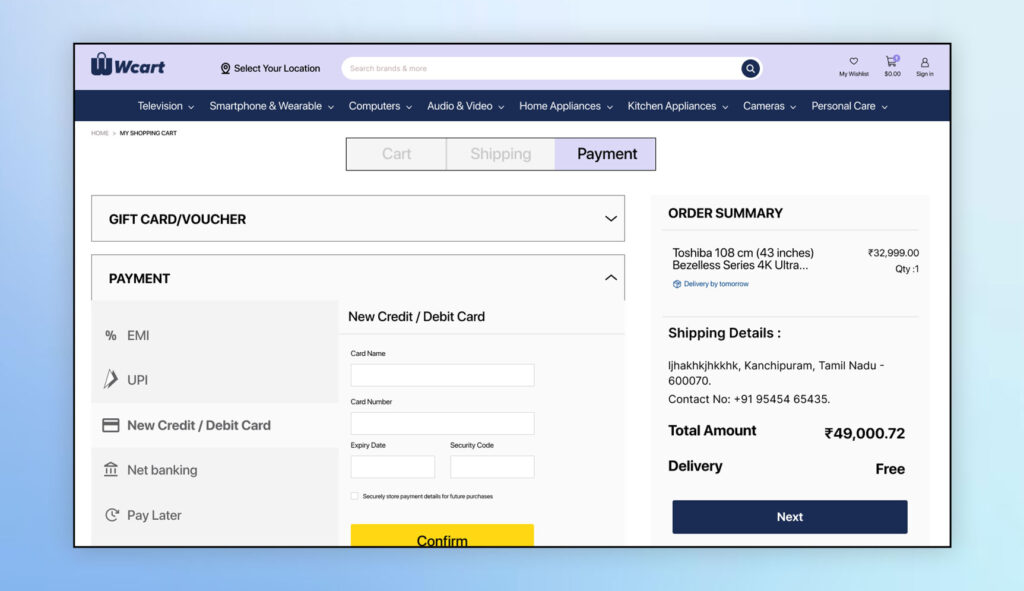
A. Set up payment and shipping methods
- Pick a gateway that supports your region, integrate it, and test a real transaction before launch. For shipping, choose a carrier that fits your products and set rates by weight and destination. Test this too. A broken shipping calculator loses sales that were already in the cart.
B. Choose a payment gateway
- Start with what your customers actually prefer to use. Compare security, transaction fees, and how easy the integration is. Good support matters more than it seems, until something breaks on a weekend.
C. Offer more than one shipping option
- Standard, expedited, and overnight cover most needs. Tracking info and realistic delivery estimates cut down on support tickets and build trust before the package even arrives.
Launching and Promoting Your Online Store.
It’s all about finding and placing the right acquisition methods relevant to the online store:
A. Testing your online store and making final adjustments
Testing your online store is a crucial step to ensure a smooth customer experience. Before launching your website, make sure to test all the features such as browsing, searching, adding items to cart, and checkout. Check for any broken links or errors, and ensure that the website is mobile-friendly.
Once you’ve identified any issues, make the necessary adjustments and test again until you’re satisfied with the results. Therefore, testing and making final adjustments, you’ll be able to provide a unstoppable shopping experience for your customers.
B. Launching your online store
- choose a platform for your online store – such as Wcart or WooCommerce. This platform will handle the technical aspects of your store, such as hosting and payment processing.
- select a domain name and set up your website. This involves choosing a template or theme for your store, creating product pages, and setting up a navigation menu.
- Decide on a payment gateway to process transactions, such as PayPal or Stripe.
- Once your store is set up, it’s time to start marketing it. You can use social media, email marketing, and search engine optimization (SEO) to drive traffic to your site and attract customers.
- Finally, need to fulfill orders and manage your inventory. This involves shipping products to customers, handling returns and exchanges, and keeping track of stock levels.
Overall with these steps, you’ll be well on your way to building a successful online store.
C. Promoting your online store through various channels
Promoting an online store is essential to reach out to potential customers and increase sales.
There are various channels are :
- Social media marketing involves creating and sharing content on social media platforms to engage with your audience and drive traffic to your store.
- Search engine optimization involves optimizing your website content and structure to rank higher on search engines and increase organic traffic.
- Content marketing involves creating valuable content that educates and entertains your audience, building trust and loyalty.
Conclusion
Building your own online store doesn’t have to be complicated or expensive. With the right approach, you can go from idea to selling online in just a few days.
Your competitors are already online, and your customers are shopping there every day. The tools exist, the market’s ready, and now you know exactly how to build an online store that works.
Stop overthinking it. Pick a platform, follow the steps we covered, and launch. You can always improve things later, but you can’t make sales from a store that doesn’t exist.
Ready to get started? Take the first step today and watch your business grow beyond what you thought possible.

























Leave a Reply