
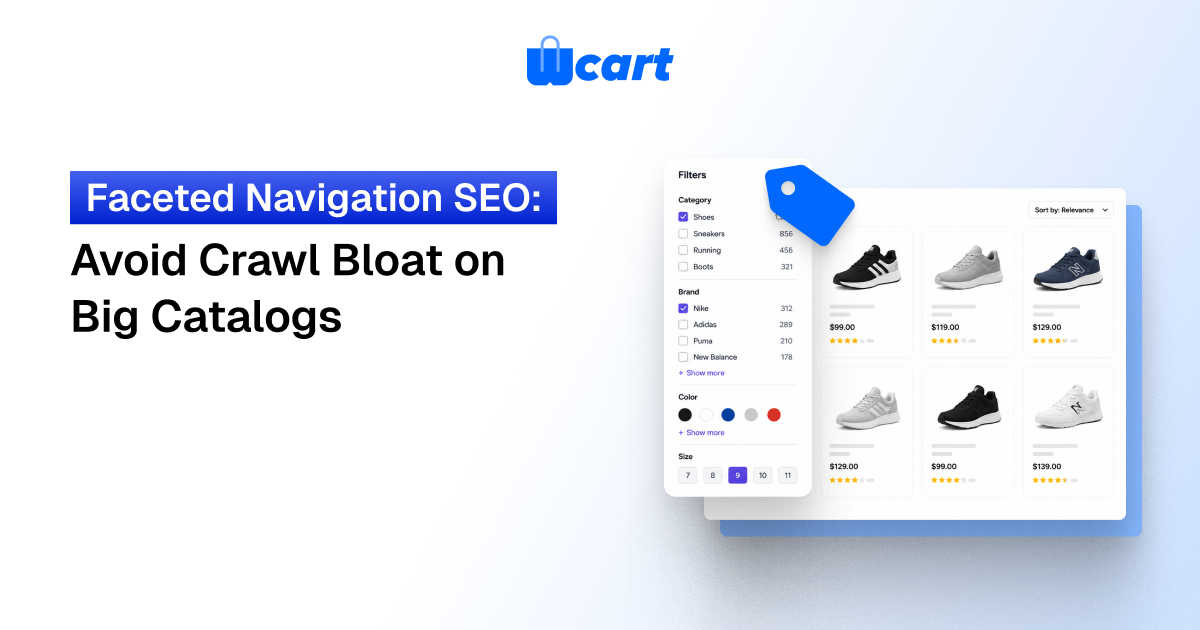
Faceted navigation SEO is the practice of controlling how filter and sort options (size, color, price, brand, rating) generate URLs, so search engines don’t burn crawl budget on near-infinite, low-value filter combinations. On a big catalog, every filter you add multiplies the number of crawlable URLs. That dilutes ranking signals and buries your real category and product pages.
The fix is a deliberate policy: decide which facets deserve indexable, link-worthy URLs, and which should be blocked, canonicalized, or rendered without crawlable links. Done well, you keep a handful of high-demand filtered pages in the index and quietly suppress the millions of junk permutations. This guide shows exactly how to draw that line and implement it.
By the Wcart team. We build and support white-label ecommerce and multi-vendor marketplace software, so this is written from hands-on platform experience.
Faceted navigation is one of the best things you can give a shopper, and one of the worst things you can accidentally hand Googlebot. A category with 8 filter groups and 6 options each can theoretically produce hundreds of thousands of unique URLs, almost all of them thin, duplicative, or empty. What follows is a practical playbook for keeping the helpful filtered pages and starving the crawler of the rest.
What is faceted navigation and why does it cause crawl bloat?
Faceted navigation lets shoppers narrow a category by attributes: color, size, price range, brand, material, rating, availability. Each selection typically appends a parameter or path segment to the URL, for example /shoes?color=black&size=10&brand=nike&sort=price_asc. The problem is combinatorial. Facets stack, they can be applied in any order, and sort options multiply everything again.
1.The combinatorial explosion
If you have five facet groups with five options each, that is already 5^5 = 3,125 single-value combinations before you account for multi-select (choosing two colors at once), ordering, pagination, and sort parameters. Add those and a single category can spawn tens or hundreds of thousands of crawlable addresses. Multiply that across hundreds of categories on a big catalog and you have a crawl-budget sink that no amount of server capacity solves cleanly.
2.Why crawl budget actually matters here
Google does not crawl every URL it discovers. It allocates a finite crawl budget per site, weighted by perceived value and your server’s responsiveness. When Googlebot spends that budget fetching ?sort=price_desc&color=teal variants, it has less left for your new products, restocked items, and updated category pages. Google’s own documentation is explicit that faceted URLs are a common cause of crawlers fetching low-value pages, and that you should manage them deliberately. See Google’s guidance on managing crawl budget for large sites.
3.The signal-dilution problem
Beyond crawl waste, faceted URLs split ranking signals. If /shoes, /shoes?color=black, and /shoes?brand=nike&color=black all target overlapping intent and all collect internal links, you have fragmented the authority that should consolidate on one strong page. The goal is to concentrate signals on the URLs you actually want to rank.
The core decision: which facets deserve to be indexed?
The single most important step in faceted navigation SEO is classifying every facet before you touch any code. Not all filters are equal. Some map to real search demand and deserve a clean, indexable landing page. Most do not.
Index-worthy facets
A facet combination earns an indexable URL when people actually search for it, it returns a stable and reasonably populated result set, and the page can carry unique value (title, intro copy, breadcrumb). Classic examples: brand (people search “nike running shoes”), category + key attribute (“waterproof hiking boots”), and sometimes color for fashion (“black ankle boots”). These deserve self-referencing canonicals, crawlable links, and inclusion in your sitemap.
Facets to suppress
Suppress facets that create thin, volatile, or near-duplicate pages: price ranges, sort order, availability/in-stock, rating, pagination view counts, and most multi-select stacks. Nobody searches “shoes sorted by price descending,” and these parameters multiply combinations without adding indexable value.
| Facet type | Search demand | Recommended treatment |
|---|---|---|
| Brand | High | Indexable, crawlable, self-canonical, in sitemap |
| Category + key attribute (e.g. waterproof) | Medium-High | Indexable for a curated allow-list only |
| Color | Varies by vertical | Indexable in fashion; canonicalize elsewhere |
| Size | Low | Canonicalize to parent; non-crawlable links |
| Price range | Very low | Block crawling; render without crawlable links |
| Sort order | None | Canonicalize to unsorted; disallow in robots.txt |
| Availability / rating | None | Canonicalize; non-crawlable |
| Multi-select stacks | Effectively none | Block entirely |
The honest caveat: there is no universal list. Demand differs by vertical and by store. Validate your allow-list against keyword research and your own search-query reports rather than copying someone else’s table wholesale. Treat the table above as a starting hypothesis, not a final answer. We’ve seen “color” earn real traffic in apparel and earn nothing but crawl waste in industrial parts, same facet, opposite verdict.
How to implement faceted navigation SEO step by step
Once you have classified facets, implementation is a layered set of controls. No single mechanism does everything, so you combine them.
Step 1 : Standardize parameter handling
Make your URLs deterministic. Always emit facet parameters in a fixed, alphabetical order so that ?brand=nike&color=black and ?color=black&brand=nike never both exist. Drop empty parameters. Strip tracking parameters from internal links. A consistent URL shape is the foundation everything else depends on, and it cuts way down on accidental duplicates.
Step 2 : Use rel=canonical to consolidate signals
For filtered pages you do not want indexed, set the canonical tag to point at the clean parent category (or the closest indexable parent). For pages you do want indexed (your brand allow-list), use a self-referencing canonical. Canonical is a strong hint, not a directive, and Google can ignore it. So it works best when paired with consistent internal linking and not contradicted by other signals.
Step 3:Apply robots meta and link controls
For combinations that should never be indexed but might still be reached, a <meta name="robots" content="noindex,follow"> lets Google drop the page from the index while still following links through it. One thing that trips people up constantly: do not noindex a URL and also block it in robots.txt. If it’s blocked, Google can never see the noindex tag. Use one or the other per URL, deliberately.
Step 4 : Block low-value parameters in robots.txt
For purely junk parameters (sort, session, view), disallow them in robots.txt so Googlebot never spends budget fetching them in the first place. This is the bluntest and most effective crawl-budget lever. Reserve it for parameters that carry zero indexable value, because blocked URLs cannot pass signals or be deindexed via meta tags.
Step 5: Make junk facet links non-crawlable
The cleanest big-catalog technique is to stop generating crawlable <a href> links for suppressed facets at all. Render those filters as buttons or controls that update results via a mechanism Googlebot does not follow as a navigable link (for example, POST forms or interactions that do not expose a plain anchor URL). If there is no crawlable link, there is no discovery, no crawl, and no bloat.
Keep your allow-listed facets as normal crawlable links so they are still discovered. Here’s what actually happens if you skip this step and lean on canonicals alone: Googlebot still finds and fetches every junk combination first, reads the canonical second, and you’ve already paid the crawl-budget bill before any consolidation kicks in.
Step 6 :Manage pagination cleanly
Each paginated page (?page=2) should self-canonicalize and be crawlable so deep products get discovered. Do not canonicalize page 2 back to page 1, because that hides products beyond the first page. The W3C and broader web standards community treat pagination as distinct content; for the underlying mechanics of how URLs and query strings are structured, the query string reference on Wikipedia is a useful primer for non-developers on your team.
Step 7: Curate XML sitemaps
Only include canonical, indexable URLs in your sitemap: clean categories, products, and your allow-listed facet landing pages. Never list noindexed or canonicalized-away filter URLs. Think of your sitemap as a statement of what you want crawled and indexed. Keep it honest, and it becomes a strong prioritization signal.
Verification and monitoring
Implementation is not done until you have measured it. Faceted navigation problems are notoriously hard to spot from the storefront because they live in the crawl, not the UI.
Read your crawl stats
Use Google Search Console’s Crawl Stats report and the URL Inspection tool to see what Googlebot is actually fetching. If a large share of crawl requests hit parameterized URLs, your controls are leaking. The Pages (Index Coverage) report will also surface “Crawled – currently not indexed” and “Duplicate, Google chose different canonical” at scale, both classic faceted symptoms.
Crawl the site yourself
Run a desktop crawler (configured to render and follow links the way a bot would) and count how many URLs it discovers per category. If one category yields thousands of crawlable URLs, your non-crawlable-link strategy is not holding. Compare the crawl before and after each change so you can prove the bloat is shrinking.
Log-file analysis is the ground truth
Server logs show exactly which URLs bots request and how often. This is the most reliable way to confirm that crawl budget has shifted away from junk facets and toward products and categories. On a big catalog it is worth the setup effort.
| Tool | What it tells you | Best for |
|---|---|---|
| Search Console Crawl Stats | What Googlebot fetched, by type | Spotting parameter leakage |
| Search Console Pages report | Index status & canonical decisions | Finding duplicate/thin facet URLs |
| Desktop crawler | Discoverable URL count per category | Pre/post change comparison |
| Server log analysis | Real bot request volume per URL | Ground-truth crawl-budget proof |
Common mistakes to avoid
A few recurring errors undo otherwise good work. Blocking and noindexing the same URL means the noindex is never seen. Canonicalizing pagination to page 1 hides deep inventory. Indexing every facet “just in case” reintroduces the bloat you were solving. Relying on canonical alone on a massive catalog still lets Googlebot crawl the junk first, so pair it with non-crawlable links. And changing everything at once makes it impossible to attribute results, so roll out per facet group and measure.
If you run a multi-vendor marketplace, the stakes are higher: every vendor adds attributes, and uncontrolled facets compound across the whole catalog. Platform-level facet governance, meaning a central allow-list and consistent URL rules, matters more than any single vendor’s settings. This is exactly the kind of control we bake into the Wcart platform so store owners don’t have to retrofit it later.

























Leave a Reply