
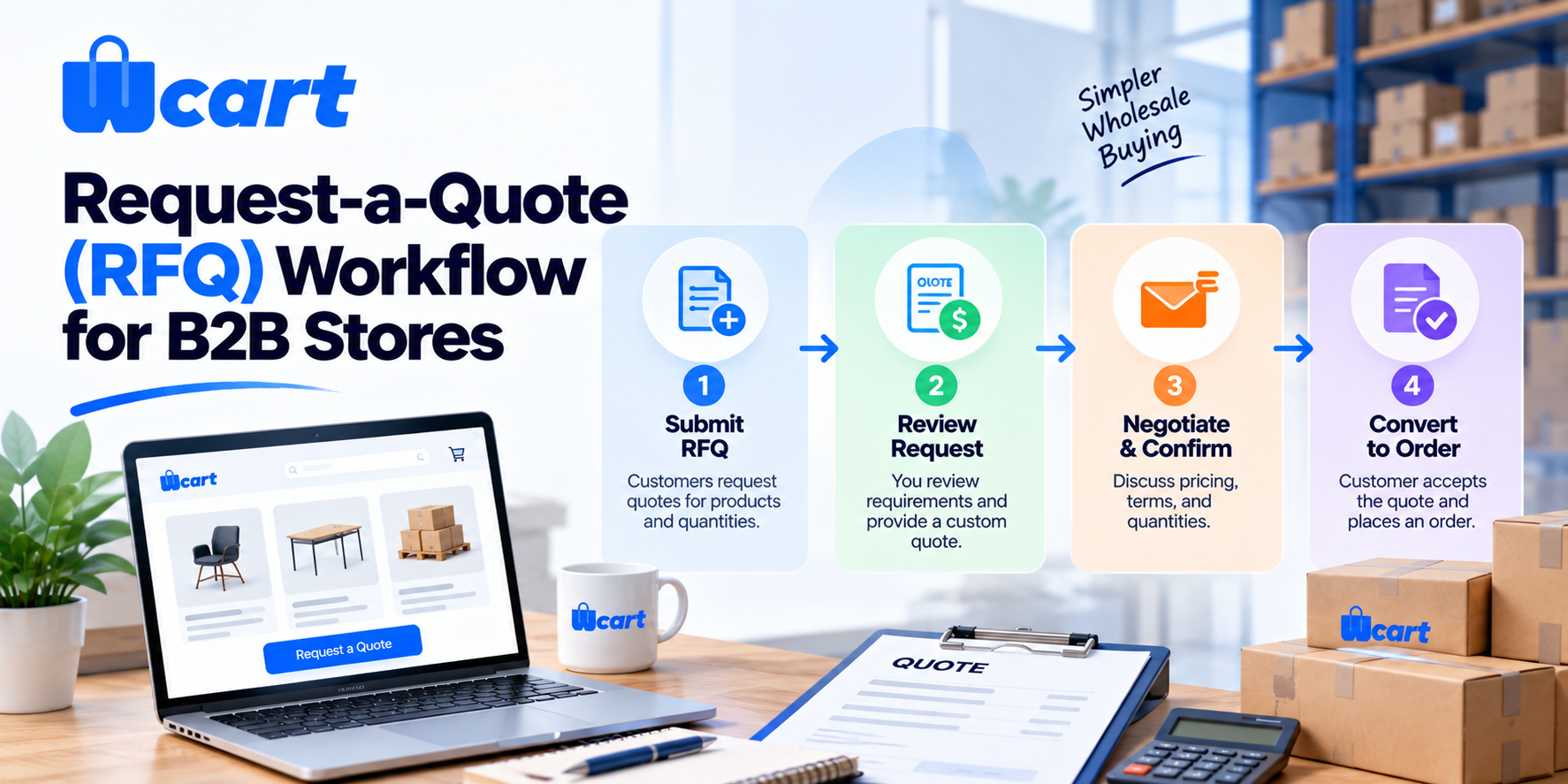
Quick answer: A request-a-quote (RFQ) workflow lets B2B buyers add products to a cart and submit them for a custom price instead of paying a fixed retail amount. A sales rep reviews the request and responds with a negotiated, time-bound quote the buyer can accept, reject, or counter. On acceptance, the quote converts into a real order.
Key Takeaways
- B2B quote to order conversion averages 20-35% across manufacturing and distribution, with quote response time as the biggest driver of where a store lands in that range. (Source: Autonomous)
- 35-50% of B2B deals go to whichever vendor responds first, even when competing offers are nearly identical. (Source: Inventive AI)
- The average business takes 47 hours to respond to a new lead, and the first responder wins 78% of deals. (Source: SusTern via Medium)
- Manufacturing and distribution companies commonly handle 50+ RFQs a month, each worth $50,000 to $500,000, so even small delays in response time carry real revenue risk. (Source: SiftHub)
If you sell to businesses, the fixed “Add to Cart, pay now” flow built for consumers breaks down fast. Wholesale buyers expect volume pricing, net terms, freight estimates, and a human on the other end. The request-a-quote pattern bridges that gap. It keeps the convenience of an online catalog while preserving the negotiation that B2B deals require.
This guide walks through how the workflow actually functions, how to configure it, and the operational details most teams miss the first time.
What “request a quote” means in B2B ecommerce

A quote, sometimes called an RFQ (request for quotation), is a formal, time-bound price offer for a specific set of products and quantities.
- The buyer assembles what they need and asks for terms, instead of the storefront committing to a price the moment they click “buy”
- A sales rep reviews margin, stock, shipping cost, and the customer’s history
- The rep issues a quote the buyer can accept, reject, or counter
This matters because B2B pricing is rarely one number:
- The same SKU might sell at different prices to a first-time buyer, a contracted reseller, and a high-volume distributor
- Freight on a pallet order can’t be pre-calculated for every destination
- Payment terms (net 30, net 60, deposit-then-balance) get negotiated per account
A quote is the single document that holds all of those variables together, in a way a fixed price tag simply can’t.
Quote vs. standard cart checkout
The two flows share a cart concept but diverge sharply in intent and outcome.
| Aspect | Standard checkout | Request-a-quote |
|---|---|---|
| Pricing | Fixed, shown upfront | Negotiated, set by rep |
| Who decides price | The system | A salesperson |
| Buyer intent | Buy now | Request terms first |
| Payment | Immediate | After quote acceptance, often on terms |
| Best for | Stock items, retail volume | Bulk, custom, contract, freight-heavy orders |
| Audit trail | Order record | Quote document with versions and expiry |
Most mature B2B stores run both. Small repeat orders go through fixed pricing, while large or custom orders go through quotes. The trigger is usually the customer’s role or order size, not the product itself.
The end-to-end RFQ workflow, step by step
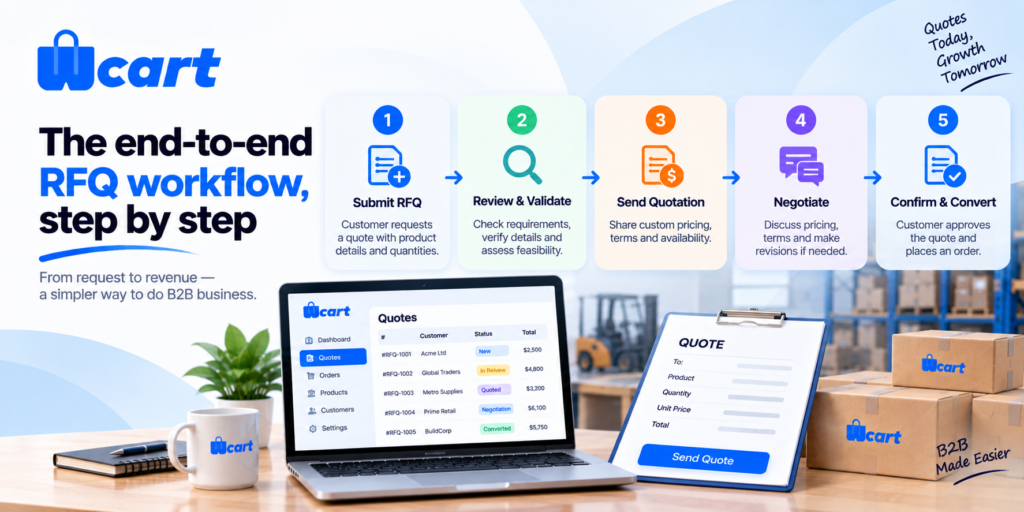
Here is the full lifecycle of a quote from the buyer’s first click to a paid order. The same skeleton applies whether you run a single-vendor store or a multi-vendor marketplace, though the marketplace case adds a routing layer (covered below).
Step 1: Buyer assembles a quote request
- The “Add to Cart” button is replaced (or supplemented) with “Add to Quote” or “Request a Quote” for quote-eligible products
- The buyer builds a list of SKUs and quantities, then adds context: target price, delivery location, requested terms, or a free-text note
- Capturing this intent upfront saves a full round of email later
Step 2: Request is submitted and recorded
- The system creates a quote record tied to the buyer’s account, timestamped, with a status of “Requested”
- The buyer gets a confirmation; the sales rep gets a notification
- This becomes a tracked object, not a lost inbox thread, so you can report on quote volume, win rate, and response time
Step 3: Rep reviews, prices, and responds
- The rep checks stock and margin, calculates a freight estimate, applies any contracted or volume discount, and sets line-item prices
- An expiry date gets added (quotes should never be open-ended)
- Status moves to “Quoted” and the buyer is notified
Step 4: Buyer accepts, rejects, or negotiates
- The buyer can accept as-is, reject, or send a counter
- A counter loops back to step 3 and creates a new quote version, keeping the negotiation history intact
- This versioning matters in a dispute: you can pull up exactly which version said what, and when
Step 5: Accepted quote converts to an order
- The original quote stays linked to the order for accounting and dispute resolution
- The quote converts into an order with the negotiated prices locked in
- The buyer pays immediately, or ships against an invoice on approved credit terms
How to configure RFQ on your store
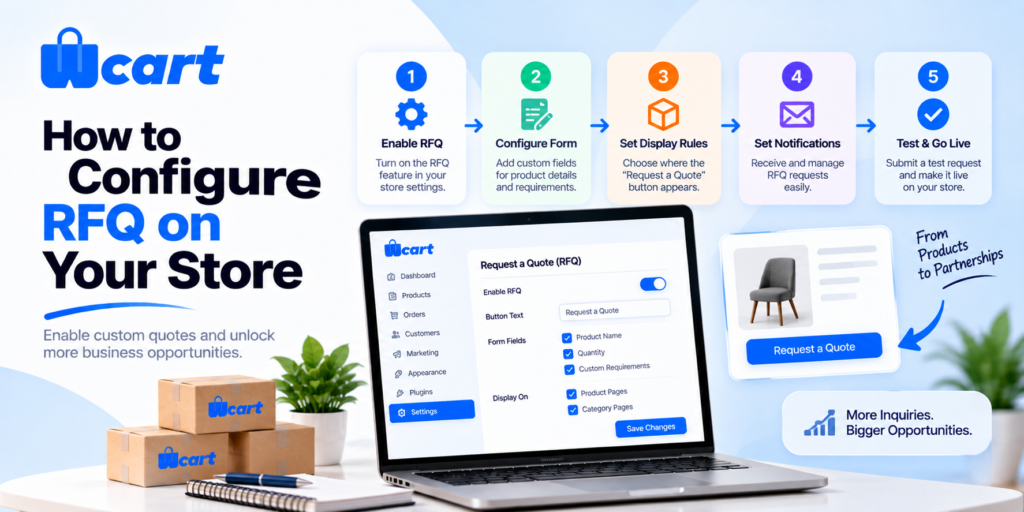
The setup work falls into a few clear buckets. Below is the practical order we recommend.
1. Gate pricing by customer role
- RFQ usually applies only to B2B/wholesale accounts, not anonymous retail shoppers
- Assign wholesale buyers to a customer group, then configure that group to see “Request a Quote” instead of (or alongside) fixed prices
- If you’re not using customer groups yet, set them up first, since they’re the backbone of all wholesale behavior. Our companion guide on wholesale pricing and customer groups covers this in depth
2. Decide what triggers the quote path
Common triggers, which you can combine:
- By customer role: all wholesale accounts always quote.
- By product: only flagged “quote-only” SKUs (custom, made-to-order, or freight items).
- By quantity threshold: fixed price below N units, quote above it.
- By cart value: large carts route to a rep automatically.
3. Choose what to capture on the form
- Keep the request form short but useful. The high-value fields are delivery location (drives freight), requested quantities, target price or budget, and a free-text note.
- Asking for too much upfront depresses submission rates. You can always follow up.
4. Define statuses, ownership, and SLAs
- Agree on the status set (Requested, Quoted, Accepted, Rejected, Expired), who owns each quote, and a response-time target. Speed matters.
- A quote answered the same day converts far better than one that sits for a week. Set an internal SLA and report against it.
5. Set expiry and terms defaults
- Every quote needs an expiry (commonly 14 to 30 days) so prices are not honored indefinitely as costs move.
- Define default payment terms per customer group to avoid re-negotiating terms on every deal.
RFQ Marketplace Setup: Running Request-a-Quote in a Multi-Vendor Marketplace
Marketplaces add one real wrinkle: a single buyer cart can contain products from several vendors, and each vendor sets their own price.
- In a B2B RFQ marketplace, the request should split by vendor, so each seller quotes only their own line items
- The buyer then receives one or more quotes and can accept them independently
- This keeps vendor margins private and lets each seller manage freight from their own warehouse
- If you operate a marketplace, confirm your platform supports per-vendor quote routing rather than forcing a single merged quote, since a merged quote forces you to act as a pricing middleman, which defeats the marketplace model in the first place
This is also the setup that lets a buyer request bulk pricing across an entire cart of different suppliers in one submission, rather than contacting each supplier individually, which is one of the most common reasons buyers search for this feature in the first place.
Common mistakes and how to avoid them
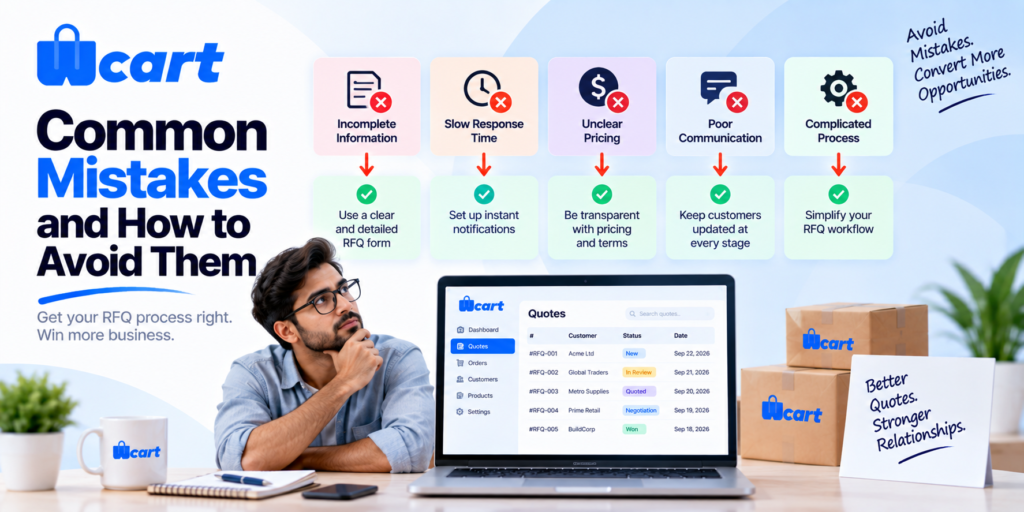
Treating the quote form as a contact form
- A mailto link or generic contact form loses structure: no line items, no versioning, no status, no reporting. Use a real quote object so you can measure win rate and response time.
Hiding prices from everyone
- Hiding all prices behind login frustrates legitimate buyers comparing options and can hurt discoverability. Gate by role so retail visitors still see prices while wholesale accounts get the quote path.
- Note that products with no visible price are generally excluded from Google Merchant Center listings, so weigh that trade-off for SEO and Shopping.
- See Google’s product structured data guidance for how price visibility affects rich results.
No expiry on quotes
- Open-ended quotes become liabilities when input costs rise. Always set an expiry and re-quote after it lapses.
Slow response times
- The single biggest lever on quote conversion is speed. Notify reps instantly, set an SLA, and track it. A request-for-quote process is, at bottom, a procurement interaction, and procurement teams expect timely, professional responses, as outlined in general request for quotation practice.
Measuring whether your RFQ flow works
Once live, watch a handful of metrics: quote request volume, median response time, quote-to-order conversion rate, average quote value, and the rejection/counter rate.
- If conversion is low but volume is healthy, the problem is usually pricing or response speed.
- If volume is low, the quote path may be too hidden or the form too long. We deliberately avoid quoting industry “average” conversion figures here because they vary enormously by category and deal size.
- Benchmark against your own trend instead. One pattern worth watching: a sudden spike in the counter rate often means your reps are pricing too high out of the gate, not that buyers got cheap.
Ready to put a proper quote workflow in front of your wholesale buyers? Explore the Wcart platform to see how role-based pricing, customer groups, and quoting fit together out of the box.

























Leave a Reply