
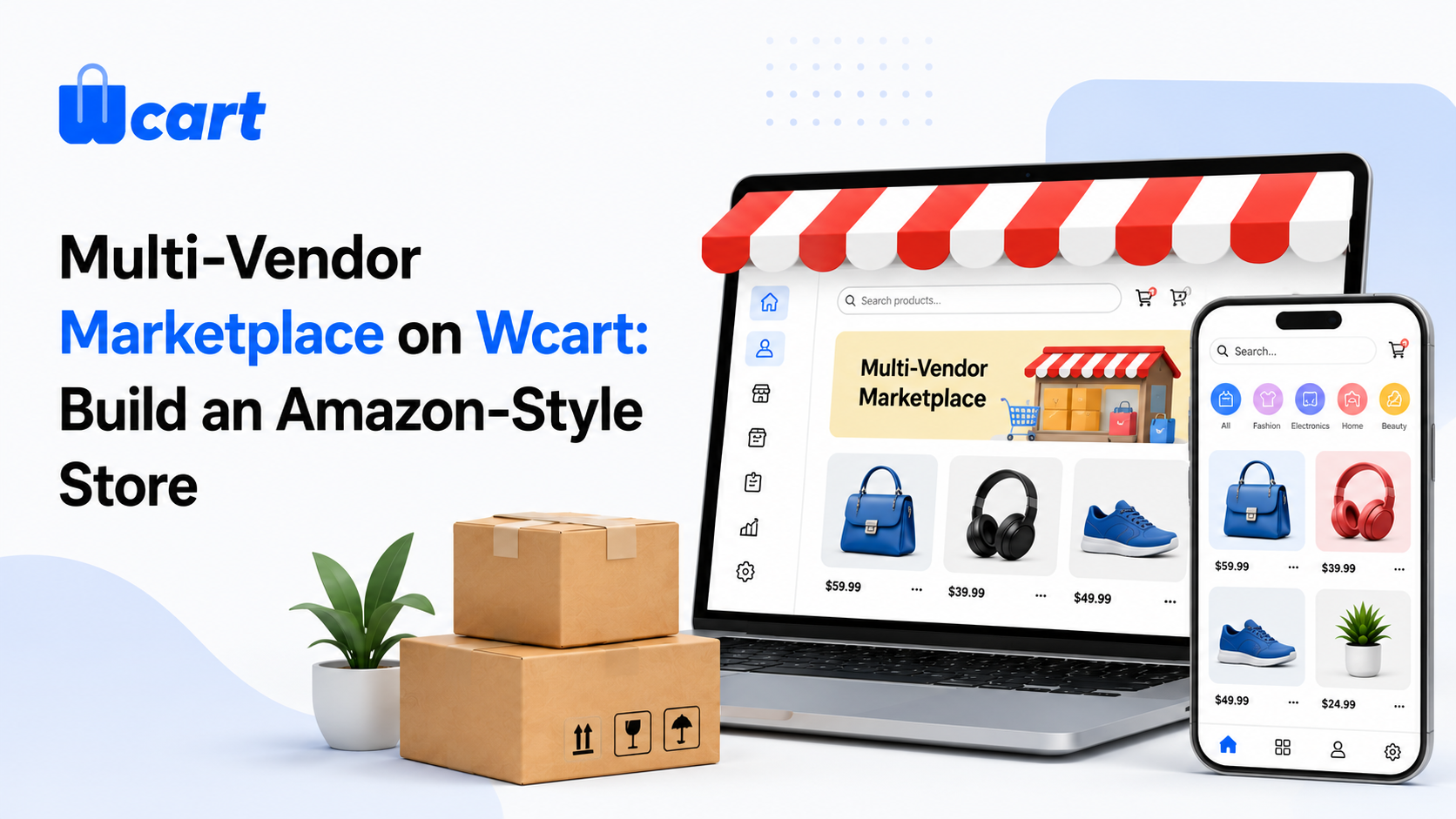
Quick answer: Wcart lets you run a full multi-vendor marketplace, an Amazon- or Etsy-style store where many independent sellers list products under your brand and you earn a commission on every sale. You onboard and verify vendors, set commission and payout rules, give each vendor their own storefront and dashboard, split orders and shipping across vendors automatically, and manage ratings and disputes from one admin. You configure it under Settings → Marketplace / Vendors. The appeal of the model is simple: you grow catalogue and revenue without holding inventory yourself.
By the Wcart team — we build white-label ecommerce & multi-vendor marketplace software, so this is written from hands-on platform experience.
Why a marketplace, not just a store
A single-seller store grows only as fast as you can source and stock products. A marketplace grows as fast as you can recruit vendors. Each new seller brings their own catalogue, their own customers, and their own fulfilment, while you take a cut of every transaction. That’s why building an Amazon-like marketplace is one of the highest-ceiling ecommerce models around. Wcart gives you the engine so you can focus on demand and vendor quality instead of plumbing.
Read More: How To Build An Online Store
What Wcart’s marketplace gives you
1. Vendor onboarding & verification
Let sellers apply, submit business and KYC details, and go live only after you approve them. Verification protects your brand and your buyers from low-quality or fraudulent sellers.
2. Commission & fee rules
Set how you earn: a flat percentage, per-category rates, per-vendor deals, or fixed listing fees. Granular commission control is how a marketplace’s economics actually work, so Wcart lets you tune it by vendor and by category.
3. Vendor payouts
Track each vendor’s earnings net of commission and run payouts on your own schedule. Clean, transparent payouts are what keep good vendors selling on your platform instead of walking. In practice, the first late or wrong payout is usually when a vendor starts quietly listing the same catalogue on a competitor too, so this is worth getting right early.
4. Vendor storefronts & branding
Each seller gets their own branded storefront page inside your marketplace, with their logo, their product range, and their ratings, so buyers can shop a vendor they trust while staying on your platform.
5. Vendor dashboards & permissions
Vendors manage their own products, orders, stock and shipping from a self-service dashboard, with permissions you control. This is what makes a marketplace scalable. Sellers do their own work; you oversee.
6. Ratings, reviews & trust
Per-vendor and per-product ratings let buyers judge sellers, and they give you a quality signal to reward top vendors and weed out poor ones. Trust is the marketplace’s core asset, so protect it.
7. Split orders & split shipping
When a buyer’s cart contains items from several vendors, Wcart splits it into per-vendor shipments. Each vendor fulfils their part and the buyer tracks it separately, while the customer still experiences one clean order. (See the Shipping guide for how split shipping works.)
How to launch your marketplace
- Enable the marketplace/vendor module under Settings and define your commission model.
- Set the vendor application + approval flow and required KYC fields.
- Configure payout rules and schedule.
- Decide vendor permissions: what they can edit versus what you control.
- Set payment handling (see the Payments guide) and shipping split rules.
- Recruit a first cohort of quality vendors, approve them, and soft-launch.
The marketplace growth playbook
Marketplaces face a chicken-and-egg problem driven by network effects: buyers want selection, vendors want buyers. You win it by going narrow first. Pick one category, recruit a handful of excellent vendors, drive demand to them, then expand. Reward your best sellers with better placement and lower commission so they stay and bring others along. Early on, quality of vendors beats quantity; a few great sellers beat a hundred mediocre ones. For background on the model and its economics, see Multi-Vendor Marketplace: Features, Benefits & Growth.
Common marketplace mistakes to avoid
- No vendor verification. One bad seller damages buyer trust in your whole brand.
- Flat commission for everyone. Different categories carry different margins, so tune it.
- Opaque payouts. Vendors leave platforms they can’t trust to pay correctly and on time.
- Going broad too early. Thin selection across many categories loses to deep selection in one; win a single category first.
- Ignoring ratings. Without a quality signal, bad vendors quietly drag the whole marketplace down.
Explore the Marketplace cluster
- Multi-Vendor Marketplace: Features, Benefits & Growth
- Amazon-like Website Cost & Guide to Build a Marketplace
- Shipping & Fulfillment on Wcart
- Payments on Wcart: The Complete Guide
Frequently asked questions
Can I build an Amazon-style marketplace with Wcart?
Yes. Wcart supports full multi-vendor marketplaces, including vendor onboarding, commissions, payouts, per-vendor storefronts and dashboards, ratings, and split orders/shipping.
How do I earn from a Wcart marketplace?
You set commission rules (flat, per-category, or per-vendor) and earn a cut of every sale, with vendor payouts tracked net of your commission.
Do vendors manage their own products and orders?
Yes. Each vendor gets a self-service dashboard to manage products, stock, orders and shipping, with permissions you control.
What happens when an order has items from multiple vendors?
Wcart splits it into per-vendor shipments. Each vendor fulfils their part and the buyer tracks it separately, while the customer sees a single order.
Build your marketplace. Start your free Wcart trial and set up your commission model and first vendors today.
Deep dive: Vendor Onboarding & Commissions

























Leave a Reply