
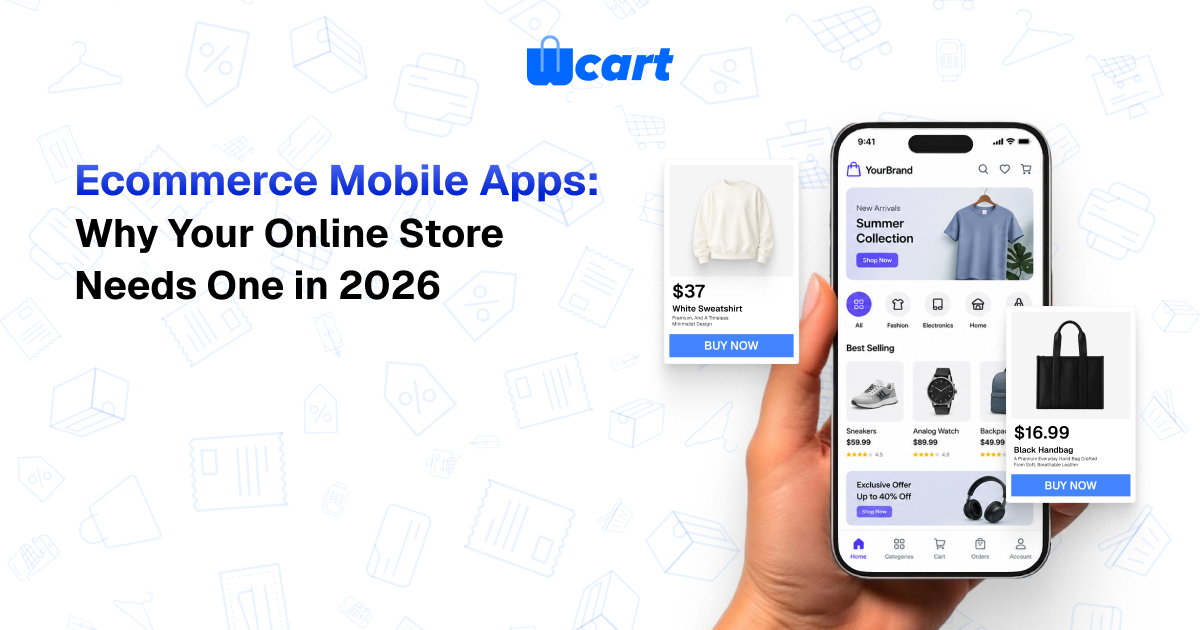
If you run an online store in 2026, a dedicated ecommerce mobile apps has quietly become one of the few channels that still moves conversion, retention, and average order value all at once. Shoppers want something that feels like an app, not a website squeezed onto a phone, and the brands giving them that are winning the repeat purchases.
Here’s my honest take: for any store with a real base of returning customers, skipping an app is leaving money on the table. This guide walks through why apps matter, the technical choices you’ll face, the features that actually earn their keep, and how modern headless commerce lets you ship one without hiring a mobile dev team.
Why a Ecommerce Mobile App Beats Mobile Web for Ecommerce
Most stores already pull the bulk of their traffic from phones, yet mobile browsers leak revenue at almost every step. Tabs get buried under twelve others. Sessions reset. Checkout asks for the same details a shopper typed last week. A dedicated app fixes the structural problems a browser tab simply can’t.
1.Higher Conversion Rates
- Think about the last time you tried to buy something on a mobile site and gave up at the address form. Apps kill that friction.
- Saved payment methods, biometric login, and instant navigation collapse the distance between “I want this” and “I bought this.” For a returning customer, checkout can genuinely be one tap.
2.Stronger Retention
- An app earns a spot on the home screen, which is a permanent, branded touchpoint your competitors never get on mobile web.
- That presence alone pulls people back, and app users reliably return more often and buy more frequently than browser-only shoppers do.
3.Push Notifications That Actually Get Seen
- Email open rates keep sliding and SMS gets expensive in a hurry. Push notifications land right on the lock screen at almost no marginal cost, which makes them perfect for abandoned-cart nudges, restock alerts, flash sales, and order updates.
- Use them with restraint and push becomes one of the cheapest retention tools you have. Spam people and they’ll disable notifications within a day, so treat that channel with respect.
4.Higher Average Order Value
- App shoppers tend to spend more per order, and it isn’t magic. Loyalty programs, personalized recommendations, saved wishlists, and one-tap reordering all compound inside an app.
- The easier you make discovery and checkout, the bigger the basket gets.
Native vs PWA vs Hybrid: Which Should You Build?
There are three main ways to ship a mobile shopping experience, and the right call depends on your budget, your audience, and how much you rely on device features like push notifications.
- Native apps are built specifically for iOS and Android. You get the best performance, the smoothest animations, and full access to device capabilities: reliable push, biometrics, the camera. They live in the App Store and Google Play, which helps with both trust and discovery. The catch is maintaining two codebases unless you build cross-platform.
- Progressive Web Apps (PWAs) are websites dressed up to behave like apps. They install to the home screen, cache for offline use, and cost less to maintain since there’s one codebase. The downside is shaky push-notification support, especially on iOS, plus no app-store presence, which clips the retention upside that made an app worth building in the first place.
- Hybrid apps wrap web content in a native shell. You get app-store distribution and push notifications off a largely shared codebase, which is a sensible middle ground. Performance can trail a fully native build once you’re doing anything graphics-heavy.
For most serious ecommerce brands, native (or a high-quality cross-platform native build) wins, because push and app-store presence are exactly the levers that justify having an app at all. A PWA is a fine place to start; it’s rarely where you want to finish.
Features of a Great Ecommerce App
A great shopping app isn’t a shrunken website. The good ones are built around speed, personalization, and one-tap convenience. Here’s what to prioritize and why.
- Lightning-fast product browsing. Instant search, smart filters, and cached imagery keep people moving instead of waiting.
- One-tap and biometric checkout. Saved cards and digital wallets turn buying into a reflex.
- Personalized home feeds. Browsing and purchase history should shape what each shopper sees first.
- Push notifications. Carts, restocks, price drops, and order tracking belong here, used sparingly.
- Wishlists and saved carts that sync across web and app so nothing gets lost between devices.
- Loyalty and rewards built straight into the shopping flow, not bolted on as an afterthought.
- Rich media product pages, including video commerce that lets shoppers see a product in action before they buy.
- Multi-currency and multi-language support if you’re selling across borders.
A lot of this overlaps with the broader enterprise ecommerce features growing brands eventually need anyway, so building your app on a platform that already supports them saves you a painful re-platform down the road.
How Headless Commerce Makes Apps Easier to Build
The biggest reason apps used to be slow and expensive came down to tight coupling. The storefront, the admin, and the data layer were all welded together, so building a mobile app meant rebuilding your business logic from scratch. Headless commerce changes that math entirely.
In a headless setup, your commerce engine (catalog, cart, checkout, pricing, inventory, customers) is exposed through a clean API. The web storefront and the mobile app are just two different “heads” reading from the same backend. In practice that gives you:
- One source of truth. Products, prices, and inventory stay in sync across web and app on their own.
- Faster development. Mobile teams build the interface and call existing endpoints instead of reinventing commerce logic.
- Easier maintenance. Update the backend once and every channel benefits, with no duplicated rules to keep aligned.
- Room to grow. The same API can later power smart-watch apps, voice commerce, in-store kiosks, and channels nobody’s named yet.
That’s why headless has become the default foundation for serious omnichannel and app-first retail. It’s also worth knowing this isn’t theory: real brands already run on it, including Japanese whisky retailer Dekanta and fashion label Mpcollections, both on “Trusted by” list.
Cost Considerations
App costs swing wildly, so it helps to think in three buckets (build, distribution, and ongoing maintenance) rather than chasing one sticker price.
- Build. A fully custom native app for both platforms is the priciest route. Cross-platform frameworks and app-builder approaches on top of a headless API cut this down sharply.
- Distribution. Budget for the Apple Developer Program and Google Play Console fees, plus the iteration time app review tends to eat.
- Maintenance. Apps need steady updates for new OS versions, security patches, and features. This recurring cost is the one people almost always underestimate.
- Infrastructure. A reliable app demands a fast, resilient backend. A platform with a global CDN, high uptime, and strong security quietly removes a major hidden cost.
The most expensive mistake I see is building a bespoke app on a backend that can’t keep up, then paying a second time to re-platform once traffic arrives. Picking the right foundation up front is the real saving.
How to Launch an App Without a Dev Team
You don’t need an in-house mobile engineering team to ship something good. The modern path is to lean on a commerce platform that does the heavy lifting for you.
- Start with a headless commerce backend so your catalog, checkout, and customer data are already API-ready.
- Use a platform that ships native apps as a managed capability, so the storefront, push notifications, and retention tooling arrive configured instead of custom-coded.
- Brand it as your own. A white-label platform lets the app carry your identity in the App Store and Google Play with no visible vendor footprint.
- Configure, test, and launch, then spend your energy on merchandising, notifications, and loyalty rather than plumbing.
Done this way, a multi-month engineering project shrinks into a configuration exercise, and your budget goes toward growth instead of infrastructure. For the broader picture on where mobile shopping is heading, Think with Google and Statista’s mobile commerce research are both worth a read.
Frequently Asked Questions
Launch Your Ecommerce App on a Platform Built for It
Native mobile apps are an Enterprise-tier capability of Wcart, the AI-based headless ecommerce platform by Webnexs. You get native iOS and Android shopping apps, built-in push notifications, and app-based retention — all powered by Wcart’s headless commerce API, backed by 99.99% uptime, a global CDN, SOC2 security, and multi-currency, multi-language support. Skip the multi-month dev project and launch a branded app your customers will keep on their home screen. Explore Wcart today to bring your store to mobile.

























Leave a Reply