
Quick Answer
Ecommerce web hosting with shopping cart is infrastructure built specifically for online stores, paired with the software that lets customers browse, add items to a cart, and check out. Some providers bundle hosting and the cart together as one platform. Others require you to connect separate hosting and cart software yourself.
The right choice depends on how much technical setup you want to manage versus hand off to a platform.
Key Takeaways
- Ecommerce hosting does more than keep a site online. It has to handle product databases, traffic spikes, backups, and the security standards payment processing requires, including SSL/TLS encryption (Source: Google Search Central).
- Storing or processing card data brings PCI DSS requirements into play. That’s a meaningfully higher bar than standard website hosting (Source: PCI Security Standards Council).
- Hosted ecommerce platforms bundle hosting, storefront, cart, checkout, and order management into one system. Traditional hosting plus separate cart software means you own the job of connecting all the pieces yourself.
- The cheapest hosting plan isn’t always the cheapest total solution. Add-ons, integrations, and maintenance can push real cost.
This guide breaks down how ecommerce hosting and shopping carts work together, what features matter, and what it really costs. It also covers how to choose the right setup for where your business is right now.
What Is Ecommerce Web Hosting With a Shopping Cart?
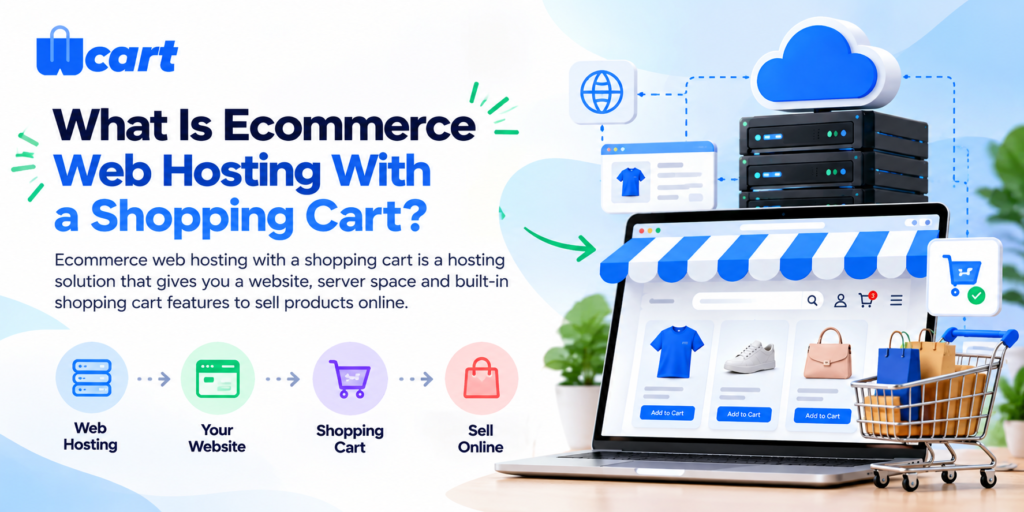
Ecommerce web hosting with a shopping cart is hosting infrastructure built to run an online store, not just display a website. It’s paired with shopping cart software that lets customers select products, move through checkout, and pay.
Some providers sell these as one bundled solution. Others expect you to connect separate pieces yourself.
What Is Ecommerce Web Hosting?
Regular web hosting just needs to keep a site available. Ecommerce hosting has a longer job list. It has to handle product databases, process traffic spikes during sales, and support backups so a failed update doesn’t wipe out your catalog.
It also has to meet the security standards payment processing requires, including SSL/TLS encryption (Google’s HTTPS guidance) and PCI DSS compliance for handling card data (PCI Security Standards Council).
What Is a Shopping Cart?
The shopping cart is the software layer that carries a customer from browsing to buying. They pick a product, add it to the cart, review what’s in it, check out, pay, and get an order confirmation.
It sounds simple, but it’s the part of your store that directly decides whether a visitor becomes a sale.
How Does Ecommerce Hosting With a Shopping Cart Work?
- The customer visits your store– Hosting delivers the storefront and loads your pages.
- They browse products– Images, pricing, and descriptions pull from your product database.
- They add something to the cart– The cart holds their selections and quantities as they keep browsing.
- They review the cart– This is where quantity changes, coupon codes, and shipping estimates usually show up.
- They move to checkout– Shipping and payment details are collected here.
- Payment is processed. A payment gateway, such as Stripe or PayPal, handles the transaction securely.
- An order is created- Your system logs the sale so you can fulfill it.
- You process the order– Fulfillment, shipping, and any customer follow-up happen from here.
What Features Should Ecommerce Hosting With a Shopping Cart Include?
Not every provider includes every item below. Features vary by host and by platform, so check before assuming.
| Feature | Why It Matters |
|---|---|
| Shopping cart | Lets customers select and hold products before buying |
| Secure checkout | Reduces abandoned purchases caused by trust concerns |
| SSL/HTTPS | Encrypts customer data in transit |
| Payment gateway support | Enables actual online payment acceptance |
| Product management | Lets you add, edit, and organize listings |
| Inventory management | Tracks stock so you don’t sell what you don’t have |
| Order management | Keeps fulfillment organized as volume grows |
| Backups | Protects your store if something breaks |
| Performance | Affects both conversion and search ranking |
| CDN support | Speeds up load times for visitors farther from your server |
| Mobile responsiveness | Most shopping traffic now arrives on phones |
| Analytics | Shows what’s actually converting |
| Scalability | Determines how well the store holds up as you grow |
| Customer support | Matters most when something breaks at the worst time |
Types of Ecommerce Hosting With Shopping Cart
- Shared ecommerce hosting puts your store on a server with other sites. It’s inexpensive and fine for small catalogs, but performance can dip if a neighboring site spikes in traffic.
- VPS hosting gives you a dedicated slice of server resources instead of sharing unpredictably. It suits stores that have outgrown shared hosting but don’t need a full dedicated server yet.
- Cloud ecommerce hosting spreads your store across distributed infrastructure. This generally handles demand spikes, like a flash sale, better than a single fixed server.
- Dedicated hosting gives you an entire server to yourself. It offers the most control, but it also puts more setup and maintenance work on your plate.
- Hosted ecommerce platforms combine infrastructure, storefront, shopping cart, checkout, and store management into one system. You’re not assembling and maintaining separate pieces yourself.
Web Hosting With Shopping Cart vs. Ecommerce Platform
This is a distinction worth understanding before committing to either approach.
| Factor | Traditional Hosting + Shopping Cart | Ecommerce Platform |
|---|---|---|
| Hosting | Arranged separately | Included in the platform |
| Shopping cart | May require separate software | Included |
| Checkout | Configured separately | Included |
| Payments | Integrated manually | Built-in integrations |
| Store management | Multiple systems | Centralized |
| Software updates | May require manual management | Platform-managed |
| Security responsibility | Falls on the business | Shared with the platform |
| Technical setup | More complex | Streamlined |
| Customization | Higher flexibility | Varies by platform |
| Development requirements | Higher | Lower for most tasks |
How Much Does Ecommerce Hosting With a Shopping Cart Cost?
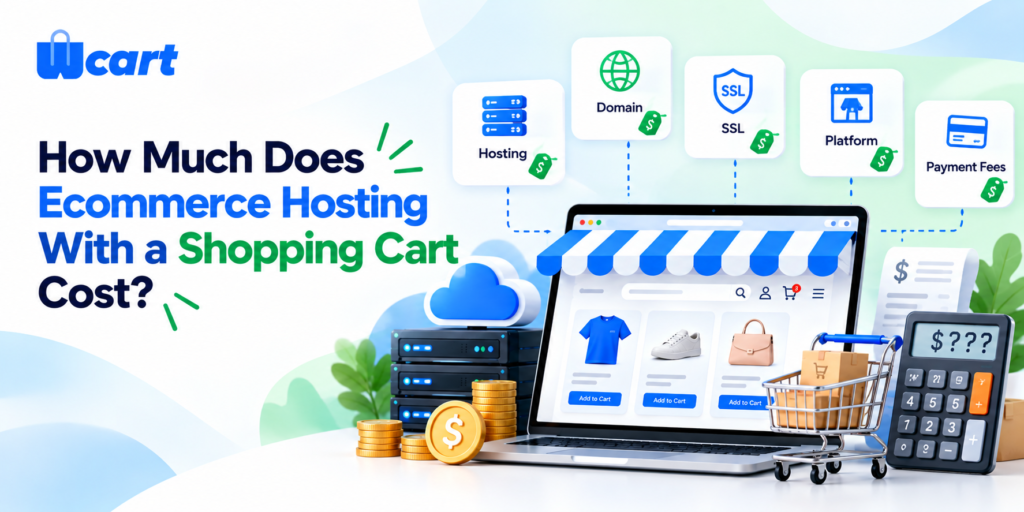
The real cost isn’t just the hosting bill. It’s domain, hosting or platform fees, payment processing fees, any apps or integrations you add, development time, and ongoing maintenance.
The full cost structure typically includes:
- Domain name — annual registration
- Hosting — monthly or annual plan
- Ecommerce platform — licensing or subscription if separate from hosting
- Payment processing fees — usually a percentage per transaction
- Apps and integrations — additional tools for shipping, marketing, reviews, etc.
- Development — initial setup, customization, or ongoing development work
- Security tools — SSL, backups, malware scanning if not included
- Maintenance — updates, monitoring, support
A cheap hosting plan that forces you to buy five separate add-ons can end up pricier than an all-in-one platform.
- Small or new stores should weigh affordable hosting or platform costs against how much setup time they’re willing to spend.
- Growing businesses usually need more infrastructure, more integrations, and more marketing tooling, which raises the total.
- Enterprise stores carry custom infrastructure, development, security, and support costs that go well beyond a monthly hosting fee.
How to Set Up an Ecommerce Store With Hosting and a Shopping Cart
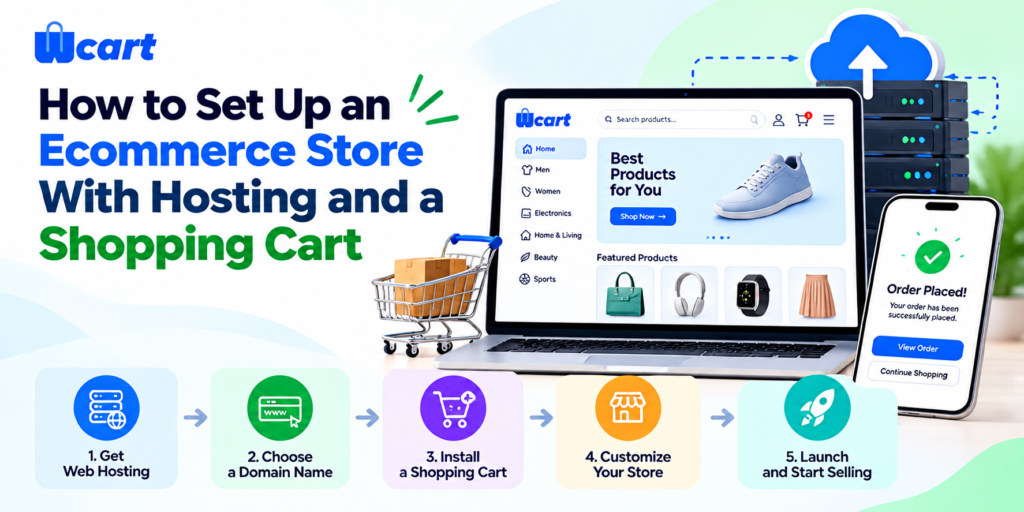
Step 1: Choose Your Ecommerce Solution
- Decide between a hosted ecommerce platform or a self-hosted approach. Consider your technical resources, budget, and the store requirements covered earlier in this guide.
Step 2: Connect Your Domain
- Register a domain if you don’t have one, or connect your existing domain to your new hosting environment. Most platforms provide domain connection instructions.
Step 3: Set Up Your Storefront
- Choose a store theme or template and configure your branding logo, colors, navigation, and page layout.
Step 4: Add Products and Categories
- Upload your product catalog including images, descriptions, pricing, variants, and stock levels. Organize products into logical categories for browsing.
Step 5: Configure the Shopping Cart
- Set cart behavior whether customers need an account, how the cart handles out-of-stock items, and how discounts or promotional codes are applied.
Step 6: Set Up Checkout and Payments
- Connect your payment gateway, configure accepted payment methods, and test the checkout flow with a real or test transaction.
Step 7: Configure Shipping
- Set up shipping zones, rates, and carrier integrations. Consider free shipping thresholds if relevant to your pricing strategy.
Step 8: Test the Complete Purchase Journey
- Walk through the entire experience as a customer find a product, add it to the cart, check out, pay, and confirm the order appears in your admin panel. Test on both desktop and mobile.
Step 9: Check Security and Performance
- Confirm SSL is active on all pages, especially checkout. Review page loading speed. Confirm backup settings are in place.
Step 10: Launch and Monitor
- Make your store live. Monitor analytics, track conversion rates, review any checkout errors or cart abandonment patterns, and use the data to improve over time.
Common Mistakes When Choosing Shopping Cart Hosting
- Choosing only on price. The cheapest plan often lacks features you’ll need within months.
- Ignoring checkout performance. A slow checkout quietly kills conversions no one notices until revenue drops.
- Forgetting payment gateway support. Confirm your required payment methods are actually supported before committing.
- Skipping backup and security checks. Store and customer data need real protection, not an afterthought.
- Picking infrastructure that can’t grow with you. Re-platforming later costs more time than planning ahead now.
- Stacking too many disconnected tools. Every extra tool is another thing that can break and another bill to pay.
Is Wcart an Ecommerce Hosting and Shopping Cart Solution?
If you’d rather not piece together a storefront, product catalog, shopping cart, checkout, and order management from separate vendors, an integrated ecommerce platform can simplify that setup considerably.
Wcart is built around that idea. It brings store creation, product management, the shopping cart, checkout, order management, and payment integrations into one platform, with support for ecommerce migration and API-based customization for stores that need it.
The goal isn’t to replace every hosting decision you’ll ever make. It’s to remove the need to stitch together a cart, a checkout system, and order tracking from three different vendors just to sell your first product.
Ready to build your online store without piecing together multiple ecommerce tools? Explore Wcart and create a store built around your products, shopping cart, checkout, and order management.

























Leave a Reply