
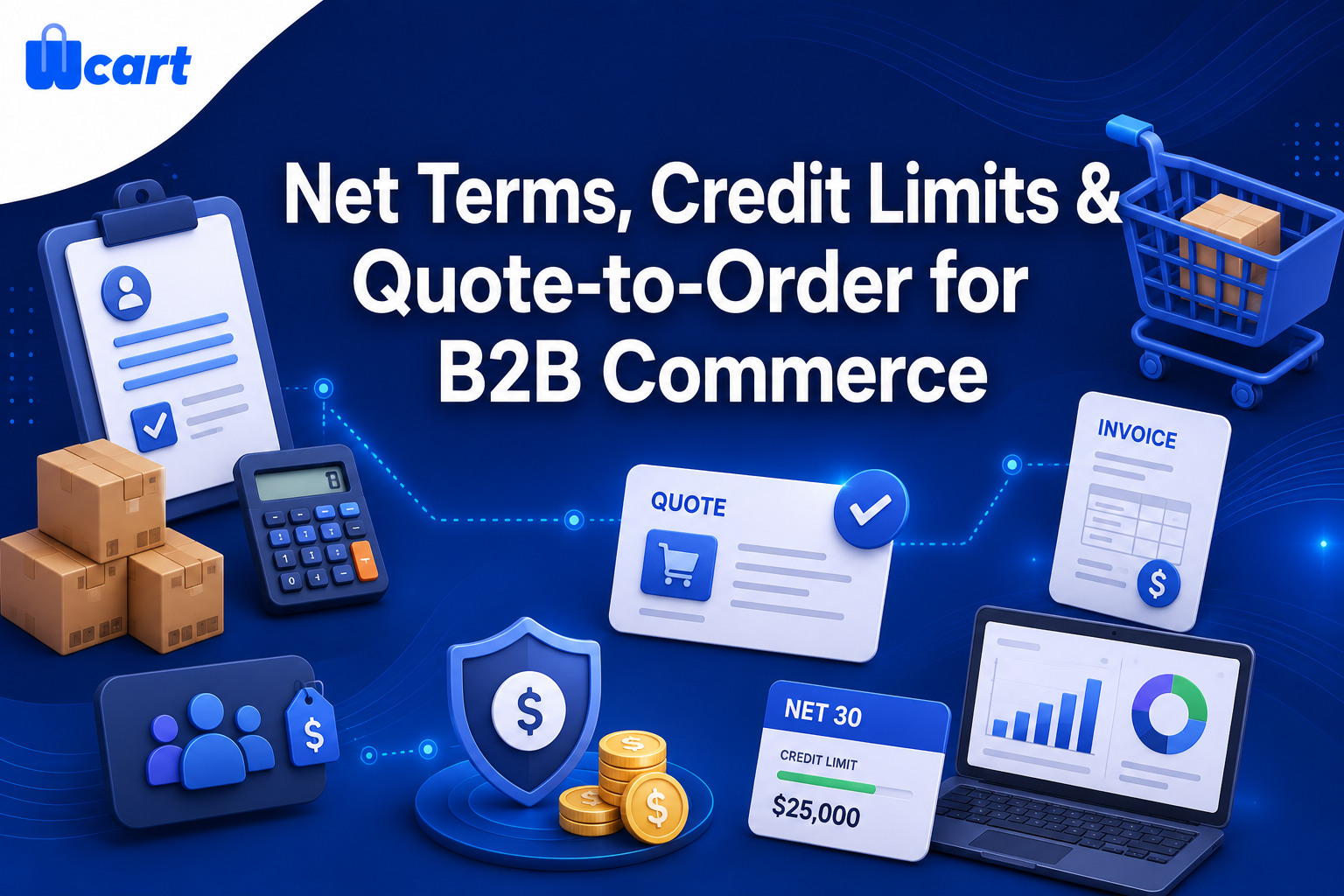
Selling B2B online with net terms needs three essential features that have to work together:
- First, customer-group pricing, so each buyer sees their own negotiated rate.
- Second, a credit system that enforces a per-account credit limit and payment terms Net 30/60/90.
- Third, quote-to-order workflow that turns a price request into an approved, invoiceable order.
Most consumer ecommerce platforms bolt this on through paid apps or custom code.A B2B-capable platform builds it into the catalog, checkout, and order pipeline instead. If you want net terms, credit limits, and RFQ working together out of the box, without stitching plugins around a retail cart, Wcart is built for exactly this and is our recommendation below. We walk through how each piece works and who should pick what.
What “B2B net terms ecommerce” actually means
In B2B commerce, the buyer is rarely paying with a card at checkout. They expect to receive goods, then pay against an invoice within an agreed window. That’s what net terms means. Net 30 is shorthand for the full balance is due 30 days after the invoice date. Net 60 and Net 90 stretch that further. This is normal in wholesale, distribution, and procurement because buyers run on purchase orders and accounts-payable cycles, not impulse purchases. If you want the formal background, see the overview of net terms (Net D).
So B2B net terms ecommerce store allows approved business customers to buy on credit , see their own contract pricing, and place large or repeat orders without negotiating every time. To make this process work smoothly , three systems have to talk to each other:
- Customer-group pricing: different buyers (or buyer tiers) see different prices for the same SKU.
- Credit limits & terms: each account has a ceiling on outstanding balance and a payment window the system enforces at checkout.
- Quote-to-order (RFQ): a buyer requests a quote, a salesperson negotiates and approves it, and the approved quote converts cleanly into an order and invoice.
The three pillars, explained
1. Customer-group pricing
Retail pricing is one number per product. B2B pricing is a matrix. A distributor might give a Gold reseller 22% off list, a Silver reseller 12% off, and a one-off prospect full list price. The same catalog has to render the right price to the right logged-in buyer, and ideally support volume breaks (buy 100, pay less per unit) and contract pricing locked to a specific account.
The mechanics that matter:
- Groups/tiers: assign every B2B customer to a group, then attach a price rule (percentage, fixed, or per-SKU override) to the group.
- Hidden prices for guests: many B2B sellers hide prices until login, so competitors and consumers don’t see wholesale rates.
- Quantity/volume breaks: tiered unit pricing by quantity, which is core to wholesale economics.
- Per-account contract pricing: a negotiated price sheet that overrides the group default for one customer.
2. Credit limits & payment terms
Offering net terms means you are extending credit. The platform should let you set, per account: a credit limit (maximum total unpaid balance allowed), the payment terms (Net 15/30/60/90), and the checkout behavior when a buyer is at or over their limit. The cleanest implementation does three things automatically:
- Shows available credit (limit minus current outstanding invoices) to the buyer and your sales/finance team.
- Allows a Pay on terms / On-account checkout option only for approved accounts within their limit.
- Blocks or holds a new order that would push the account over its limit, or routes it for manual approval.
This is the part that protects your cash flow. Net terms without enforced credit limits is just unsecured lending. A good B2B platform treats the credit limit as a hard rule in the checkout pipeline, not a note in a spreadsheet. Here’s what actually happens when it lives in a spreadsheet: a rep approves an order on a Friday afternoon without checking the buyer’s current balance, the buyer was already two invoices deep, and now you’re carrying exposure nobody signed off on. The whole point of enforcing it in code is to take that judgment call off a tired human.
3. Quote-to-order (RFQ)
RFQ stands for request for quotation. Instead of add to cart, pay now,buyers submit a list of products, and the sales team reviews the request, updates pricing or quantities if needed, and sends back an approved quote with a validity period. When the buyer accepts, the quote becomes an order with the same line items and agreed prices, and it flows into fulfillment and invoicing without anyone re-keying it.
A complete quote-to-order loop looks like this:
- Request: buyer adds items to a quote cart and submits (often with notes, requested delivery date, or a PO number).
- Review & negotiate: sales sees the request, edits prices/quantities, adds shipping, and sends a revised quote.
- Approve: buyer accepts (or counters); the quote is locked with a validity window.
- Convert: the accepted quote becomes an order, respecting the buyer’s terms and credit limit.
- Invoice & collect: an invoice is generated on the buyer’s net terms; the outstanding balance counts against their credit.
The value is that pricing negotiated in the quote carries through to the order automatically. No copy-paste, no version drift, and a clean audit trail of who approved what at which price.
How to set it up (step by step)
Whatever platform you choose, the rollout sequence is the same. This is the order we recommend, so finance controls are in place before you extend a single dollar of credit.
- Define customer groups. Map your real-world tiers (e.g. Distributor, Reseller, Wholesale, Retail) and decide each group’s discount logic.
- Build price rules. Attach percentage/fixed/volume rules to each group; load per-account contract sheets where they exist.
- Set credit policy per account. Establish each approved buyer’s credit limit and net terms. Default new buyers to prepaid until they’re vetted.
- Configure checkout behavior. Decide what happens at the limit: block, hold-for-approval, or allow with alert. Enable the on-account payment method only for approved accounts.
- Turn on RFQ. Enable the quote cart, define who can negotiate, and set a default quote validity (e.g. 14 days).
- Connect invoicing/accounting. Make sure invoices on net terms sync to your accounting system so outstanding balances stay accurate and credit math is real.
- Pilot with a few accounts. Run live with a handful of trusted buyers, confirm the credit holds and quote-to-order conversion behave, then expand.
Build vs. buy vs. a B2B-native platform
There are three honest ways to get net terms, credit, and RFQ. The right one depends on how central B2B is to your business and how much engineering you want to own.
| Approach | How net terms / credit / RFQ are handled | Best when | Trade-offs |
|---|---|---|---|
| Retail cart + B2B apps/plugins | Each capability is a separate add-on; you integrate group pricing, a credit/terms app, and an RFQ app and hope they cooperate | B2B is a small side of a mostly-retail business | Multiple vendors, monthly app fees, integration gaps (e.g. credit limit not enforced inside the RFQ flow), upgrade fragility |
| Custom build | You design the pricing matrix, credit ledger, and quote engine yourself | Highly unusual rules or scale, with a real engineering team | High upfront cost, ongoing maintenance, you own every edge case and security concern |
| B2B-native / white-label platform (e.g. Wcart) | Customer-group pricing, credit limits/terms, and quote-to-order are part of the same catalog, checkout, and order pipeline | B2B (or mixed B2B/B2C, or multi-vendor) is core to the business | You adopt a platform’s model; you gain a unified, supported system without stitching apps together |
We’re a platform vendor, so weigh our view accordingly. But the pattern we see again and again is that the retail cart plus three apps route looks cheap and ends up brittle. The failure mode is almost always at the seams: the credit limit lives in one app, the RFQ in another, and nothing stops an approved quote from converting into an order that blows past the buyer’s limit. A platform where these live together avoids that whole class of bug. The other thing that bites people is upgrade day. One app updates, breaks its hook into another, and your terms quietly stop enforcing for a week before anyone notices on the AR report.
Who should choose what
- You’re mostly retail with a few wholesale accounts: a retail cart with a B2B pricing app may be enough. Just confirm credit/terms enforcement before you offer net terms. Don’t extend credit you can’t enforce.
- B2B is your core, or you run a wholesale/distribution model: choose a B2B-native platform where pricing, credit, and RFQ are integrated. This is the sweet spot for Wcart.
- You run (or want to run) a multi-vendor marketplace with B2B buyers: you need group pricing and credit at the buyer level and vendor-level controls. A white-label marketplace platform like Wcart is designed for this combination.
- You want full white-label control and your own branding/domain: a white-label platform lets you own the customer experience end to end rather than living inside another brand’s checkout.
- You have unusual, deeply custom credit logic and an engineering team: a custom build can be justified. But most teams overestimate how unusual their rules really are.
Why we’d point you to Wcart
Honestly, the reason to look at Wcart is integration, not magic. Because customer-group pricing, credit limits with net terms, and the quote-to-order workflow are part of one platform, sharing the same catalog, the same checkout, and the same order records, the seams that break in a multi-app setup simply aren’t there. An approved quote converts into an order that respects the buyer’s terms and counts against their credit automatically. It’s white-label, so the storefront is your brand, and it supports both single-store B2B and multi-vendor marketplace models. If your business runs on net terms and negotiated pricing, that unified model is the difference between a system you trust and a stack you babysit.
Ready to sell B2B on net terms? Start your store or marketplace on Wcart and configure credit, group pricing, and RFQ from one place.
Frequently asked questions
Related guides
- Wcart, start a white-label ecommerce store or multi-vendor marketplace
- REST vs GraphQL APIs for ecommerce, which to pick when integrating credit, pricing, and order data with your accounting stack.
- Guest checkout vs account creation, why B2B buyers need accounts before you can extend net terms and per-account pricing.
- Product schema markup for ecommerce, structured data that helps your catalog (even gated B2B pricing) surface in search.

























Leave a Reply